

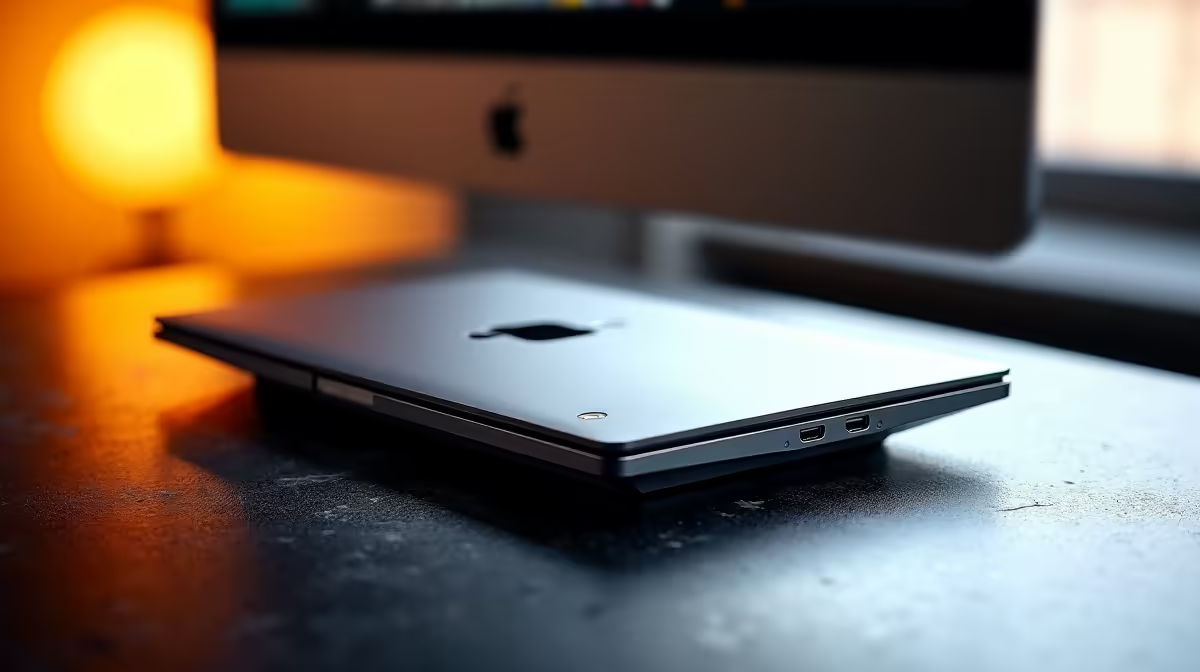
Tired of the cable spaghetti every time you bring your laptop home? That constant plugging and unplugging of your monitor, keyboard, mouse, and charger... it’s a hassle. What if you could get a full, multi-monitor desktop experience by connecting just a single cable? That’s not a far-off dream; it’s the reality that laptop docks for desktop transformation offer, turning your portable powerhouse into the heart of a clean and mighty command centre. 🚀
Unlocking a Clutter-Free Setup with Laptop Docks
At its core, a laptop docking station is a single device that acts as a central hub for all your peripherals. Instead of plugging everything into your laptop's limited ports, you connect your monitors, keyboard, mouse, network cable, and even power supply directly to the dock. Then, a single USB-C or Thunderbolt cable connects the dock to your laptop. That's it.
The magic is in the simplicity. You get a full desktop experience the moment you connect. This not only saves you daily frustration but also reduces wear and tear on your laptop's ports. For anyone running a hybrid work or study setup, it's an absolute productivity multiplier.
From Portable Notebook to Multi-Monitor Beast
The real power of laptop docks for desktop transformation lies in expanding your screen real estate. Trying to juggle Discord, a game, and a browser on one small laptop screen is tough. A good dock allows you to connect two or even three external monitors, giving you an immersive field of view for gaming or a massive canvas for multitasking.
Imagine connecting your mechanical keyboard, your high-DPI gaming mouse, and your headset permanently to your desk. When you get home, you just plug in one cable and you're ready to go. You can explore a wide range of options from top brands like Promate that are built to handle exactly this kind of seamless transition. ✨
Check Your Port Power! 🔧
Not all USB-C ports are created equal. Before buying a dock, check if your laptop’s USB-C port supports "DisplayPort Alt Mode" or is a "Thunderbolt" port (usually marked with a lightning bolt symbol ⚡). This is crucial for sending a video signal to external monitors.
Finding the Right Dock for Your Budget
You don't need to break the bank to achieve this streamlined setup. The key is matching the dock's features to your specific needs. Do you need to drive two 4K monitors at 144Hz, or just a single 1080p screen and a few USB devices?
For a simple, clean desk with an extra monitor and your essential peripherals, you can find some great entry-level docks for less than R1000. If you need more ports, faster charging, or support for dual high-resolution displays, there are plenty of powerful options under R2000 that deliver serious performance without the premium price tag.
Ultimately, investing in a laptop dock is investing in convenience, productivity, and a much cleaner gaming or work environment. It's the simplest way to get the best of both worlds: the portability of a laptop and the power of a fully-kitted desktop.
Ready to Transform Your Desk? Stop juggling cables and unlock your laptop's true potential. Explore our complete collection of laptop docks and find the perfect hub for your setup.











