


Complete Guide: Setting Up Monitor Light
Setting Up Monitor Light. Tested & verified settings for best FPS and visual quality on SA hardware budgets.
Read moreLaptop port guide: Learn which ports creatives need—USB-C/Thunderbolt, HDMI/DisplayPort, SD, audio, and docks—to speed editing, transfers, and monitor setups. 🎨⚡
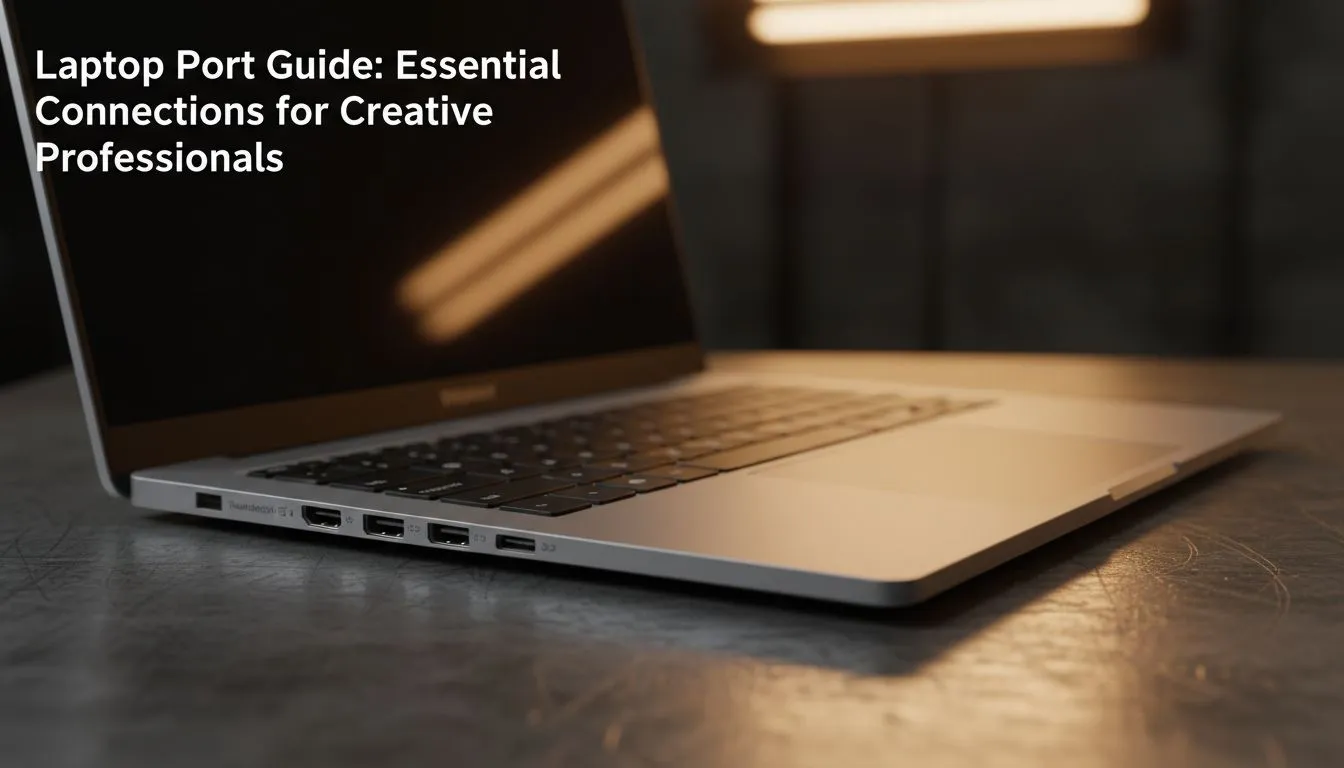
Ever sat down at a coffee shop in Sandton, ready to edit, only to realise your external drive won't plug in? For South African creatives, choosing the right machine involves more than just a fast CPU. This Laptop Port Guide: Essential Connections for Creatives breaks down the physical links you need to stay productive without a bag full of expensive dongles. Whether you are colour grading in Cape Town or rendering 3D models in Jozi, your ports define your workflow.
Thunderbolt 4 is the gold standard for modern creators. It handles data, video output, and power delivery through a single cable. If you are looking for maximum versatility, many Intel laptops on special feature these high-speed ports. They allow you to connect daisy-chained monitors or high-speed RAID storage arrays with ease.
For those who prefer Team Red, high-speed USB-C ports on the latest Ryzen laptop deals offer incredible bandwidth for external SSDs. While not always branded as Thunderbolt, these ports are often just as capable for daily creative tasks... ensuring your file transfers don't take all day.
Always check if your laptop's USB-C port supports "DisplayPort Alt Mode" and "Power Delivery". This allows you to use a single-cable docking station to charge your laptop while outputting to a 4K monitor, keeping your desk clutter-free and professional.
When your creative vision needs a bigger canvas, the version of your HDMI port matters. Creators working in 4K or 8K should look for HDMI 2.1. This standard is common on GeForce RTX gaming laptops on special, as these GPUs are designed to push high resolutions and refresh rates.
If you are a photographer or videographer on a budget, you can still find great connectivity. There are plenty of options to buy gaming laptops under R20k that include full-sized HDMI ports... perfect for connecting to a colour-accurate external display without needing extra adapters.
Despite the move toward wireless, the SD card slot remains a lifesaver for photographers. Transferring raw files directly from your camera is always faster and more reliable than using Wi-Fi. Many of the best gaming laptop deals currently available still include these essential slots or at least multiple USB-A ports for your older peripherals.
Don't overlook the Ethernet port either. When you are uploading a massive project to a client, a wired connection is always more stable than even the best Wi-Fi 6 setup. It is the small details in this laptop port guide that separate a frustrating workday from a seamless one.
Ready to Find Your Perfect Match? The Mac vs Windows debate is complex, but for maximum power, choice, and value in South Africa, Windows is hard to beat. Explore our massive range of laptop specials and find the perfect machine to conquer your world.
Thunderbolt/USB-C, HDMI/DisplayPort, SD card slot, 3.5mm audio and at least one USB-A. These are the best laptop ports for creatives for speed and compatibility.
Thunderbolt adds much higher bandwidth, video lanes and eGPU support. Choose Thunderbolt for 4K editing or external GPU workflows.
On-board SD saves time and workflow friction. If absent, a fast UHS-II USB-C card reader matches most photographers' needs.
Yes. Use a Thunderbolt dock or laptops with multiple HDMI/DisplayPort outputs. Check bandwidth to avoid reduced refresh rates.
A quality 3.5mm jack is handy, but a USB audio interface gives better latency and monitoring for recording and mixing.
Choose a Thunderbolt dock for daily multi-monitor, power and fast transfers. Adapters work for occasional connections and travel.
Baseline: two USB-C and one USB-A. Add a dock for more drives, MIDI controllers, and peripherals during heavy studio sessions.
Yes. eGPUs over Thunderbolt 3/4 accelerate rendering and GPU-heavy tasks, boosting performance for editors and designers.
Setting Up Monitor Light. Tested & verified settings for best FPS and visual quality on SA hardware budgets.
Read more
Assassins Creed Shadows Ultrawide Support: 21:9. Clear setup instructions with SA-specific considerations, troubleshooting tips & recommended components.
Read more
Complete Gaming Setup Guide for the Collector. Clear setup instructions with SA-specific considerations, troubleshooting tips & recommended components.
Read more
Will the Steam Deck 2 Have an OLED Screen? Leaked. Plain-English explanation of what it means, why it matters & how it affects your buying decisions in SA.
Read more
Setting Up Ultrawide 144Hz. Tested & verified settings for best FPS and visual quality on SA hardware budgets.
Read more
Kingdom Come: Deliverance 2 Ultrawide Support. Clear setup instructions with SA-specific considerations, troubleshooting tips & recommended components.
Read more
When Will the RTX 6090 Launch in South Africa Detailed answer with SA data, expert analysis & practical recommendations for local buyers.

Top Valorant Settings for RTX 5070: FPS Optimisation picks evaluated on performance, value & SA availability with current Rand pricing from Evetech.

RDNA 3.5 Graphics in Ryzen AI 400? Can You Game. Plain-English explanation of what it means, why it matters & how it affects your buying decisions in SA.

GPU Price Index : December Report. Current stock data & price tracking for SA buyers. See what is available and where prices are heading.

Can the RX 7700 XT Handle 1440p 144Hz Gaming. Performance testing verdict with real data & practical recommendations for SA buyers.

Top Laptop with Core i7 + RX 7700S: Picks picks evaluated on performance, value & SA availability with current Rand pricing from Evetech.

RX 7700 XT Black Myth Wukong 2 FPS: Performance. Real-world benchmark data, FPS numbers & performance analysis. What SA gamers can actually expect.

RTX 6080 Gran Turismo 7 PC Performance: FPS Test. Real-world benchmark data, FPS numbers & performance analysis. What SA gamers can actually expect.
Setting Up Monitor Light. Tested & verified settings for best FPS and visual quality on SA hardware budgets.
Assassins Creed Shadows Ultrawide Support: 21:9. Clear setup instructions with SA-specific considerations, troubleshooting tips & recommended components.
Complete Gaming Setup Guide for the Collector. Clear setup instructions with SA-specific considerations, troubleshooting tips & recommended components.
Will the Steam Deck 2 Have an OLED Screen? Leaked. Plain-English explanation of what it means, why it matters & how it affects your buying decisions in SA.