

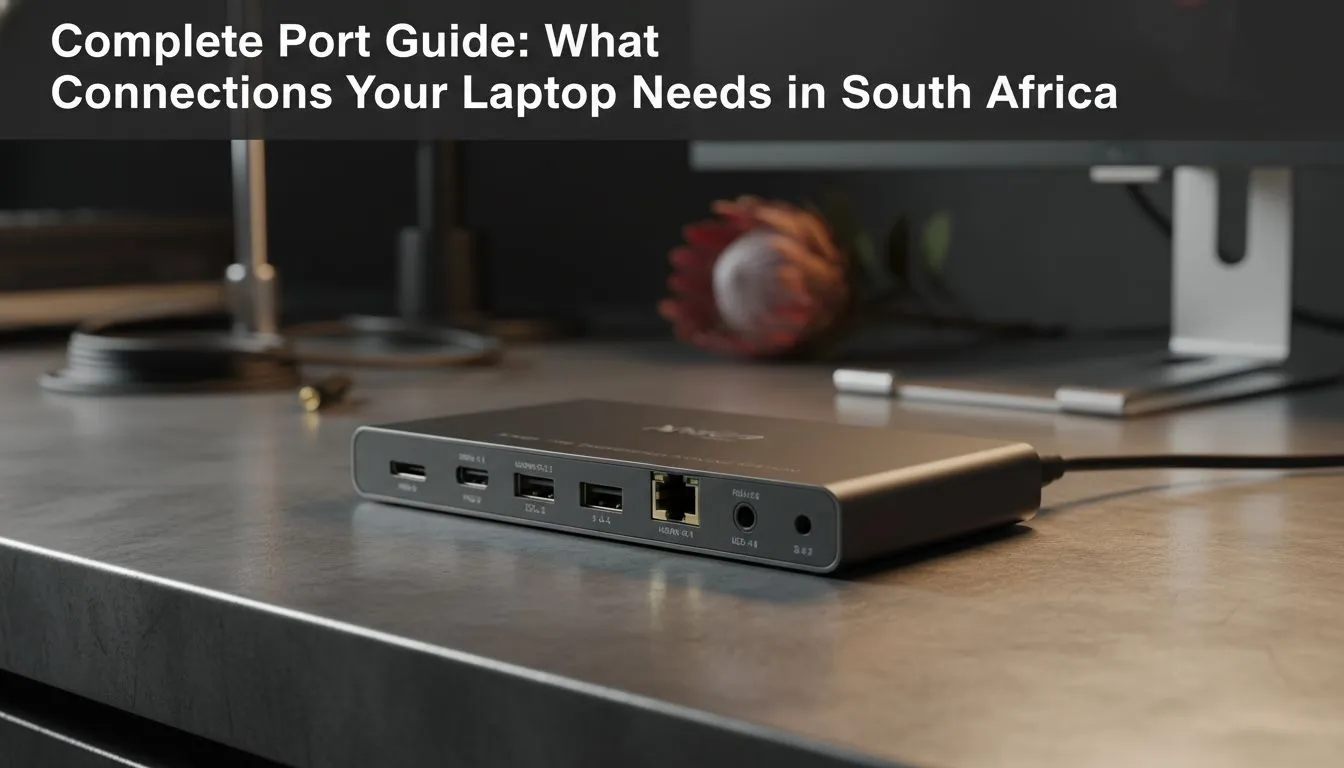
Buying a new laptop in South Africa often feels like a balancing act between portability and raw power. You find a sleek machine that looks incredible, but then you realise you cannot plug in your mouse and headset simultaneously. Whether you are a student in Joburg or a pro gamer in Cape Town, this laptop ports guide is essential. Let us explore exactly what connections your laptop needs to keep you performing at your peak. 🚀
Navigating the Laptop Ports Guide: USB Standards Explained
Most modern intel laptops on special come equipped with a variety of USB options. USB-C is the current gold standard because it handles data, video, and charging through a single cable. However, do not overlook the classic USB-A ports. They are still vital for connecting your older peripherals... like that trusty mechanical keyboard... without needing a drawer full of adapters.
If you are browsing the latest ryzen laptop deals, you will notice that high-speed USB 3.2 ports are standard. These ports ensure that moving large files does not take all afternoon. In a world where game sizes are ballooning, having a port that can transfer data at 10Gbps or higher is a massive benefit for any user.
Productivity Pro Tip ⚡
When using a USB-C hub, ensure your laptop supports 'Power Delivery' (PD) and 'DisplayPort Alt Mode'. This allows you to charge your laptop and run an external monitor through a single port, keeping your desk setup clean and clutter-free.
Video Outputs: What Connections Your Laptop Needs for External Displays
For many South African gamers, an external monitor is a non-negotiable part of the setup. When looking through the best gaming laptop deals, pay close attention to the HDMI version. HDMI 2.1 is the latest standard, supporting 4K resolution at high refresh rates. If your port is outdated, you might find your expensive 144Hz monitor locked at a measly 60Hz. ✨
Some high-end machines also offer Mini DisplayPort or Thunderbolt 4. These are excellent for daisy-chaining multiple monitors, which is a lifesaver for streamers who need to keep an eye on their chat, OBS, and the game all at once.
Networking and Specialised Ports for South African Gamers
Even when you look to buy gaming laptops under r20k, you should prioritise an RJ-45 Ethernet port. While modern WiFi is fast, nothing beats the stability of a wired connection for competitive gaming. A stable ping can be the difference between a win and a loss in a tight match of Valorant or Counter-Strike.
Furthermore, if you are investing in geforce rtx gaming laptops on special, you likely want to push your hardware to the limit. These machines often include specialised ports like Thunderbolt 4, offering 40Gbps speeds. This is perfect for external SSDs or high-fidelity audio interfaces used in music production. 🔧
Ultimately, the right ports depend on your lifestyle. A creator needs SD card slots for camera footage, while a gamer needs multiple USB ports for peripherals. Before you commit to a purchase, visualise your daily setup and ensure your chosen machine can handle every connection without compromise.
Ready to Find Your Perfect Match? The Mac vs Windows debate is complex, but for maximum power, choice, and value in South Africa, Windows is hard to beat. Explore our massive range of laptop specials and find the perfect machine to conquer your world.











