

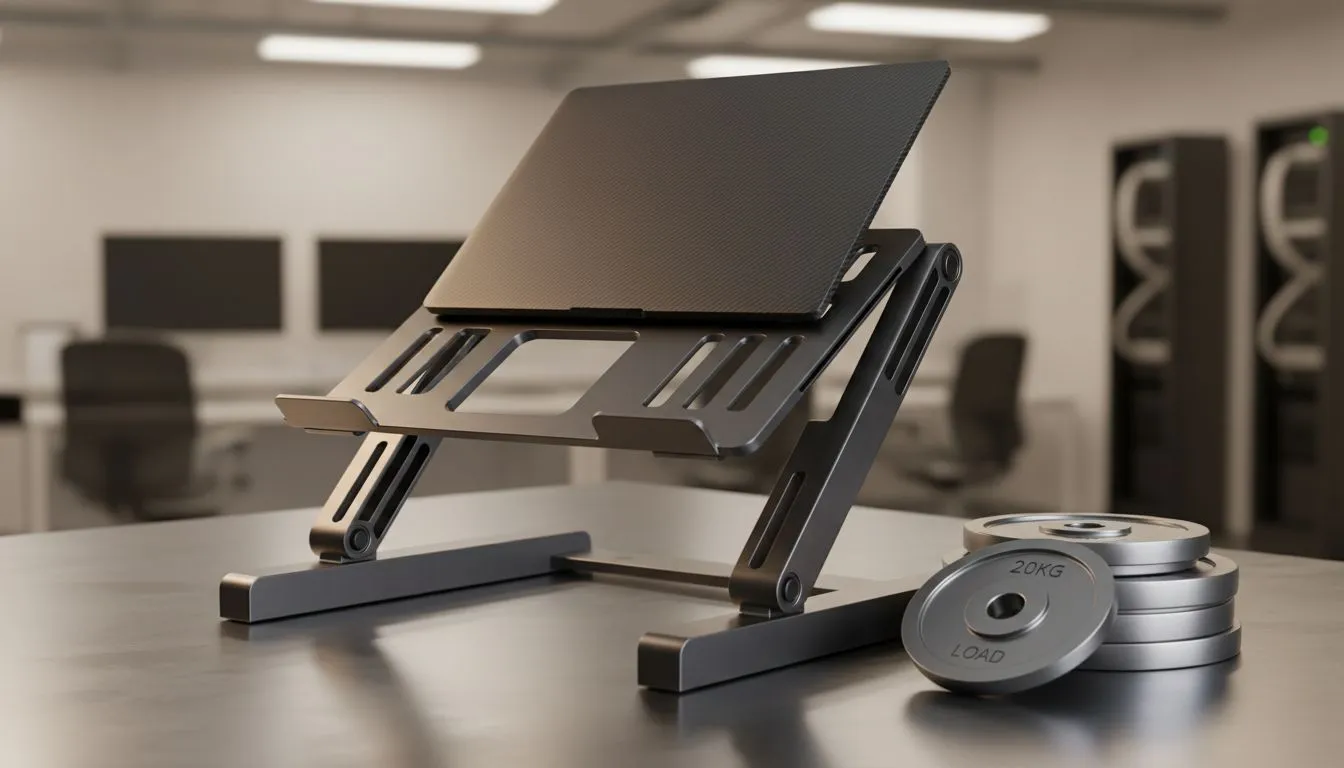
Understanding the Strength Behind Your Setup
Ever wondered why a simple piece of aluminium claims it can hold 20kg? Your gaming laptop likely weighs under 3kg, so that "20kg load" rating might seem like overkill. In South Africa, where we value gear that lasts through every load-shedding session and LAN party, understanding these specs is vital. Let's break down what laptop stand weight capacity actually means for your setup and why it matters for your hardware. 🔧
The Difference Between Static and Dynamic Load
When you see a 20kg rating, it refers to static weight. This is the amount the stand can hold while perfectly still. However, as gamers, we are rarely "still." We lean on our laptops... we type aggressively during intense matches... and we occasionally bump our desks.
A high weight capacity ensures the hinges do not slip when you apply extra pressure. Finding the right laptop cooling pads involves more than just looking at the fans. It is about the structural integrity of the frame. If a stand is rated for 20kg, it means the locking mechanisms are built to withstand significant force without collapsing.
Why Materials Matter for Durability
Not all stands are created equal. Plastic stands might be portable, but they often flex under pressure. Aluminium alloys provide the rigidity needed for a high weight rating. Brands like Promate often design their stands with reinforced hinges to handle these high capacities.
A higher weight capacity usually indicates better heat dissipation too. Thicker metal can act as a more effective heat sink. This keeps your CPU and GPU cooler during those long summer gaming sessions in Jozi or Durban.
Ergonomic Pro Tip ⚡
Always position your laptop stand so the top third of your screen is at eye level. This prevents "tech-neck" and reduces strain on your shoulders. If you are using a high-capacity stand, ensure your external keyboard is at a comfortable height to maintain a neutral wrist position while gaming or working.
Choosing the Right Stand for Your Gear
If you own a heavy 17-inch gaming powerhouse, you cannot settle for a flimsy budget option. If you prefer a minimalist aesthetic, Orico offers sleek aluminium options that don't compromise on strength. These stands ensure that even the heaviest desktop replacements stay secure.
For those investing in heavy-duty workstation setups, premium laptop stands provide the extra peace of mind needed for expensive hardware. Spending a few hundred Rand more can save you from a catastrophic fall that could cost thousands in repairs. 🚀
Does Over-Specifying Help?
You might think a 20kg limit is unnecessary for a 2kg MacBook or Zephyrus. But over-specifying means the stand is operating well within its limits. This leads to less wear and tear on the moving parts over time. It is about longevity... ensuring that your stand remains as stiff and reliable in three years as it is today. ✨
Ready to Find Your Perfect Match? A sturdy stand is the foundation of a great setup. Whether you need maximum airflow or rock-solid stability, we have the right gear for you. Explore our massive range of laptop cooling pads and stands and elevate your gaming experience today.











