

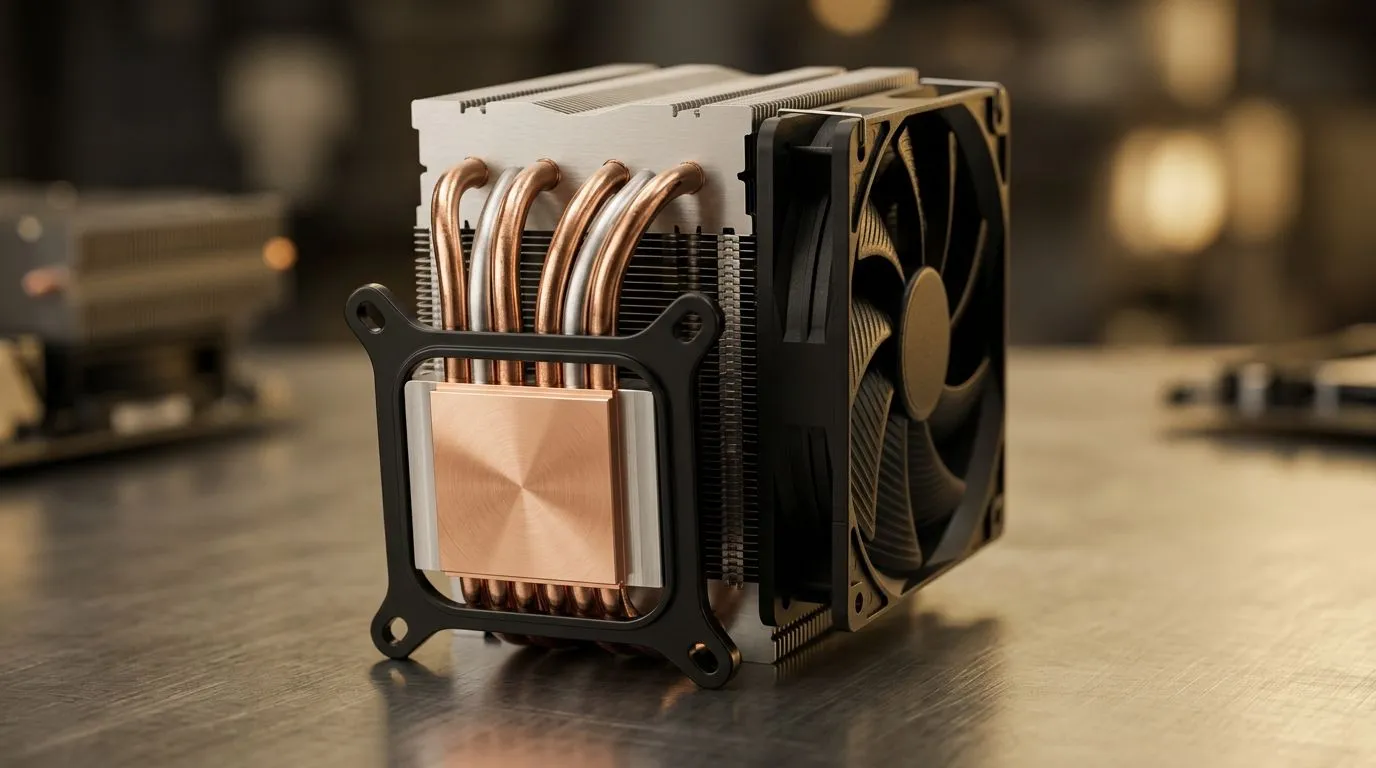
Cooling reality check
Wondering if a thick copper baseplate is worth the premium when you're tuning a South African gaming rig? For many builders, the leap from aluminium to a large copper baseplate feels like swapping a bakkie for a sports car... in thermal terms. Let's answer: How Much Cooling Performance Does a Large Copper Baseplate Add, where it matters, and when to spend your rand. 🔧
Why copper helps
Copper conducts heat significantly better than aluminium, so a larger baseplate spreads heat faster across the contact surface by design. That improved spread reduces hot spots and can lower peak temperatures under sustained loads. If your CPU or GPU often sits at thermal limits during long LAN nights, better spread matters. Pairing a copper baseplate with quality airflow prevents the heat from recirculating inside the chassis; shop compatible case fan options here for optimal flow. https://www.evetech.co.za/PC-Components/case-fans-97.aspx
Real-world performance gains
In practice, a large copper baseplate usually shaves a few degrees Celsius off peak temps versus aluminium in the same cooler design. That matters for overclocking headroom and fan noise. But cooling gains depend on the whole loop: cooler baseplate, thermal paste, mounting pressure, and exhaust fans. Consider Corsair fans if you want high-static-pressure intake or exhaust options to complement a superior baseplate. https://www.evetech.co.za/PC-Components/case-fans-97.aspx?brands=CORSAIR
When the copper advantage is biggest
Copper pays off when:
- Heat is concentrated in a small die or hotspot.
- You run long workloads or sustained gaming sessions.
- You’re pushing voltages for extra clock speed. For air-cooled builds where case airflow is weak, the baseplate alone won't fix high temps. If you prefer compact coolers, Deepcool offers low-profile solutions to pair with larger baseplates. https://www.evetech.co.za/PC-Components/case-fans-97.aspx?brands=Deepcool
Cooling Pro Tip ⚡
A larger copper baseplate helps even heat distribution. Combine it with two intake 140mm fans at low speed and one exhaust to create steady, low-noise airflow. Match fan sizes to case mounts for best results.
Fans, sizes and RGB considerations
Match your baseplate upgrade with the right fans. Larger 140mm fans move more air at lower RPM than 120mm units, so noise drops while airflow improves... ideal to exploit a copper plate's spread. Browse 140mm and 120mm fans to match your chassis mounts. https://www.evetech.co.za/PC-Components/case-fans-97.aspx?attributes-size=140mm https://www.evetech.co.za/PC-Components/case-fans-97.aspx?attributes-size=120mm
If aesthetics matter, RGB and non-RGB choices exist without compromising performance. Pick RGB fans for looks or non-RGB for a stealthier, budget-friendly build. https://www.evetech.co.za/PC-Components/case-fans-97.aspx?attributes-lightingeffects=RGB https://www.evetech.co.za/PC-Components/case-fans-97.aspx?attributes-lightingeffects=None ✨
Quick decision guide
For most South African gamers: if you want quieter fans, lower peak temps, and extra overclocking margin, a large copper baseplate is worth it. If your case struggles with airflow or you’re on a strict budget, first invest in a proper fan setup and case ventilation.
Final thoughts
Upgrading to a large copper baseplate is an investment in thermal consistency, not a miracle cure. Spend your rand on balanced improvements: reliable fans, good thermal paste, and correct mounting torque. Sound airflow and a copper plate often beats a mismatched, expensive cooler. Test results vary by case and component, so measure before and after with your favourite monitoring tools. Happy building everyone.
Ready to Find Your Perfect Match? The Mac vs Windows debate is complex, but for maximum power, choice, and value in South Africa, Windows is hard to beat. Explore our massive range of laptop specials and find the perfect machine to conquer your world.











