

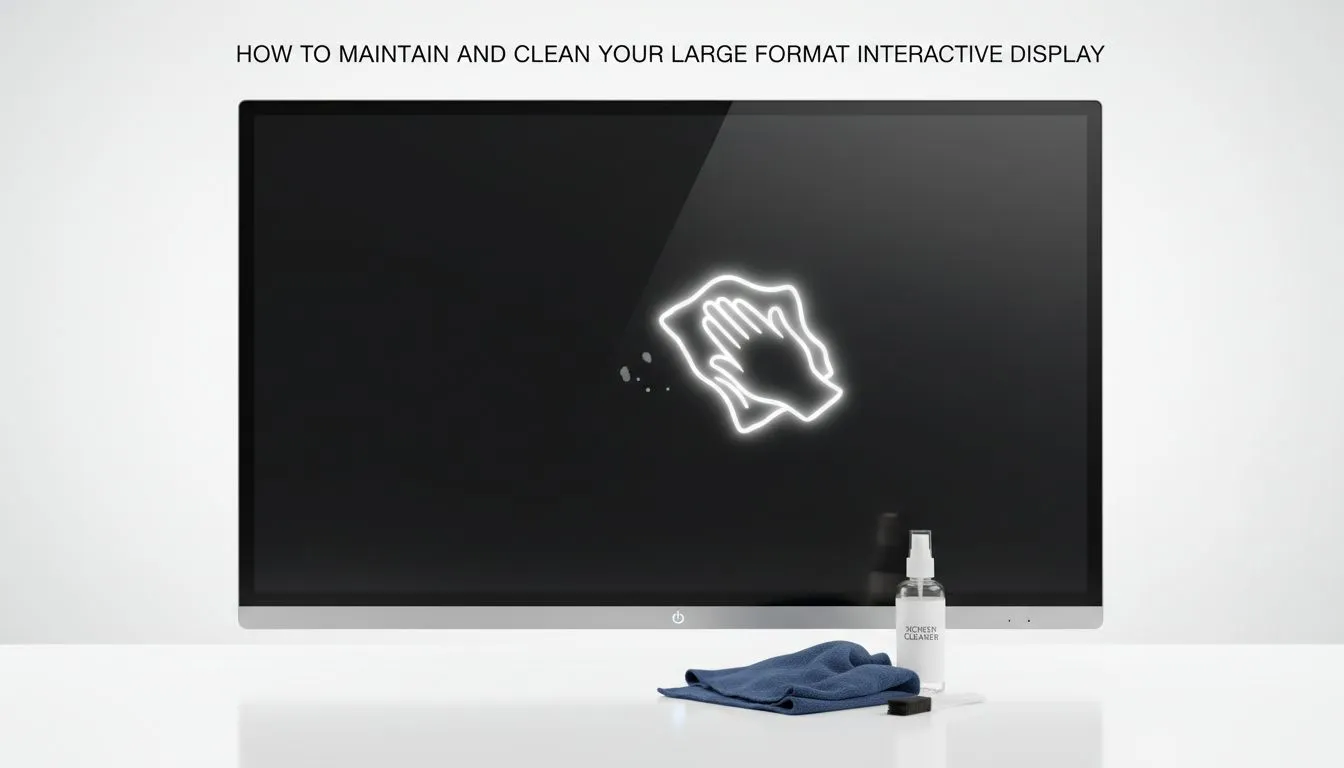
Large-format interactive display cleaning basics
Keeping a large-format interactive display crisp and responsive starts with the right habits. In busy South African classrooms, boardrooms and gaming cafés, fingerprints, marker ink and dust build up fast. A quick, correct clean keeps touch performance sharp and protects expensive glass and anti-reflective coatings 🔧. This guide gives practical steps for everyday care, periodic deep cleans and a few pro tips to extend the life of your investment.
Large-format interactive display cleaning: daily routine
Start every day with a light wipe. Use a clean, dry microfiber cloth and gentle, circular motions. Avoid paper towels and household sprays; they scratch coatings or leave residue. If you need a little moisture, spray distilled water onto the cloth — never onto the screen. For touch-sensitive panels, avoid pressure that forces the glass into the panel beneath.
If you’re shopping replacement or spare displays, check Evetech’s broad selection on the Evetech monitors selection page for matching sizes and specs: https://www.evetech.co.za/PC-Components/pc-monitors-89
Large-format interactive display cleaning: stain removal and inks
Marker pens and stubborn smudges need a careful approach. First, try isopropyl alcohol 70% on a microfiber cloth, tested on a corner. For interactive whiteboard ink, some manufacturers recommend dedicated whiteboard cleaners. Always consult the panel’s manual first.
Consider the panel type when choosing cleaners. IPS panels have specific coating behaviours; see IPS-panel models for compatible options and product specs: https://www.evetech.co.za/PC-Components/pc-monitors-89?attributes-paneltype=IPS ✨
Large-format interactive display cleaning: dealing with glare and coatings
Anti-reflective coatings can trap oils differently to glossy glass. For installations where glare is an issue, compare flat-screen monitors and curved displays to match viewing angles and cleaning needs. If you use a single large panel as a collaborative whiteboard, a flat option may be easier to clean; view flat-screen monitors here: https://www.evetech.co.za/PC-Components/pc-monitors-89?attributes-curved%2Fflatscreen=Flat
If your setup favours immersive presentations, curved displays are an option — they’ll need the same careful cleaning but different handling during installation: https://www.evetech.co.za/PC-Components/pc-monitors-89?attributes-curved%2Fflatscreen=Curved
Large-format interactive display cleaning: performance checks & compatibility
After cleaning, always test touch response and calibration. If responsiveness lags, re-run calibration and check input settings. For interactive displays used with gaming rigs or multimedia PCs, verify Adaptive Sync compatibility for smooth visuals. Evetech lists Adaptive-Sync options here: https://www.evetech.co.za/PC-Components/pc-monitors-89?attributes-adaptivesync=Adaptive+Sync
If your interactive panel is used for gaming demos or esports viewing, you might prefer FreeSync or G-Sync compatible screens for lower latency; see FreeSync monitors here: https://www.evetech.co.za/PC-Components/pc-monitors-89?attributes-adaptivesync=FreeSync+%28AMD%29 and G-Sync compatible monitors here: https://www.evetech.co.za/PC-Components/pc-monitors-89?attributes-adaptivesync=G-Sync+%28NVIDIA%29
Screen Care Tip ✨
two cloths per display: one dry microfiber for dust and one slightly damp (distilled water only) for fingerprints. Set a weekly calendar reminder to deep-clean and test touch calibration.
Large-format interactive display cleaning: deep maintenance and storage
Monthly deep cleans should include frame and port checks. Remove dust from vents and connectors with compressed air at a distance. If transporting a panel, always use the original packaging or a padded transport bag. For long-term storage, store upright and climate-controlled to avoid moisture damage.
Small incidents happen — a scratch or a stuck pixel. If a fault appears after routine cleaning, document the steps you took and contact support. For replacements or upgrades, browse Evetech’s full monitor range to compare sizes, panels and features: https://www.evetech.co.za/PC-Components/pc-monitors-89
Large-format interactive display cleaning: summary and smart buys
Consistent, gentle cleaning preserves touch accuracy, coating integrity and resale value. For buyers in South Africa, match your cleaning routine to the panel type and installation style. When in doubt, opt for manufacturer-recommended cleaners and consult Evetech’s product pages for specs and compatibility before purchase.
Ready to Find Your Perfect Match? The Mac vs Windows debate is complex, but for maximum power, choice, and value in South Africa, Windows is hard to beat. Explore our massive range of laptop specials and find the perfect machine to conquer your world.











