


MacBook Pro 16-Inch M5 Max: Complete Specs, Features and SA Pricing Guide
MacBook Pro 16-Inch M5 Max: Complete Specs,. Everything you need to know with SA pricing, step-by-step instructions & expert recommendations.
Read moreLCD CPU cooler display not showing system data? Diagnose power, USB, software, and sensor settings to restore temps and CPU stats quickly. Try these fixes before you RMA. 🛠️📊
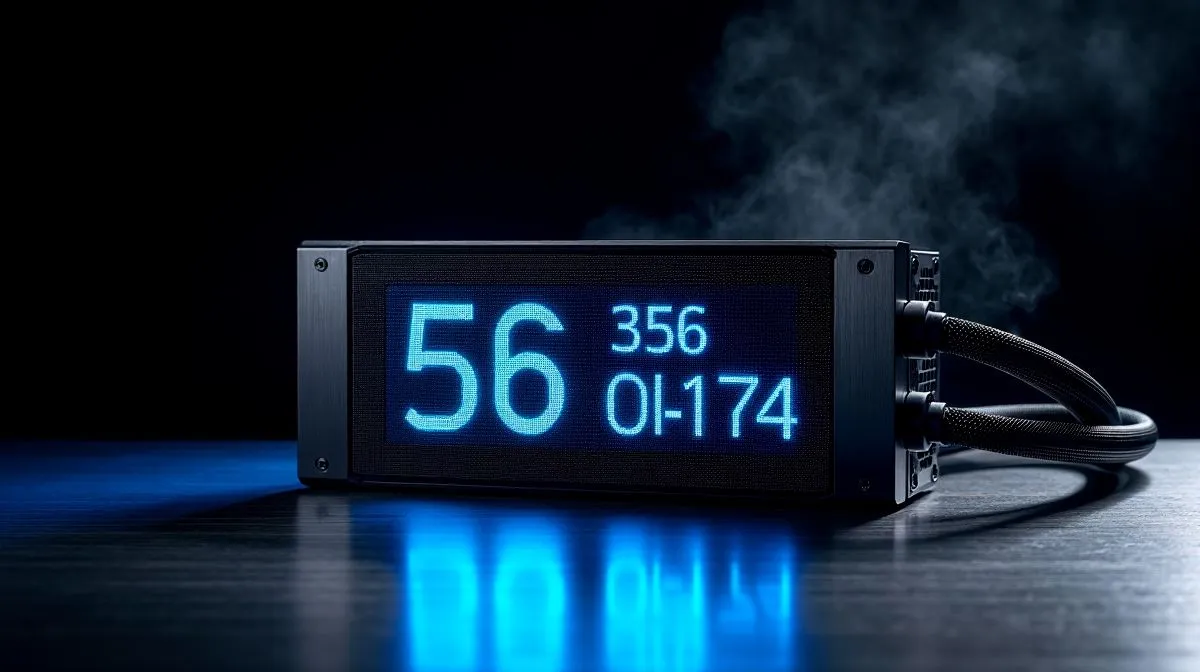
If your shiny LCD cooler has gone blank, you are not alone. South African builders notice it most after a Windows update, a software crash, or a fresh PC build. The pump still cools fine, but the screen shows nothing useful... or worse, no image at all. That is frustrating when you paid extra for the display. The good news? Most LCD CPU cooler display not showing system data fixes are simple, and you can try them before replacing hardware. 🔧
Start with the basics. Confirm the cooler is actually receiving power through SATA or the correct motherboard header. Then check the USB connection, since many LCD AIOs use internal USB for software control and telemetry. A loose USB 2.0 header can stop the screen from pulling system stats. Evetech’s CPU cooler range shows how varied these coolers are, so always match the installer guide to your exact model before troubleshooting CPU coolers.
Next, restart the PC and open the manufacturer app. Corsair iCUE, DeepCool software, and similar tools often need a clean launch before they can push data to the display. If the screen turns on but shows a logo only, it may simply need the correct profile loaded. You can browse supported CORSAIR liquid coolers and Deepcool liquid coolers to compare how different ecosystems handle displays.
If the hardware is connected properly, move to software. Reinstall the control app. Then update the cooler firmware, if the brand offers one. This step matters because display bugs often come from outdated software after a Windows update.
Also, check whether another app is fighting for control. RGB suites can conflict. If your cooler software and motherboard utility both try to manage the screen, system data may stop updating. Close one, test again, then keep only the tool you need.
For practical airflow and case fitment, choose the right radiator size too. A display issue is annoying, but a poorly installed AIO can make debugging harder. If you are comparing builds, look at 360mm radiator AIO options and 240mm radiator AIO options to match your case and cooling needs.
Before you reinstall anything, unplug the cooler’s USB header for 30 seconds, then reconnect it. A full power reset often clears a stuck LCD controller and restores system readings.
If the screen stays black after cables, drivers, and firmware updates, the issue may be hardware related. Check for bent pins, damaged internal USB headers, or a failed display cable. Try another header on the motherboard if one is available. If the cooler still pumps and temps look normal, the LCD board itself may have failed.
That is when warranty support becomes the sensible move. Keep your invoice, note the model, and record the steps you already tried. It saves time and helps support teams rule out software problems faster.
If you are planning an upgrade, think beyond looks. Pick a cooler with clear software support, solid documentation, and a radiator size that suits your chassis. A good LCD AIO should display temps, fan speeds, or custom graphics without drama. In South Africa, that means less downtime, less guesswork, and better value for your rand.
Ready to Find Your Perfect Match? The Mac vs Windows debate is complex, but for maximum power, choice, and value in South Africa, Windows is hard to beat. Explore our massive range of laptop specials and find the perfect machine to conquer your world.
A blank LCD often comes from a missing power/USB connection, the wrong cable port, or the cooler software not detecting the device. Check USB and power first.
Common causes include incorrect sensor selection, the wrong software profile, outdated firmware, or the app failing to communicate with the LCD over USB.
Try restarting the PC, reopening the LCD software, and verifying firmware updates. Also confirm the USB cable is firmly seated and not in a low-power hub.
Dashes usually mean the sensor reader is failing. Verify the correct sensor source in the LCD software or your monitoring tool, then ensure permissions and drivers.
Yes. If your monitoring tool uses an unsupported sensor format or refresh rate, the LCD may not update. Match the tool’s sensor output to the cooler’s software expectations.
They can. If Windows suspends the USB device or throttles background apps, the LCD may stop updating. Disable USB selective suspend and keep the app running.
It depends on your cooler model. Many use vendor software, while others support plugins. If you use AIDA64/OpenHardwareMonitor, enable the correct plugin and sensor selection.
If the LCD still fails on another PC, with different USB ports and verified power, and firmware updates do nothing, hardware failure is likely and an RMA may be best.
MacBook Pro 16-Inch M5 Max: Complete Specs,. Everything you need to know with SA pricing, step-by-step instructions & expert recommendations.
Read more
Travelling With a MacBook: Travellers. Everything you need to know with SA pricing, step-by-step instructions & expert recommendations.
Read more
Back-to-School Parent Guide: Laptops. Everything you need to know with SA pricing, step-by-step instructions & expert recommendations.
Read more
MacBook Air 13-Inch M5: Complete Specs, Features. Everything you need to know with SA pricing, step-by-step instructions & expert recommendations.
Read more
MacBook Neo Unboxing and First Setup Guide for. Clear setup instructions with SA-specific considerations, troubleshooting tips & recommended components.
Read more
MacBook Pro 16-Inch M5 Pro: Complete Specs,. Everything you need to know with SA pricing, step-by-step instructions & expert recommendations.
Read more
CS2 Low FPS: Monitor Bottleneck. Real-world benchmark data, FPS numbers & performance analysis. What SA gamers can actually expect.

Is AOC a Good Monitor Brand for Gaming in South Africa Detailed answer with SA data, expert analysis & practical recommendations for local buyers.

What Gaming Monitor Can You Get for R20,000. Full parts list, Rand pricing & expected performance. Build confidently with SA-available components.

What Gamers Actually Bought: November Report. Real purchase data from SA retailers revealing what local buyers are actually choosing and why.

Can the RX 7700 XT Handle 1440p 144Hz Gaming. Performance testing verdict with real data & practical recommendations for SA buyers.

Top Laptop with Core i7 + RX 7700S: Picks picks evaluated on performance, value & SA availability with current Rand pricing from Evetech.

RX 7700 XT Black Myth Wukong 2 FPS: Performance. Real-world benchmark data, FPS numbers & performance analysis. What SA gamers can actually expect.

RTX 6080 Gran Turismo 7 PC Performance: FPS Test. Real-world benchmark data, FPS numbers & performance analysis. What SA gamers can actually expect.

Eliminate background noise in gaming voice chat using cardioid microphones to focus on your voice and reject room sounds. Get cleaner comms fast with smart placement and settings—🎮🎧

Wondering how much to spend on a high-end gaming headset in South Africa? We break down budget vs performance, what you actually get, and smart upgrade steps 🎧⚡

Wondering about THX Spatial Audio vs 7.1 surround for positional awareness? We compare imaging, depth, and cueing so you can pick the best option for gaming. 🎧👣

50mm bio-cellulose drivers vs standard drivers: does material affect audio precision? Compare clarity, bass control, and imaging so you can choose the right headphones. 🎧🔍