

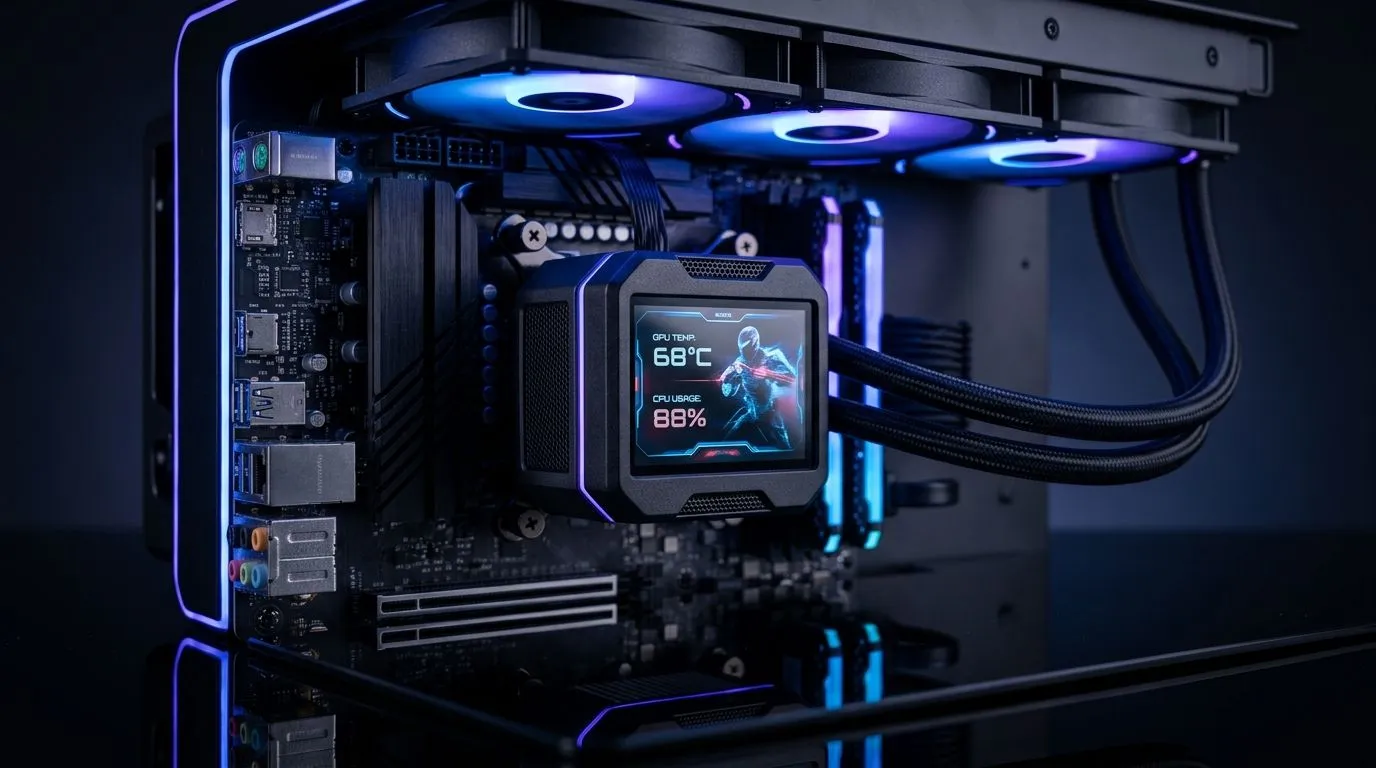
LCD CPU Cooler for Gaming PCs: Worth It or Just Looks? (South African reality check)
If you’ve seen an LCD CPU cooler with temps, animations, or even GIF-style displays, you’re not alone. In SA, where every rand counts and loadshedding is real, buying “cool” is easy… but buying smart matters more. 🔧 The question is simple: is an LCD CPU cooler for gaming PCs: worth it or just looks? Or are you paying extra for a screen that doesn’t help your frame rate?
What an LCD CPU cooler actually changes in performance
Let’s separate marketing from physics. A CPU cooler’s job is to move heat off the chip and into the room. The LCD screen mostly adds style, power draw for the display, and sometimes a custom controller. The cooling performance is still driven by:
- Fan size and airflow
- Heat sink design and surface area
- How well the cooler mounts and makes contact
- Fan curves and case airflow
In other words, the “LCD” part doesn’t magically increase thermal capacity. If your cooler is sized correctly and supported by good case ventilation, you get the practical benefits. If not, the display just makes higher temps look prettier. ✨
Evetech’s CPU cooler category is a good place to browse options and match the cooler type to your build needs.
- Start with a broad selection of coolers here: Evetech CPU coolers (full range)
- Prefer an air cooler? Compare models in: Evetech CPU coolers filter: Air Coolers
Where LCD models can genuinely be “worth it” 🔥
Here’s when the LCD addition makes sense:
- You’ll actually monitor temps. Seeing core temps live can help you spot poor airflow or thermal throttling sooner.
- Your build is for show and comfort. If the cooler complements your aesthetics, that matters. A gaming PC is your space too.
- You’re matching fan size to your case. The right 120mm fan-based setup can be easier to tune for quieter gaming sessions.
If you’re shopping specifically for 120mm fan air cooling, you can narrow it down with: Evetech CPU coolers filter: Air Coolers with 120mm fans
Brand note: LCD style varies by maker
Some LCD coolers focus more on visuals, while others are more balanced. For example, if you’re considering Deepcool options, browse: Deepcool air coolers on Evetech. And for EINAREX models: EINAREX air coolers on Evetech.
The smart checklist before you buy (avoid “pretty but pointless”)
Before you pay for an LCD screen, do this quick sanity check:
- Cooler type compatibility: Ensure the cooler type fits your motherboard and case clearance.
- Noise expectations: LCD coolers may come with fans tuned for looks or display-side wiring… so check how adjustable the fan control is.
- Airflow plan: Even the best cooler struggles in a sealed, warm case.
- Real monitoring: Use software to confirm what the LCD shows. Screens can be set to different temp sources.
Cooling Reality Tip 🔧
On a gaming PC, don’t judge temps by load screens alone. Run a short stress test, watch the CPU clock speed over 5 to 10 minutes, and confirm whether it stabilises. If clocks keep dropping, your cooling (or case airflow) isn’t keeping up, even if the LCD looks amazing.
Final verdict: LCD CPU coolers for gaming PCs… worth it or just looks?
If your goal is maximum cooling efficiency per rand, an LCD cooler can be “worth it” only when it’s still a strong performer for your CPU and case. If you’re choosing purely for the display, it’s usually extra money without extra frames. 🚀 But if you want aesthetics and you’ll use the display to guide better setup decisions, it can be a genuinely useful upgrade.
Ready to spend with confidence? That’s where the right Evetech match matters.
Ready to Find Your Perfect Match? The Mac vs Windows debate is complex, but for maximum power, choice, and value in South Africa, Windows is hard to beat. Explore our massive range of laptop specials and find the perfect machine to conquer your world.











