

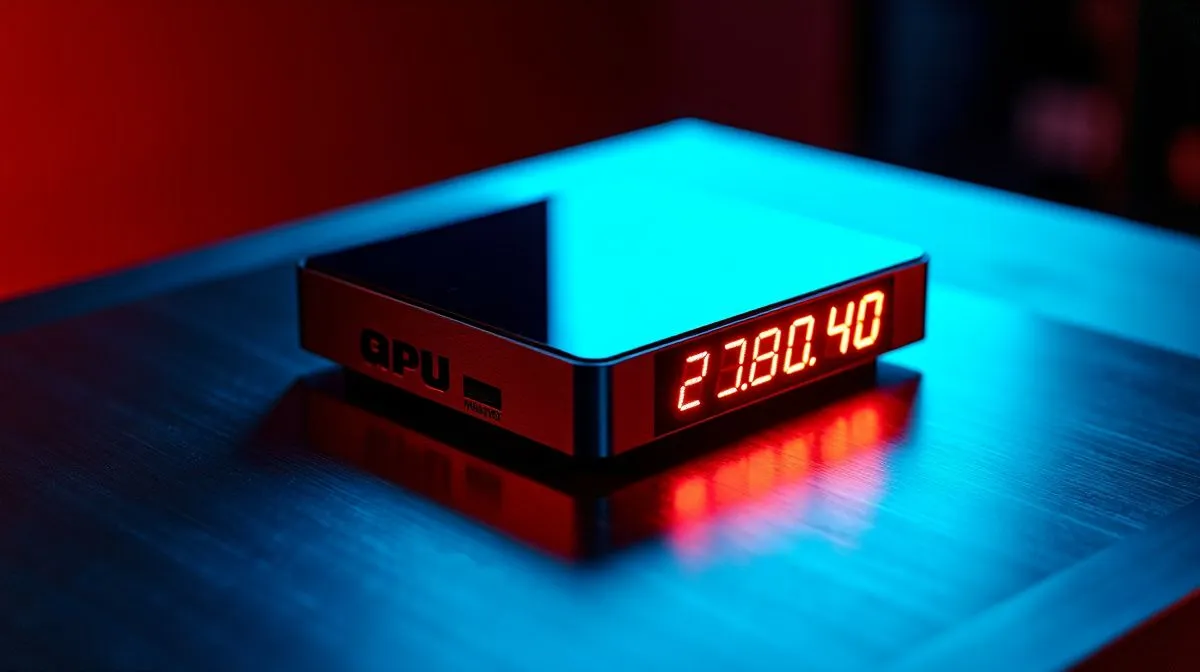
LCD CPU cooler: Fast setup and first look
South African gamers love performance that looks as good as it runs. If you’re considering an LCD CPU cooler to show temps, pump speed and custom art, this guide gets you from box to benchmarks without fluff. We’ll cover basic setup, core benefits, and how to use real-time monitoring to squeeze stable FPS and quieter fans. 🔧✨
LCD CPU cooler setup basics
Begin by checking compatibility with your case and socket. For AIO options and radiator sizes, browse Evetech’s CPU cooler selection to match chassis clearance and radiator size, whether you need a compact 240mm or a 360mm radiator for better cooling under load. https://www.evetech.co.za/PC-Components/cpu-coolers-84
Mount the block evenly and torque screws in a cross pattern. For RGB and display features, install manufacturer software after drivers; Corsair and Deepcool models each have unique utilities for customising the LCD panel. Find popular Corsair AIOs and Deepcool units at these product listings. https://www.evetech.co.za/PC-Components/cpu-coolers-84?attributes-coolertype=Liquid+Cooler+%28AIO%29 https://www.evetech.co.za/PC-Components/cpu-coolers-84?attributes-coolertype=Liquid+Cooler+%28AIO%29&brands=CORSAIR https://www.evetech.co.za/PC-Components/cpu-coolers-84?attributes-coolertype=Liquid+Cooler+%28AIO%29&brands=Deepcool
LCD CPU cooler benefits for SA builders
An LCD CPU cooler brings visible telemetry and personality. You’ll read core temps, clock speeds and pump RPMs at a glance — handy when overclocking or avoiding thermal throttling during long sessions. Bigger radiators reduce sustained temperatures; if your case fits, consider a 360mm radiator for heavy loads. https://www.evetech.co.za/PC-Components/cpu-coolers-84?attributes-coolingsize=360mm+Radiator
Beyond numbers, LCDs let you display system art or streaming alerts. That small UX boost can make troubleshooting faster and gives your build a distinct look for socials.
Setup Pro Tip ⚡
If your display panels run separate USB headers, connect them before routing cables. Keep pump and fan headers on a fan controller or motherboard zones to create quiet profiles for daytime work and aggressive cooling for gaming.
LCD CPU cooler real-time monitoring & tweaking
Real-time monitoring is where the LCD CPU cooler shines. Use the panel to detect rising temps before throttling hits, then tweak fan curves in your motherboard software or AIO utility. For transient spikes, aim for shorter fan response but with hysteresis to avoid constant ramping.
Micro-story: I swapped a standard AIO for an LCD model and cut ambient CPU peaks by 6°C during a marathon CS:GO match, while seeing pump RPMs live. That immediate feedback prevented a mid-game thermal dip.
For local buyers, check Evetech’s liquid cooler range and use the product pages to compare specs and availability in ZAR. https://www.evetech.co.za/PC-Components/cpu-coolers-84?attributes-coolertype=Liquid+Cooler+%28AIO%29&attributes-coolingsize=240mm+Radiator
Need help choosing? Evetech support and online reviews can guide socket compatibility, radiator trade-offs, and pricing in ZAR for South Africans today fast shipping.
Quick checklist before you buy
- Confirm case clearance and radiator mounting points.
- Match socket compatibility and backplate support.
- Plan cable routing for USB display and RGB.
- Budget for ZAR pricing and possible adapter brackets.
Ready to upgrade your rig? 🔥
Ready to Find Your Perfect Match? The Mac vs Windows debate is complex, but for maximum power, choice, and value in South Africa, Windows is hard to beat. Explore our massive range of laptop specials and find the perfect machine to conquer your world.











