

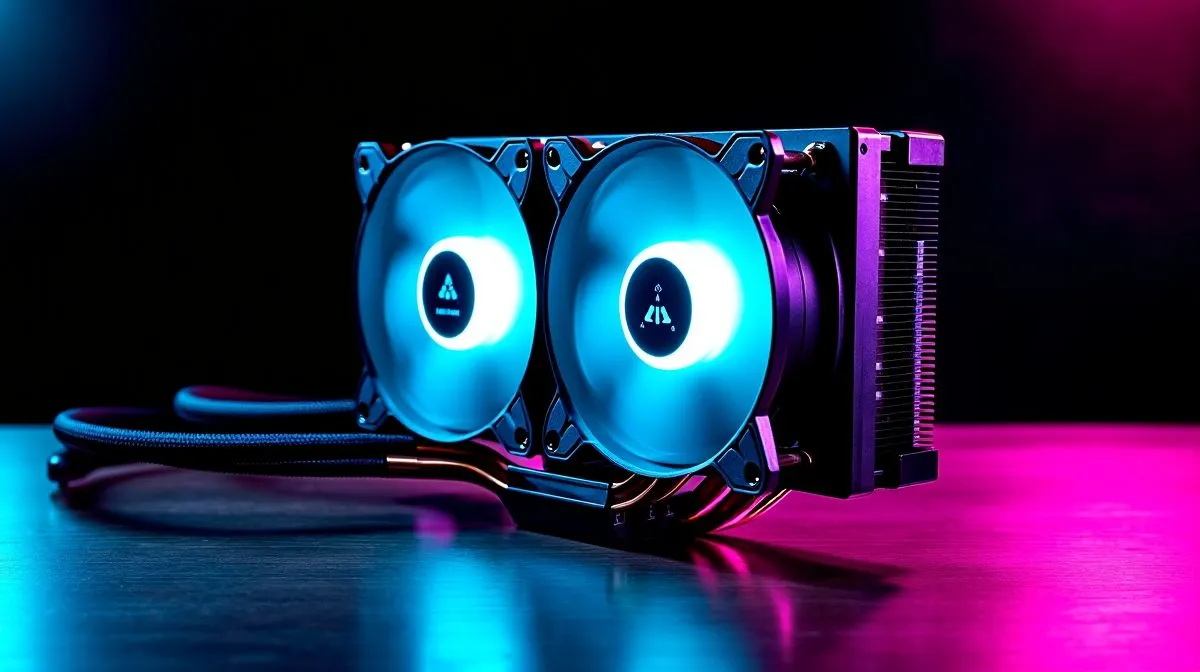
LCD CPU Cooler Screen: Modular Magnetic Display Guide for South African Builders
If your PC looks like a “works fine” box, you’re missing out… and if your temperatures climb when you game, you’re paying for it twice. 🔧 An LCD CPU cooler screen is a smart way to upgrade both style and monitoring, especially when you want tidy cable management and quick info at a glance. In this guide, we’ll unpack how a modular magnetic display works, what to watch for, and how to choose the right cooler setup without guessing.
LCD CPU Cooler Screen: What “Modular Magnetic Display” Actually Means
An LCD CPU cooler screen usually refers to a built-in display on the cooler pump head (or a compatible face module) that can show fan/pump temps, clock speeds, or custom images. The “modular magnetic” idea typically means the faceplate or screen cover can detach and reattach cleanly using magnets. That helps with:
- Swapping display covers (themes, branding, or a simpler look)
- Cleaning without disassembling everything
- Re-seating the module if it doesn’t sit flush
On the tech side, the screen is only as good as the software support and the cooler’s thermal performance. So your first check is compatibility: which CPU sockets it supports, and whether the screen is powered and recognised by the controller software you’ll use.
LCD CPU Cooler Screen: How to Choose the Right Cooler Size in SA
Cooler size affects performance and fit. With AIO liquid coolers, the radiator size is the big decision. A 240mm radiator is usually easier to fit in more mid-tower cases, while a 360mm radiator can support better sustained cooling, depending on airflow and case clearance.
Evetech lists both 240mm and 360mm options here:
- Explore 240mm radiator liquid coolers: https://www.evetech.co.za/PC-Components/cpu-coolers-84?attributes-coolertype=Liquid+Cooler+%28AIO%29&attributes-coolingsize=240mm+Radiator
- Explore 360mm radiator liquid coolers: https://www.evetech.co.za/PC-Components/cpu-coolers-84?attributes-coolertype=Liquid+Cooler+%28AIO%29&attributes-coolingsize=360mm+Radiator
If you want a broader browse before you commit, start with all CPU coolers: https://www.evetech.co.za/PC-Components/cpu-coolers-84
And if you prefer brand-specific compatibility, Evetech also groups liquid AIO units by maker:
- CORSAIR liquid coolers: https://www.evetech.co.za/PC-Components/cpu-coolers-84?attributes-coolertype=Liquid+Cooler+%28AIO%29&brands=CORSAIR
- Deepcool liquid coolers: https://www.evetech.co.za/PC-Components/cpu-coolers-84?attributes-coolertype=Liquid+Cooler+%28AIO%29&brands=Deepcool
LCD CPU Cooler Screen: Set It Up for Reliable Temps (Not Just A Pretty Face) ✨
Here’s the part most people skip. A screen is fun, but you still need stable cooling. Before you finalise your build, do this:
- Mount confidently: ensure the pump head is level and seated properly.
- Plan radiator airflow: intake vs exhaust depends on your case layout and where the radiator sits.
- Check fan curves: balance noise vs cooling, especially during evening raids.
Productivity Pro Tip 🔧
On your first boot, run a quick CPU stress test for 10 to 15 minutes and watch the LCD screen for stable readings. If temps spike quickly then stabilise high, you likely have a radiator airflow or fan-curve issue, not a “bad screen” issue.
Also, because the LCD is modular, treat the magnets like a feature, not a guarantee. If you reattach the module and the alignment looks off, power-cycle and reseat it. You want a clean contact point so the screen sits firmly and doesn’t shift under vibration.
LCD CPU Cooler Screen: Quick Compatibility Checklist (SA Gamer Edition) ⚡
Before you buy, confirm:
- Socket support for your CPU
- Radiator size that fits your case and your motherboard layout
- Software support for the screen information you want to display
- Warranty coverage terms on the product listing (always worth checking)
Want to compare options by cooler type first? Use the liquid AIO filter and browse the full selection at Evetech, then narrow by radiator size.
LCD CPU Cooler Screen: Next Step to a Cleaner, Cooler Gaming Rig 🚀
You’ve now got the practical checklist and the buying logic. The only thing left is choosing the exact cooler and display setup that fits your case and your CPU budget.
Ready to Find Your Perfect Match? The Mac vs Windows debate is complex, but for maximum power, choice, and value in South Africa, Windows is hard to beat. Explore our massive range of laptop specials and find the perfect machine to conquer your world.











