

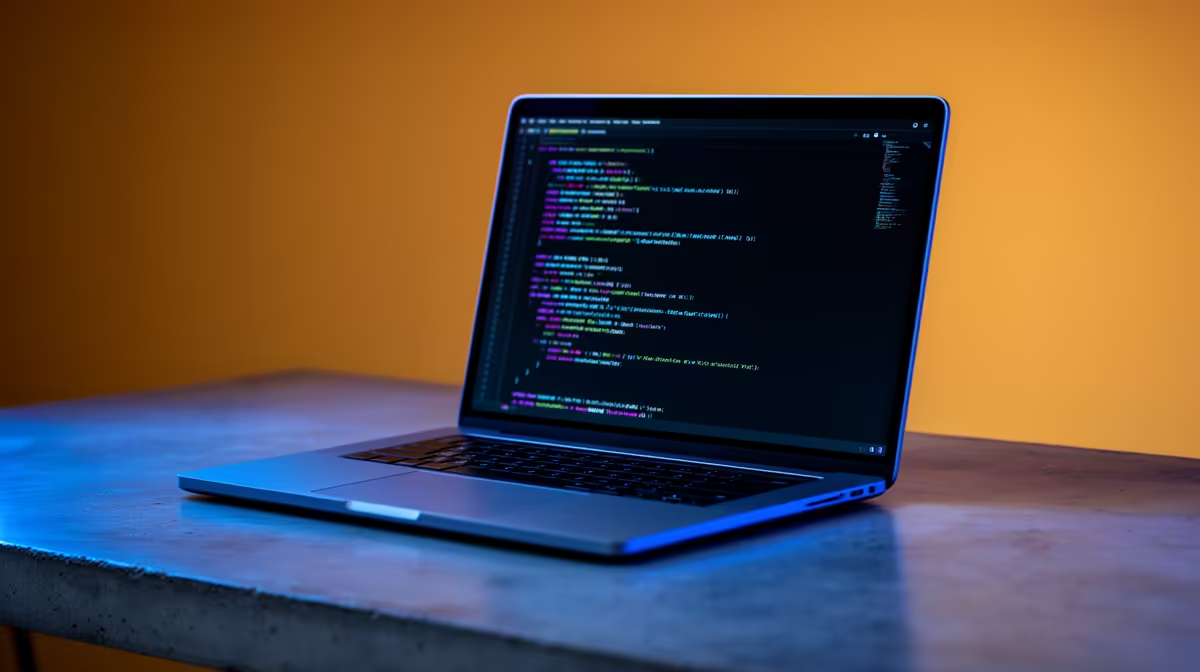
Is your MacBook fan screaming every time you compile code? For South African developers, a slow machine isn't just frustrating… it's a productivity killer. A bloated IDE or inefficient toolchain can make your high-spec Mac feel like it's stuck in traffic on the M1. The secret to reclaiming your speed isn't always a new machine; it's adopting a philosophy built around lean coding software tools for Mac users. Let's dive in. ⚡
Essential Lean Coding Software for Your Mac
A lean setup starts with your core tools. It's about choosing software that does its job exceptionally well without consuming unnecessary system resources. This focus on efficiency is key to a faster, more enjoyable development workflow.
Code Editors & Terminals
Instead of a heavy, all-in-one Integrated Development Environment (IDE), consider a lightweight code editor paired with a powerful terminal.
- Visual Studio Code: While feature-rich, VS Code can be surprisingly lean. The trick is to be selective with extensions. Only install what you absolutely need for your current project.
- Sublime Text: Famous for its speed and responsiveness, Sublime Text is a fantastic choice for developers who value performance above all else. It opens large files in a flash and has a massive community-driven package ecosystem.
- iTerm2 + Oh My Zsh: Ditch the default macOS terminal. iTerm2 offers features like split panes, search, and incredible customisation. Pair it with Oh My Zsh to supercharge your command line with plugins and beautiful themes.
A streamlined software stack is the foundation, but as projects grow, you might need more hardware muscle. Some developers create a powerful, distributed environment by offloading heavy tasks to other machines, like the diverse range of powerful yet compact Mini PCs available today.
Optimising Your Workflow Beyond Software
Even the most optimised software stack can hit a wall. Running multiple Docker containers, virtual machines, or compiling a massive C++ project will test the limits of any single machine. This is where thinking outside the Mac-box pays off. Why not separate your coding environment from your build-and-run environment?
This is where a dedicated, low-profile machine comes in. You can keep your MacBook's resources free for what it does best—providing a smooth, responsive user interface—while a separate unit handles the heavy lifting. This approach is perfect for maintaining a clean macOS environment while still having access to serious processing power for backend tasks. You can explore a fantastic selection of Mini PCs that are perfect for this role. They offer incredible performance in a tiny footprint. ✨
Pro Dev Tip: The Local Server
Use a Mini PC as a local, headless server running Linux. You can SSH into it from your Mac to run Docker, compile code, or host databases. This keeps your MacBook cool, quiet, and frees up precious RAM and CPU cycles for your editor and browser.
The Ultimate Power-Duo: Your Mac + a Mini PC
Imagine this workflow: You're crafting a beautiful UI on your MacBook, enjoying its brilliant display and flawless trackpad. In the background, a complex data-processing job is running. But your Mac isn't breaking a sweat. Why? Because that job is running on your dedicated Mini PC, a silent partner on your desk. 🚀
This "power-duo" setup gives you the best of both worlds. You get the polished macOS experience for your daily creative and coding tasks, backed by the raw, multi-core performance of a dedicated machine for compilations, containers, and testing. For example, the latest Minisforum Mini PCs pack desktop-grade processors into a chassis smaller than a book, making them the perfect companion for any Mac user's desk.
Build Your Ultimate Dev Setup Stop letting slow compile times dictate your workflow. Explore Evetech’s range of powerful Mini PCs and create a development environment that’s as fast and efficient as your code. Shop our Mini PC deals now for performance that leaves lag in the dust.











