

Quick Answer
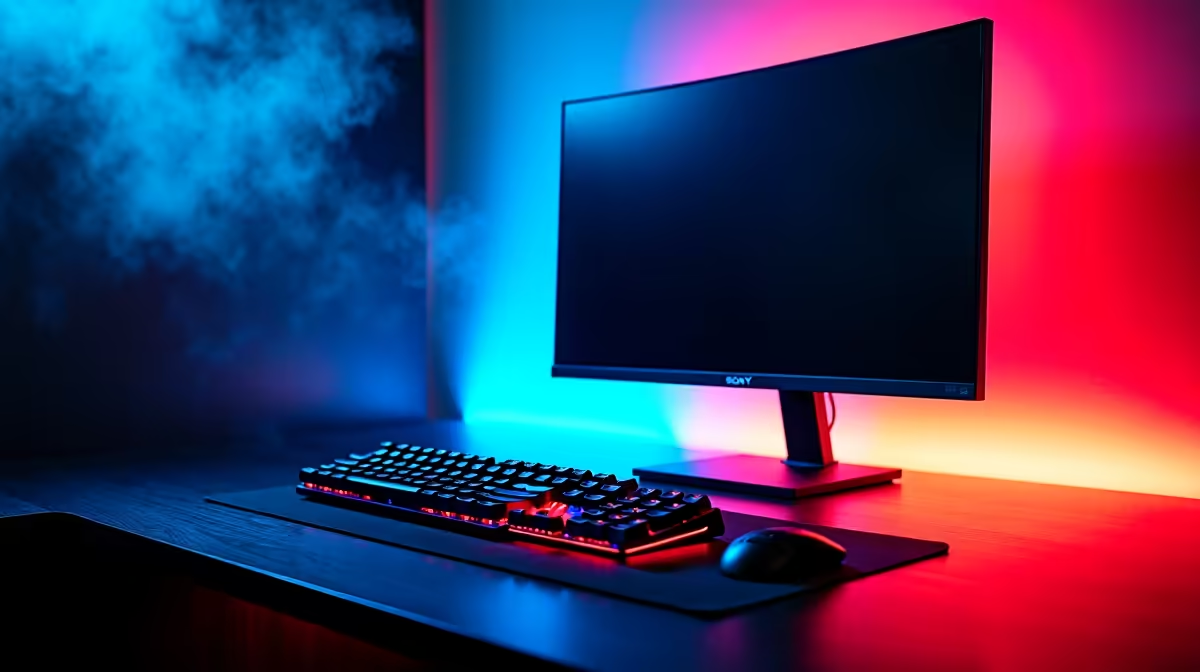
Gaming setup lighting works in three layers: ambient room lighting, accent lighting (RGB strips, LED bars, smart bulbs), and task lighting on the desk. A clean SA setup starts around R1,500 for basic strips and bulbs, scaling to R8,000+ for a full smart-controlled rig with bias lighting, panel walls, and synced peripherals.
Why Lighting Matters Beyond the Aesthetic
Good gaming-setup lighting reduces eye strain during long sessions, which matters when you're grinding ranked into the early hours. Pure dark rooms with a bright monitor force your pupils to work overtime, leading to headaches and fatigue. A soft ambient layer behind the monitor (called bias lighting) cuts contrast and lets your eyes relax. Beyond that, RGB accent lighting changes the entire feel of a room, a flat box bedroom in a koshuis becomes a proper streaming-ready space with R2,000 of well-placed strips and bulbs.
The Three Layers, Built Step by Step
Start with ambient: a dimmable smart bulb in your ceiling fixture, set warm (2700K) for relaxed sessions and cool (5000K) when you need to focus. Layer two is accent: RGB strips behind the desk, monitor, and PC, plus optional hexagonal LED panels on a feature wall. Use addressable RGB (WS2812 or similar) for proper effects, not the cheap single-colour-zone strips that just glow one shade. Layer three is task: a small desk lamp angled to keep your keyboard lit without bouncing into your monitor.
SA Pricing and Where to Save vs Spend
Under R1,500 covers a basic kit: one smart bulb, a 5m RGB strip behind the monitor, and a small desk lamp. Between R3,000 and R5,000 lets you add LED bars on either side of the desk, a hex-panel cluster, and ecosystem-controlled smart bulbs (Hue, Yeelight, or local equivalents). Above R6,000 you start syncing peripherals, motherboard RGB, and lighting through a single controller for full Razer Chroma or Corsair iCUE effects. Spend on quality strips with high LED density, cheap strips fade in 6 months and look patchy.
Load-Shedding-Friendly Lighting Choices
LED lighting sips power, a full setup might pull 50W total, easy work for a small UPS or inverter. The catch: many smart bulbs and Wi-Fi controlled strips reset their state when power cycles, meaning you walk back into the room and have to manually re-pair or re-pair from the app. Look for products that remember last state, or set up scenes via a hub (Hue Bridge, etc.) that holds settings independent of Wi-Fi. For load-shedding regions, a small power station running just your lights and router is a quality-of-life win that costs less than you'd think.
Frequently Asked Questions
What do I need to know about lighting for a gaming setup?
Think in three layers: ambient (room light), accent (RGB strips, panels, bulbs), and task (desk lamps). Plan cable routing before you stick any strip down, peeling and re-sticking ruins the adhesive. Stick to one ecosystem (Hue, Razer Chroma, iCUE) so everything syncs from one app.
What are common mistakes when setting up gaming-setup lighting?
Overdoing brightness is the big one, RGB blasting at 100% washes out your monitor and gives you a headache by hour two. Mixing ecosystems (Hue bulbs + Razer strips + cheap unbranded controller) is the second, you end up with three apps and no proper sync. Forgetting bias lighting behind the monitor is the third.
Do I need special tools or parts in SA?
You'll want a SA two-pin to USB-A power adapter for most strip kits, since many ship with US-spec plugs. A multi-plug with surge protection is worth the spend, lighting controllers are sensitive to the voltage spikes that follow load-shedding switch-back.
Ready to Find Your Perfect Match? Build the PC at the centre of your lit-up battle station. Browse the best gaming PC deals











