

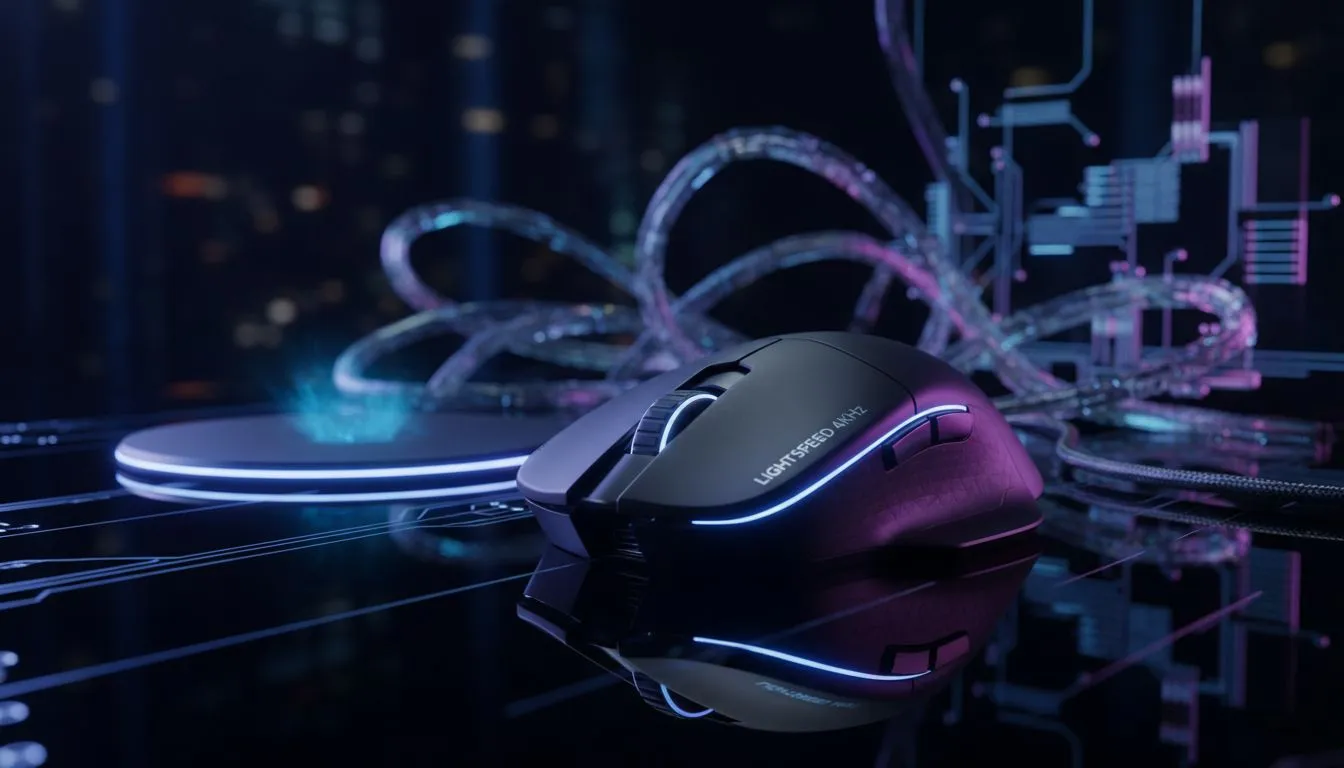
LIGHTSPEED 4KHz Wireless Charging for Zero-Lag Gaming — what South African players should care about ⚡🚀
If you want the smoothest aim and the least cable fuss in Cape Town or Jozi, the promise of LIGHTSPEED 4KHz wireless charging for zero-lag gaming sounds irresistible. In practice, it’s about marrying ultra-fast wireless signal tech with a charging solution that doesn’t interrupt play. Read on for practical tips, pad choices, and setup moves that actually change your in-game feel.
LIGHTSPEED 4KHz Wireless Charging: how it reduces interruptions and input lag
Wireless tech has come a long way… but pairing matters. LIGHTSPEED 4KHz wireless charging for zero-lag gaming works best when the mouse, receiver and surface are optimised together. Surface friction and consistency affect tracking, so check our concise mouse pad basics to understand cloth vs hard finishes and why glide matters.
Surface lighting and textures can also change how a sensor reads motion. If you prefer a clean non-lit setup, compare our range of non-RGB mousepads to stabilise sensor performance. For those who love flair, the RGB mousepads offer looks without compromising a well-tuned sensor.
LIGHTSPEED 4KHz and your mouse pad: what to buy and why ✨
A wireless charging mat needs area and even contact. If your desk is small, an extended pad gives room for keyboard and charging base. Serious low-sensitivity players often prefer larger surfaces like XXL pads for full sweep movement.
Brands matter for texture and durability. Browse our Evetech mousepads collection for locally stocked options and consider specialist shapes from SteelSeries pads or budget-friendly designs like Marvo gaming pads. Each offers different feel and longevity.
Setup Tip ⚡
Keep a small, dedicated area for your charging zone. Place your charging mat where your mouse naturally rests during breaks. That avoids mid-game repositioning and keeps sensor tracking consistent.
Practical setup workflow for zero-lag sessions 🔧
- Set your mouse firmware and receiver to the latest build.
- Place the charging mat on a flat, vibration-free surface.
- Use a consistent pad surface; swapping pads mid-session changes glide and can feel like input lag.
- Test in a practice range; a 5–10 minute aim session will reveal inconsistencies faster than long play.
If you’re troubleshooting jitter or disconnects, try isolating the receiver from USB hubs and ensure the pad is clean. Small changes add up — stable charging contact and consistent glide equal smoother aim.
Final thoughts for South African gamers
LIGHTSPEED 4KHz wireless charging for zero-lag gaming isn’t a single fix. It’s an ecosystem: mouse, receiver, firmware and the pad under your hand. Optimise each part and you’ll feel the difference in both comfort and accuracy.
Ready to Find Your Perfect Match? The Mac vs Windows debate is complex, but for maximum power, choice, and value in South Africa, Windows is hard to beat. Explore our massive range of laptop specials and find the perfect machine to conquer your world.











