


MacBook Pro 16-Inch M5 Max: Complete Specs, Features and SA Pricing Guide
MacBook Pro 16-Inch M5 Max: Complete Specs,. Everything you need to know with SA pricing, step-by-step instructions & expert recommendations.
Read moreShoulders and back hurt after commuting with gaming gear? A lightweight backpack for gaming gear can fix load balance, reduce strain, and protect posture. ✅ 🎮 Take control today.
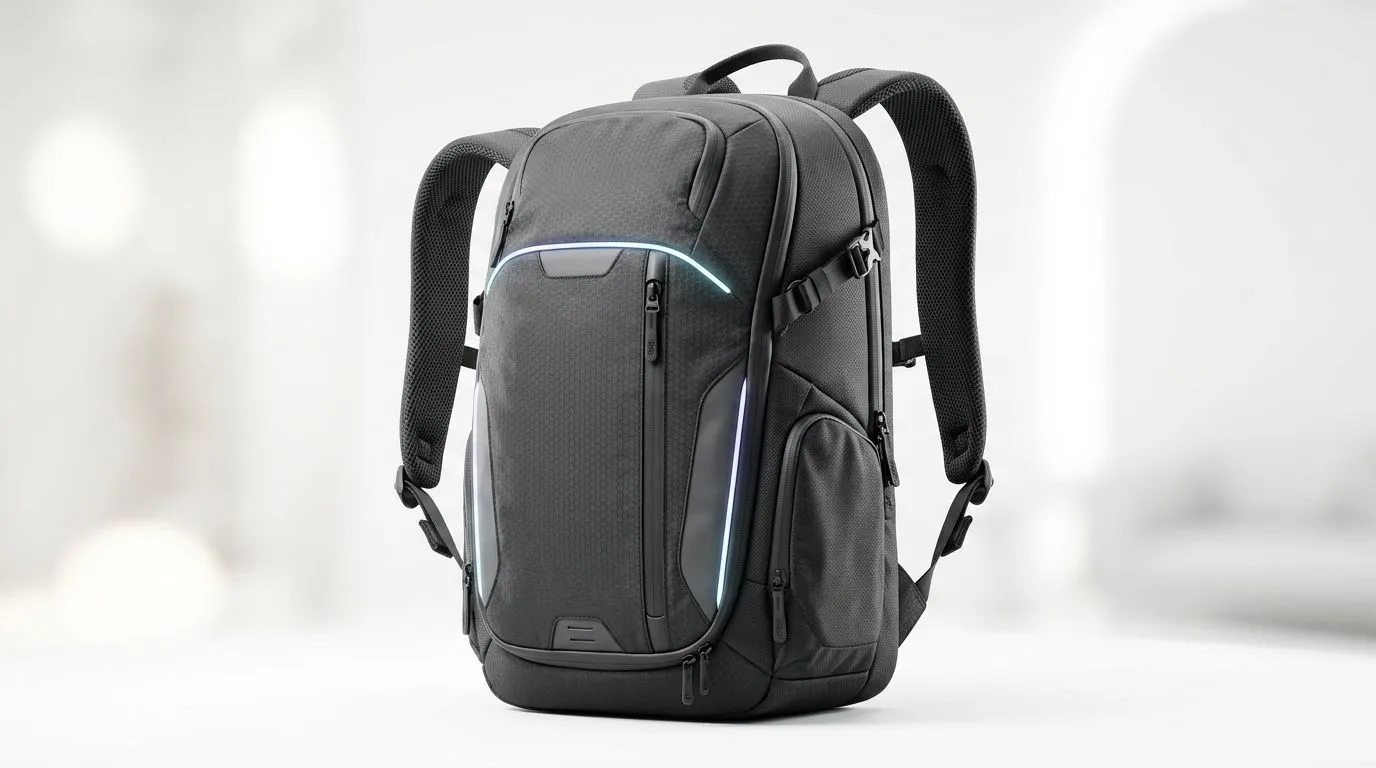
If you’ve ever hauled a laptop, charger, mouse, headset, and a few extras across campus or through Joburg traffic, you know the ache. It starts as a dull pull... then becomes that stubborn shoulder pain that ruins your day. The fix is not just “carry less”. It’s choosing a lightweight backpack for gaming gear that spreads weight better, sits close to your back, and keeps your setup organised.
For South African gamers, students, and remote workers, that matters. You want protection for your tech, but you also want comfort on the taxi ride, the walk to class, or the rush between meetings. A good bag should feel like part of your loadout, not a punishment.
Shoulder pain usually comes from three things: too much weight, poor strap fit, and bad weight distribution. If your laptop sits low and your accessories bounce around, your shoulders work harder to stabilise everything.
Look for these features:
Thin straps dig in. Wide, padded straps spread the pressure better. Adjustable straps help the bag sit higher on your back, which usually feels better over time.
A secure sleeve keeps your machine from shifting. Less movement means less imbalance, and that can help reduce strain during longer carries.
Cables, power bricks, and accessories can create awkward weight clumps. Separate pockets keep the load more even.
The bag itself should not add unnecessary mass. A lighter shell leaves more room for your actual gear.
If you want a starting point, Evetech’s laptop backpack range is worth a look when comparing styles and carry capacity.
A compact 14-inch daily carry is very different from a full 15.6-inch gaming laptop setup. If you travel with a charger, mouse, headset, and maybe a portable drive, you need room without bulk.
A practical way to judge fit is to match the backpack to your routine:
Go for a slim design. You want enough space for the laptop, charger, and one or two extras.
Choose a bag with more compartments. That helps keep work items separate from your tech.
Make sure the laptop compartment actually fits your device size. Do not guess. Check dimensions carefully.
If you prefer known laptop accessory brands, the Promate backpack options offer a useful comparison point.
A lot of buyers focus on style first. Fair enough. But the small details matter more when your shoulders are carrying the load.
Check the back panel. A cushioned, breathable back can make warm days easier, especially if you’re moving around a lot. Also check whether the bag holds its shape when full. A sagging bag shifts weight backwards, which can feel worse on the shoulders.
If you’re shopping on a tighter budget, it helps to compare value rather than just sticker price. Evetech’s HP backpack selection gives another brand option to weigh up before you buy.
On Windows, use the PowerToys FancyZones utility to create custom snap layouts for your windows. It's a lifesaver for managing multiple apps on an ultrawide monitor, letting you organise your timeline, preview window, and asset folders perfectly for video editing.
In South Africa, practicality wins. You want value, durability, and comfort... not just flashy branding. If you already know your budget ceiling, filtering by price helps narrow the field fast.
For shoppers comparing what fits a specific spend, the higher-priced backpack filter can be a handy shortcut when you want to inspect more premium carry options.
And if you want to stay within the Evetech ecosystem, the Evetech-branded backpack page is a neat place to compare house-brand choices.
Shoulder pain does not always come from carrying too much. Sometimes it comes from carrying the wrong way, in the wrong bag, every single day.
A well-designed backpack can help by:
Less shifting means less strain.
A bag that sits properly encourages a better carry position.
Your laptop and accessories stay safer.
If you’re looking for a smarter daily carry, start with fit, padding, and weight first. Then decide on style. That order saves regret later.
Ready to Find Your Perfect Match? The Mac vs Windows debate is complex, but for maximum power, choice, and value in South Africa, Windows is hard to beat. Explore our massive range of laptop specials and find the perfect machine to conquer your world.
Poor weight distribution, heavy loads, and unsupportive straps can strain your shoulders and upper back during daily commutes.
Look for a lightweight shell, padded shoulder straps, supportive back panel, and smart compartment layout to balance weight.
A better fit and load distribution reduces pressure on one shoulder, improves posture, and limits how much your upper back compensates.
Yes. An ergonomic backpack for gaming gear usually offers stronger support, better padding, and a fit that stays comfortable over time.
Place heavier items closer to your back and centered, keep cables organized, and use compartments to avoid shifting during walking.
It can. If the load pulls your shoulders forward or forces you to hunch, it may contribute to neck and upper back discomfort.
Check strap adjustability, torso length, and how the pack sits. A proper fit reduces tugging that triggers shoulder and back pain.
It helps quickly, but you should also improve packing, posture, and breaks. Consistent use of a supportive lightweight backpack matters.
MacBook Pro 16-Inch M5 Max: Complete Specs,. Everything you need to know with SA pricing, step-by-step instructions & expert recommendations.
Read more
Travelling With a MacBook: Travellers. Everything you need to know with SA pricing, step-by-step instructions & expert recommendations.
Read more
Back-to-School Parent Guide: Laptops. Everything you need to know with SA pricing, step-by-step instructions & expert recommendations.
Read more
MacBook Air 13-Inch M5: Complete Specs, Features. Everything you need to know with SA pricing, step-by-step instructions & expert recommendations.
Read more
MacBook Neo Unboxing and First Setup Guide for. Clear setup instructions with SA-specific considerations, troubleshooting tips & recommended components.
Read more
MacBook Pro 16-Inch M5 Pro: Complete Specs,. Everything you need to know with SA pricing, step-by-step instructions & expert recommendations.
Read more
CS2 Low FPS: Monitor Bottleneck. Real-world benchmark data, FPS numbers & performance analysis. What SA gamers can actually expect.

Is AOC a Good Monitor Brand for Gaming in South Africa Detailed answer with SA data, expert analysis & practical recommendations for local buyers.

What Gaming Monitor Can You Get for R20,000. Full parts list, Rand pricing & expected performance. Build confidently with SA-available components.

What Gamers Actually Bought: November Report. Real purchase data from SA retailers revealing what local buyers are actually choosing and why.

Can the RX 7700 XT Handle 1440p 144Hz Gaming. Performance testing verdict with real data & practical recommendations for SA buyers.

Top Laptop with Core i7 + RX 7700S: Picks picks evaluated on performance, value & SA availability with current Rand pricing from Evetech.

RX 7700 XT Black Myth Wukong 2 FPS: Performance. Real-world benchmark data, FPS numbers & performance analysis. What SA gamers can actually expect.

RTX 6080 Gran Turismo 7 PC Performance: FPS Test. Real-world benchmark data, FPS numbers & performance analysis. What SA gamers can actually expect.

Eliminate background noise in gaming voice chat using cardioid microphones to focus on your voice and reject room sounds. Get cleaner comms fast with smart placement and settings—🎮🎧

Wondering how much to spend on a high-end gaming headset in South Africa? We break down budget vs performance, what you actually get, and smart upgrade steps 🎧⚡

Wondering about THX Spatial Audio vs 7.1 surround for positional awareness? We compare imaging, depth, and cueing so you can pick the best option for gaming. 🎧👣

50mm bio-cellulose drivers vs standard drivers: does material affect audio precision? Compare clarity, bass control, and imaging so you can choose the right headphones. 🎧🔍