

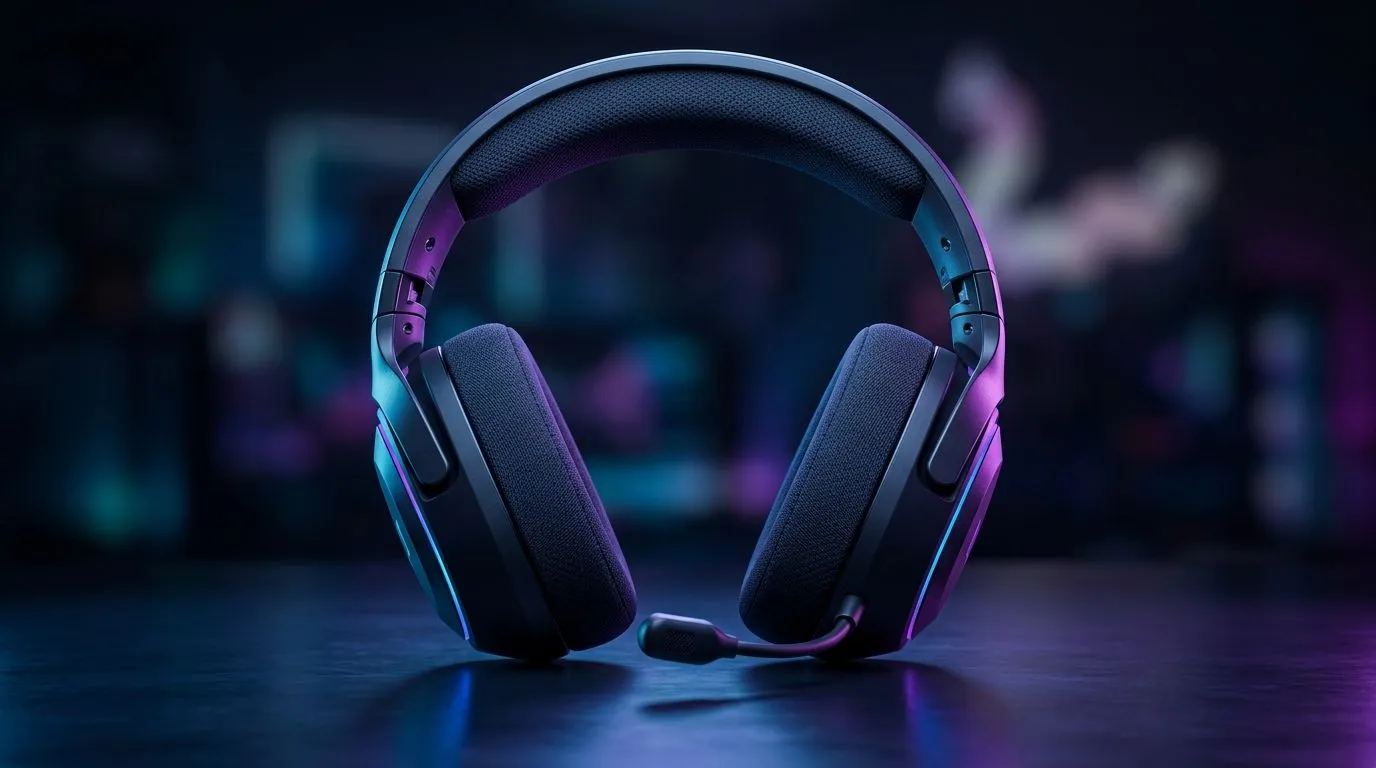
Lightweight Gaming Headset Comfort: What Matters After 4 Hours
You know that feeling after 4 hours… your head heats up, your ears get sore, and suddenly your “just one more match” turns into “I need a break.” In South Africa, where load-shedding and late-night sessions are real life, comfort matters as much as FPS. Let’s talk about what actually changes your comfort after the fourth hour, and how to choose a lightweight gaming headset without buying blind. 🎧✨
Lightweight Gaming Headset Comfort: The 4-Hour Reality Check
A lightweight headset is only half the story. The rest is how weight is distributed, how breathable the ear pads are, and whether the clamping force stays friendly during long sessions.
After about 2 to 3 hours, most discomfort isn’t “pain” yet. It’s pressure. That pressure builds because:
- Your skin warms up and sweats slightly.
- Pad material softens with heat, then shifts microscopically.
- Clamping force that felt fine at hour one becomes tight at hour four.
So when you shop, don’t focus only on “grams.” Focus on how it feels over time. ⚡
Comfort Check Shortcut 🔧
"When you test a headset in-store (or after delivery), wear it for at least 10 minutes, not 30 seconds. Then adjust the headband until the top cushion rests gently. If you feel hotspots quickly, that’s a sign the pad material or clamp force won’t hold up after 4 hours. "
Lightweight Gaming Headset Comfort: Fit, Pads, and Breathability
Comfort comes from fit and pad design. Here’s what to look for in practical terms:
Ear pad materials
- Cloth or breathable pads usually help reduce heat build-up.
- Thicker pads can distribute pressure, but they can also trap heat if the material is dense.
Clamping force
Even “light” headsets can feel heavy if they clamp too tightly. If possible, choose a model with a headband that adjusts smoothly and doesn’t require brute force.
Micro-adjustments
If the headset shifts when you turn your head, you’ll feel it later. Better comfort comes from stable positioning, not constant re-adjusting.
Lightweight Gaming Headset Comfort: Mic and Balance During Long Sessions
A headset can be comfortable, but the moment you move, balance changes. A boom mic that feels too long or poorly positioned can tug at the headset side. Also, some wireless models add a bit of weight at the ear due to the battery placement.
If you’re exploring wireless options, check out the Razer Barracuda X Chroma Wireless Headset (Phantom White) here: https://www.evetech.co.za/razer-barracuda-x-chroma-wireless-headset-phantom-white/best-deal/24367 . It’s worth comparing how the fit feels for you, especially after a long session where battery-weight differences become noticeable. 🚀
Lightweight Gaming Headset Comfort: What to Buy for SA Gaming Setups
Your desk and your chair matter more than people think. If your monitor is high or you sit forward, headsets press differently. For PC gaming, consider how you’ll mount your mic arm too, so you’re not constantly leaning.
For more choice, browse Evetech’s headset categories:
- Full selection: https://www.evetech.co.za/PC-Components/razer-headphones-headsets-105
- Headphones and headsets range: https://www.evetech.co.za/components/headphone-headsets-100
Before checkout, sanity-check these comfort basics: pad thickness, adjustability, weight distribution, and how stable it feels when you move. That’s how you avoid the “great for an hour” problem.
Ready to Find Your Perfect Match? Comfort is personal, and the right lightweight gaming headset should feel effortless after 4 hours… not annoying. Browse Evetech’s best options and upgrade your setup today: Explore our massive range of laptop specials and find the perfect machine to conquer your world.











