

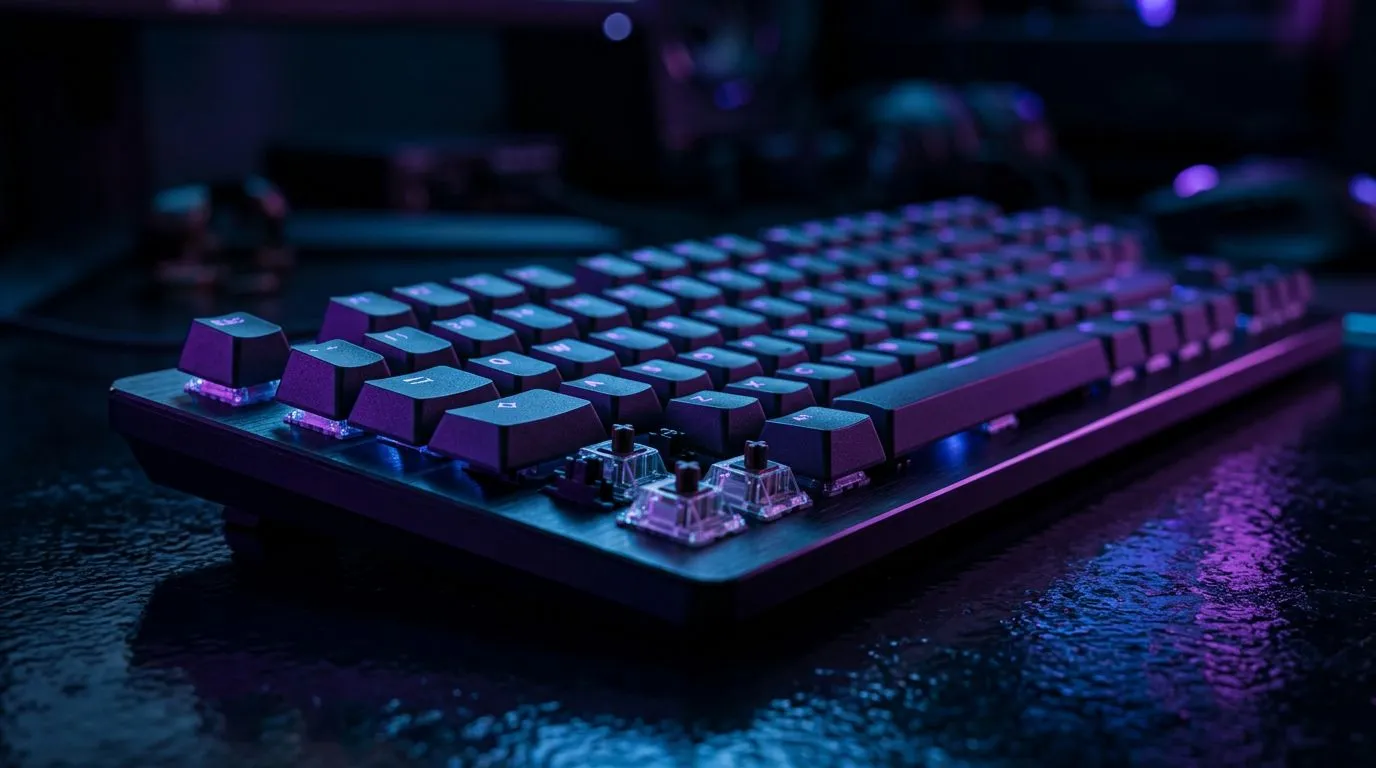
Linear Switch Feel and Actuation Consistency in Gaming: Why Your Keyboard’s “Feel” Matters
If your linear switches feel smooth today but a bit “scratchy” tomorrow… you’re not imagining it. In competitive play, Linear Switch Feel and Actuation Consistency in Gaming can decide whether your timing stays sharp when you’re under pressure. And in South Africa, where you might be switching between LAN sessions, load-shedding friendly power, and late-night ranked grinds… consistency isn’t a luxury. It’s comfort you can trust. 🔧✨
Linear Switch Feel and Actuation Consistency in Gaming: What “Consistent” Actually Means
Actuation consistency is basically how reliably the switch registers the keystroke at the same point every time. With linear switches, there’s no tactile bump and usually no click sound. That’s why many gamers like them for fast movement and clean key presses… but only if the switch is well-built.
Here’s what to look for when you want Linear Switch Feel and Actuation Consistency in Gaming:
- Stable stem movement: A quality linear switch tends to move smoothly with less wobble.
- Reliable actuation point: The distance from key press to registration should feel repeatable.
- Reduced “mushy” variation: Cheaper switches can develop uneven feel as they wear or when dust builds up.
- Keyboard stabilisers and plate support: Even a great switch can feel inconsistent if the stabilisers are rattly or the board flexes too much.
If you’re buying for consistent performance, it’s worth pairing your switch preference with a keyboard that’s actually stocked and backed for reliability. Evetech lists a wide range of keyboard options here: Explore the best gaming keyboard deals at Evetech
Linear Switch Feel and Actuation Consistency in Gaming: How to Choose the Right Linear Switch Experience
Not all linear switches are “the same”. Some feel lighter, some heavier. Some have smoother factory tuning, and some need a bit of love.
Actuation distance and travel: your real-world advantage
Many linear switches use a similar design principle: the key travels down smoothly until the switch contacts at actuation. In practice, you’ll feel it as “how fast can I get reliable registration?” and “how much do I press by accident?”
When you’re playing movement-heavy games, you’ll usually prefer:
- A lower actuation distance for quick inputs
- A weight that doesn’t make you fatigue in long sessions
But there’s no magic number. Your posture, desk height, and play style matter.
Debounce and polling: consistency beyond the switch
Even with perfect linear feel, software can still introduce inconsistency. If you’re buying a keyboard, check the basics like wired vs wireless stability, and whether the keyboard is marketed for competitive latency performance.
Evetech makes it easy to shop by what matters to you. If you want to compare options in one place, start with: Buy the cheapest gaming keyboard in South Africa
Linear Switch Feel and Actuation Consistency in Gaming: Wired vs Wireless Without the Guesswork ⚡
Wireless has come a long way, but gamers still want predictable input. The “consistency” difference usually comes down to:
- radio stability in your room
- power saving behaviour
- how the keyboard performs at your target settings
If you’re in a busy Wi‑Fi area, wired can feel more controlled. If you’re on the couch or switching between setups, wireless might be worth it… as long as the experience is stable.
Browse the connectivity options and pick the setup that matches your life:
Linear Switch Feel and Actuation Consistency in Gaming: Maintenance Tips That Keep Your Feel Fresh ✨
A big part of consistent actuation is keeping your keyboard clean and lubricated only if it’s worth it for your model. You don’t need to open everything immediately.
What you can do today
- Blow out dust between sessions (especially around keycaps).
- Clean keycaps if they feel greasy. Oils from fingers change the “feel” fast.
- Check key wobble: if certain keys feel inconsistent, stabilisers or plate fit might be the culprit, not the switch.
- Avoid liquid cleaners. Use proper keyboard cleaning methods and tools.
Productivity Pro Tip 🔧
On Windows, use the PowerToys FancyZones utility to create custom snap layouts for your windows. It's a lifesaver for managing multiple apps on an ultrawide monitor, letting you organise your timeline, preview window, and asset folders perfectly for video editing.
Quick micro-story from the local scene…
Remember that moment in a casual match when you miss a jump input because a key feels “different” mid-season? That’s often not just skill. It can be wear, dust, stabiliser rattle, or just one key that’s not seating properly. Consistency is a system… not a single component.
Linear Switch Feel and Actuation Consistency in Gaming: Build It as a Complete Setup
Switch feel is only one piece. If you pair a consistent keyboard with a mouse that tracks cleanly and a desk setup that doesn’t force weird wrist angles, your inputs become more repeatable.
If you prefer bundled savings, consider a combo so your gear shopping doesn’t turn into a month-long rabbit hole. This is a solid place to start: Buy a keyboard and mouse combo at Evetech
Linear Switch Feel and Actuation Consistency in Gaming: Ready to Shop Smarter?
If you’re chasing Linear Switch Feel and Actuation Consistency in Gaming, don’t only shop by switch type. Shop by the full experience: build quality, stabilisers, connectivity stability, and the way the board holds up in your day-to-day use.
When in doubt, pick a keyboard you can source reliably in South Africa, then test your comfort over a few sessions, not just one hour.
Ready to Find Your Perfect Match? The Mac vs Windows debate is complex, but for maximum power, choice, and value in South Africa, Windows is hard to beat. Explore our massive range of laptop specials and find the perfect machine to conquer your world.











