

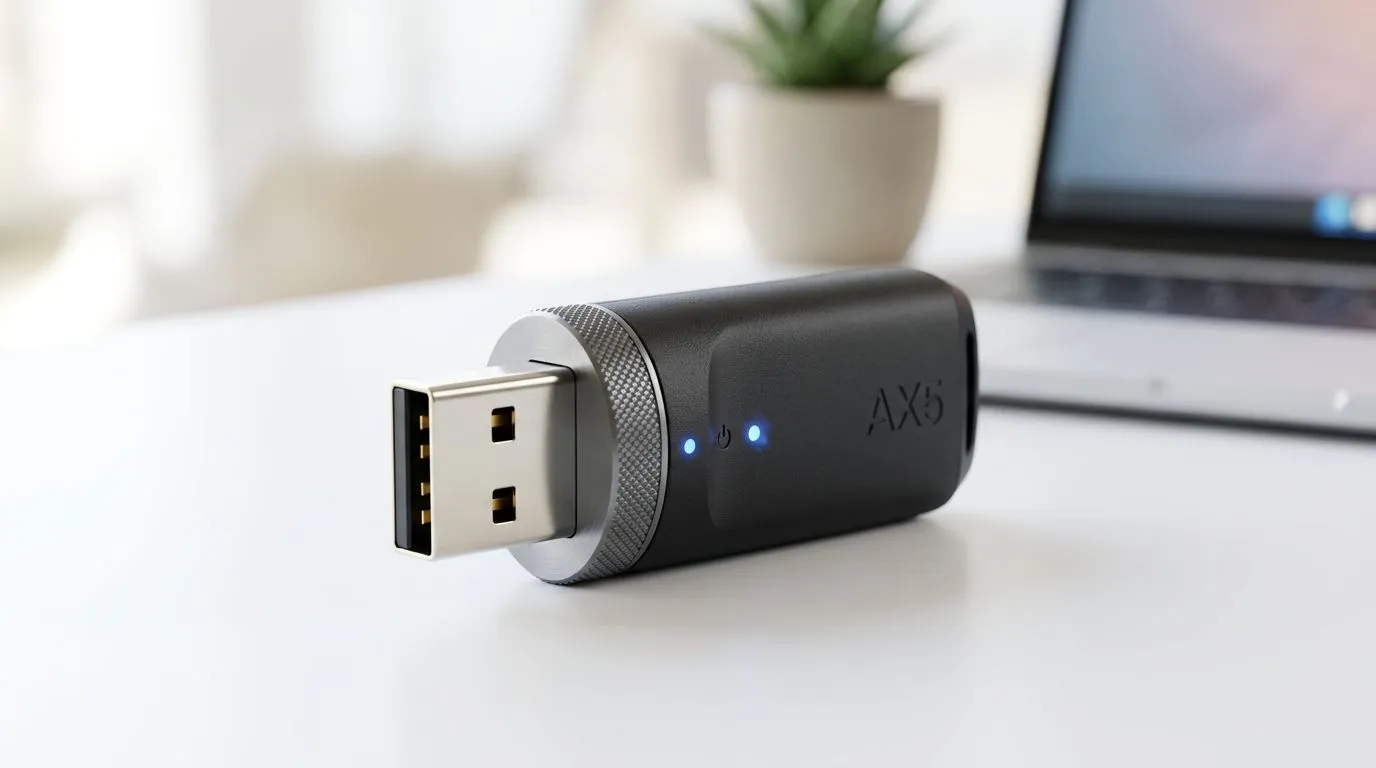
Breaking Free from Ethernet Cables
Every South African gamer knows the frustration of a ping spike during a crucial raid or a sudden drop in bandwidth when someone else in the house starts streaming. While a wired connection is king, sometimes you need the freedom of a Linux USB WiFi adapter to get your rig online without running metres of Cat6 cable through your home. Whether you are daily-driving Ubuntu or tinkering with a custom Arch build, getting reliable wireless connectivity shouldn't be a battle against drivers. 🔧
Choosing the Right Hardware for Your Linux Rig
Not all adapters are created equal, especially when it comes to kernel compatibility. Before you commit to a purchase, you need hardware that plays nice with the open-source community. We recommend checking out our wide selection of network adapters to find models known for stable chipsets.
If you want a plug-and-play experience, look for devices that utilize the Realtek or Atheros chipsets, which have excellent support in modern kernels. For those who prefer brand reliability, TP-LINK network adapters are often the go-to choice for Linux enthusiasts due to their widespread driver availability. ⚡
Setting Up Your Connection
Once you have your hardware, the setup process is usually straightforward. Most modern distributions will detect your device automatically. If you are struggling with performance, ensure your system is fully updated via the terminal using sudo apt update && sudo apt upgrade.
Linux Connectivity Pro Tip 🚀
If your adapter is detected but speeds are sluggish, check your power management settings. Linux often puts USB devices into a low-power state to save energy, which can throttle your throughput. You can disable this by editing your TLP or PowerTop configuration files to keep your WiFi signal strong during intense gaming sessions.
If you need a compact solution that doesn't sacrifice speed, Cudy network adapters offer a great balance of performance and price for the South African market. ✨
Troubleshooting Common Driver Issues
If your adapter isn't showing up, the first step is to run lsusb in your terminal. This command lists all connected USB devices. If your adapter appears in the list, your kernel likely sees the hardware, but it might lack the specific firmware. Searching for your device’s ID on the Arch Wiki or the Ubuntu forums will usually point you toward the correct proprietary driver or firmware-blob you need to install. Patience is key when setting up a Linux environment, but once it is dialled in, the stability is unmatched.
Ready to Upgrade Your Connectivity? Don't let a weak signal hold back your gaming performance. Browse our full range of high-performance network adapters and get the reliable, high-speed connection you deserve at the best prices in South Africa.











