

So, you’ve watched your favourite South African streamer dominate in Apex or Valorant and thought… I can do that. But then you see their complex setup and the dream feels miles away. What if we told you that a professional live streaming setup is less about endless technical manuals and more about just plugging in and going live?
This guide is your shortcut. We’re cutting through the noise to show you exactly what you need to start streaming today.
Your First Live Streaming Setup: The Core Three
Forget the intimidating multi-monitor, sound-proofed studios for a moment. To get started and build an audience, you only need to nail three things: audio, video, and lighting. Getting these right is the foundation of any good live streaming setup guide.
1. Crystal-Clear Audio 🎤
Your voice is your most important tool. While your gaming headset mic is fine for Discord with your mates, it won't cut it for an audience. A dedicated USB microphone is the single biggest leap in quality you can make. They are simple to use—literally plug it into a USB port, select it in your software like OBS or Streamlabs, and you're good to go. Brands like Corsair have options that deliver studio-quality sound without the studio-sized price tag or complexity, making them a cornerstone of modern streaming. Check out some of CORSAIR's excellent streaming gear to hear the difference for yourself.
Audio is King 👑
"Viewers will forgive a slightly grainy camera, but they'll click away instantly for bad audio. Prioritise a clear USB microphone over a 4K webcam when you're starting out. It's the single biggest upgrade you can make for your live streaming setup."
2. A Sharp, Clean Camera
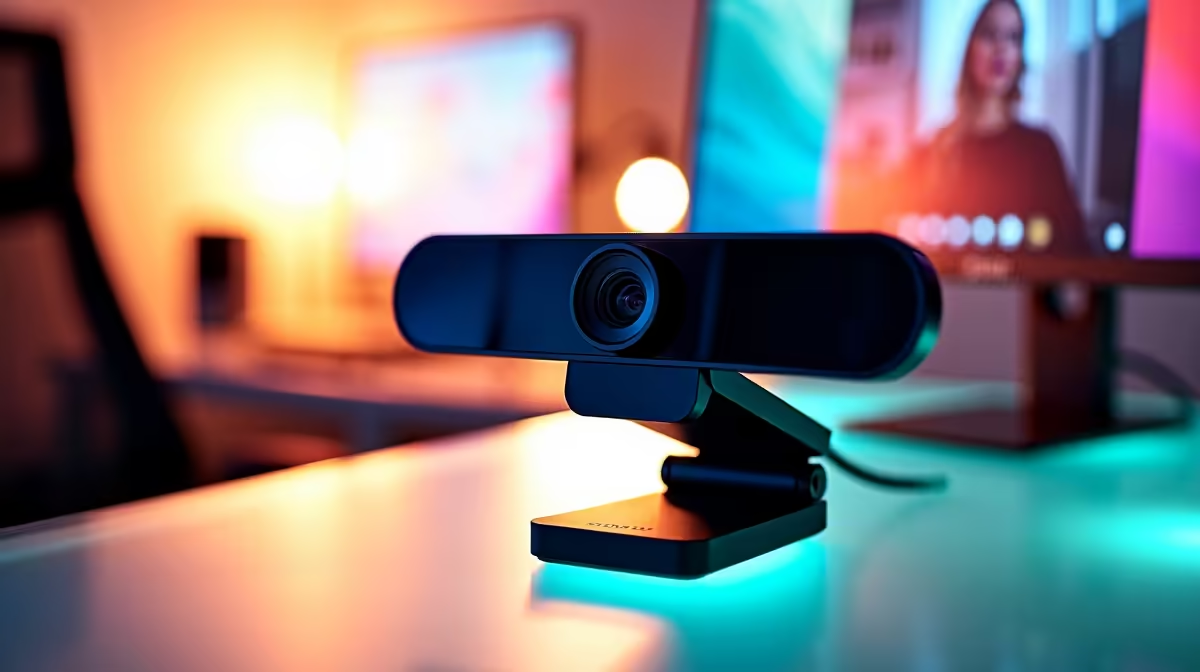
Your face is your brand. A crisp, clear image helps you connect with your viewers on a personal level. While your phone camera is surprisingly powerful, a dedicated webcam or mirrorless camera offers better low-light performance, higher frame rates, and more control. Look for a camera that can reliably output at least 1080p at 30fps. This ensures your reactions to that clutch win or hilarious fail are seen in smooth, high definition.
3. Basic, Effective Lighting
You don't need a Hollywood lighting rig. The goal is simply to light your face evenly and separate yourself from the background. A single, affordable ring light or a key light (a main light source placed to one side of your camera) can work wonders. It eliminates harsh shadows and ensures your camera isn't struggling in a dimly lit room, which prevents that grainy, low-quality look.
Beyond the Basics: Adding That Pro Polish ✨
Once your core live streaming setup is sorted, you can add elements that make your stream truly stand out. This is where you inject personality and create a vibe.
A simple way to do this is with background lighting. You can transform a plain wall into a dynamic, visually appealing backdrop. Instead of just sticking up some fairy lights, consider smart, programmable lighting like Cololight. You can change the colour and patterns on the fly to match your game's aesthetic or your brand, giving your stream a unique and professional feel without breaking the bank.
A Streaming Setup Guide for Every Mzansi Budget
Building a live streaming setup in South Africa doesn't have to drain your wallet. The "plug in and go live" philosophy is all about starting smart and upgrading over time. You can get an incredible entry-level kit with a high-quality mic, a 1080p webcam, and a ring light for a surprisingly low investment.
The key is to focus on quality where it counts—audio first, then camera. With the right choices, you can find incredible streaming bundles under R6000 that will have you looking and sounding better than 90% of new streamers. As your channel grows, you can reinvest in better gear.
Ready to Go Live? Stop dreaming and start streaming. We've curated the best plug-and-play gear to get your channel off the ground today. Explore our full range of streaming essentials and find the perfect setup for your budget.











