

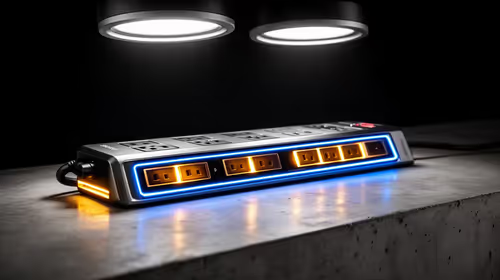
Top Surge-Protected Chargers That Justify Every Rand
Discover surge-protected chargers that users swear by for safety and value 💡 🔌. Backed by real reviews and performance insights 🔋
Read moreNever lose your internet during load shedding! 🌐 Discover reliable gear that keeps your connection alive when you need it most.
Stage 4 load shedding hits. Your squad is one kill away from clutching the win... and then, darkness. Your Wi-Fi is dead. Your Discord goes silent. The rage is real. 😡 But it doesn't have to be this way. With the right load shedding-ready gear, you can keep your internet running smoothly through any outage. This guide will show you exactly what you need for truly uninterrupted internet, keeping you online when it matters most.
It seems obvious—the power goes out, so things switch off. But with fibre internet, it's a little more specific. Your internet connection relies on two small but crucial devices:
Both need constant power. When Eskom flips the switch, they go dark, and your connection is severed, even if the fibre line itself is still live. The solution is simple: give them a dedicated power source.
Getting the right load shedding-ready gear is easier and more affordable than you think. You don't need a massive, noisy generator; you just need a couple of smart components to keep your network alive.
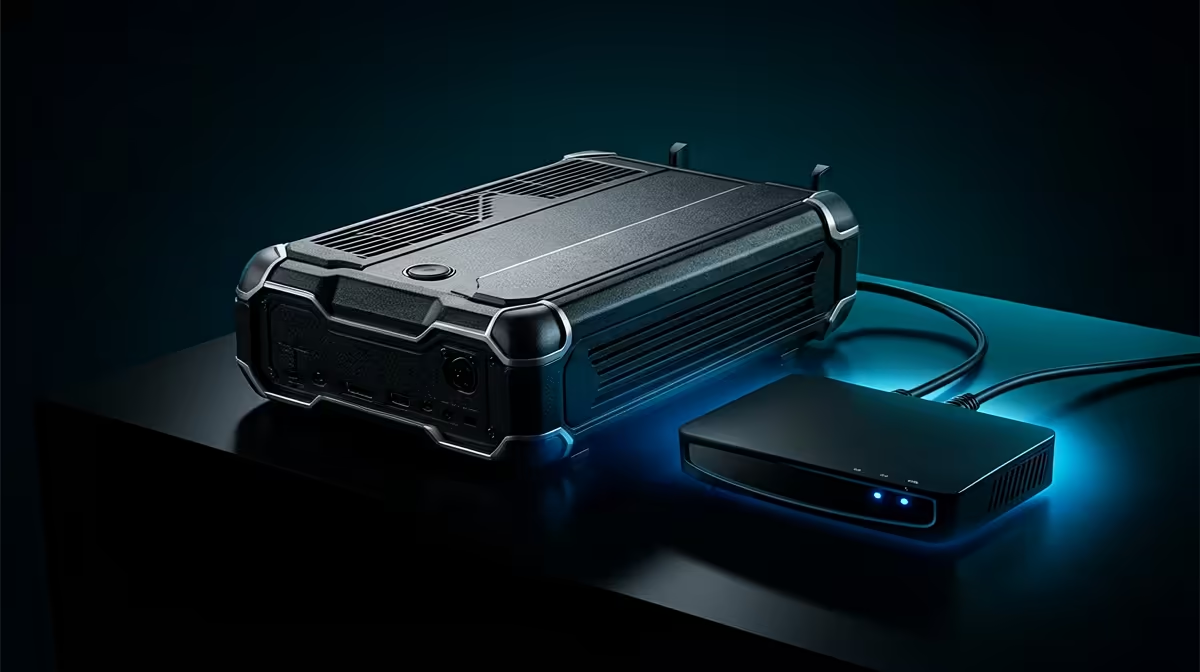
Forget those bulky UPS units designed for PCs. For your router and ONT, a Mini DC Uninterruptible Power Supply (UPS) is the perfect tool. It's essentially a specialised power bank designed to keep low-power devices like routers running for hours. It provides direct DC power, which is far more efficient than converting power from a big AC UPS.
This is the single most important piece of hardware for ensuring you have uninterrupted internet during power cuts. Many models even come with multiple voltage outputs and splitter cables to power both your ONT and router simultaneously from one unit.
Before buying a Mini UPS, check the power adapters for your router and ONT. Look for the voltage (V) and amperage (A) ratings printed on them—it's usually 9V or 12V. Ensure the Mini UPS you choose supports the correct voltage for your devices to avoid any damage.
While a Mini UPS will keep any router online, an outage is a terrible time to discover your Wi-Fi signal is weak in your gaming room. If you're already investing in your network's resilience, consider if a router upgrade could improve your overall experience. With powerful and reliable hardware from well-known names like TP-Link, you can ensure your connection is not only on, but also fast and stable. For those seeking excellent performance without breaking the bank, there are also fantastic, value-packed options from brands like Cudy.
For competitive gamers, Wi-Fi will always be second best to a hard-wired connection. Wireless signals are prone to interference, which can cause latency spikes... the last thing you need during a ranked match. If your gaming rig is close enough to your router, using a LAN cable is a no-brainer. A stable wired networking setup combined with a Mini UPS is the ultimate combination for low-latency, uninterrupted gaming, load shedding or not. ��
Don't Let Eskom End Your Game Stop letting power cuts dictate your online time. Equip yourself with the right networking hardware and stay connected through every stage of load shedding. Browse our full range of wireless networking gear and take back control of your internet.
Portable UPS systems and battery-powered routers ensure continuous connectivity.
Use solar chargers or mobile hotspots paired with Wi-Fi extenders.
Opt for routers with built-in battery backup or connect to a UPS.
Yes, compact power banks can power modems during brief outages.
Combine a backup power station with your internet equipment.
Ideal for prolonged outages—solar chargers offer sustainable power.
Discover surge-protected chargers that users swear by for safety and value 💡 🔌. Backed by real reviews and performance insights 🔋
Read more
- Audit frame gen impact; - Test parry windows; - Recommend fixes. Frame Gen Code Vein 2: Learn how frame generation affects parry timing, tests and practical fixes to keep parries consistent. 🕹️⚡
Read more
Is a Ultra Short Throw Projector Good for Gaming?. Diagnosis steps, proven fixes & when to seek professional help. SA-specific support info included.

Is a Short Throw Projector Good for Gaming? Input. Diagnosis steps, proven fixes & when to seek professional help. SA-specific support info included.

Top Mouse Settings for Competitive FPS: Sensitivity picks evaluated on performance, value & SA availability with current Rand pricing from Evetech.

Top Speakers for MacBook Desk Setup picks evaluated on performance, value & SA availability with current Rand pricing from Evetech.

Is a Ergonomic Chair Better Than a Standard Office Chair for Gaming Detailed answer with SA data, expert analysis & practical recommendations for local buyers.

Use Spotlight Search Like a Pro on macOS. Step-by-step instructions with SA-specific tips, common pitfalls to avoid & expert recommendations.

wireless keyboard Fan Noise Too Loud: Quiet. Everything you need to know with SA pricing, step-by-step instructions & expert recommendations.

Connection Timeout: Troubleshooting Guide #2. Diagnosis steps, proven fixes & when to seek professional help. SA-specific support info included.

Gaming PC Question: Is my power supply dying Detailed answer with SA data, expert analysis & practical recommendations for local buyers.

Projector Throw Ratio Calculator: Perfect. SA-focused analysis with local pricing data, real-world insights & actionable buying advice.

Monitor Stock Levels in Nelspruit: July Report. Current stock data & price tracking for SA buyers. See what is available and where prices are heading.

CS2 Low FPS: Power Supply Bottleneck. Real-world benchmark data, FPS numbers & performance analysis. What SA gamers can actually expect.