

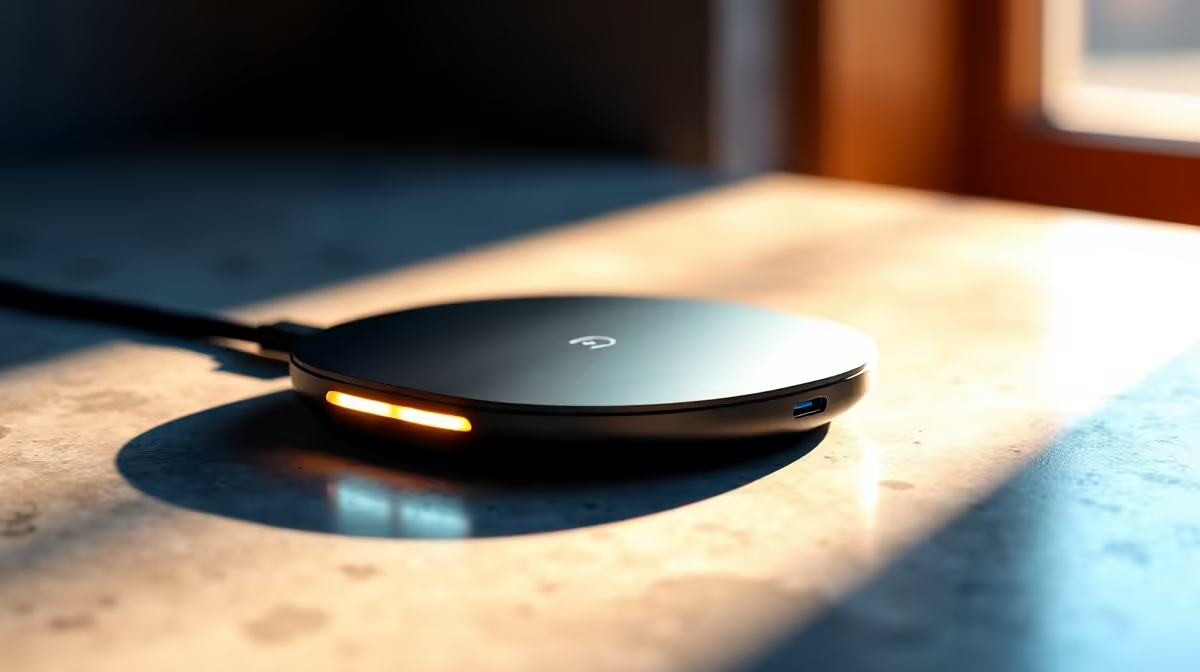
Why loadshedding threatens your laptop charger ⚡
Loadshedding isn’t just an interruption; it’s a short, harsh test for the tiny electronics that keep your life running. Many South African gamers and remote workers learn the hard way: a sudden power cut or unstable mains can fry a charger, corrupt a battery, or ruin a laptop’s power circuitry. In the next few minutes you’ll learn practical steps to protect your kit, pick safer chargers, and choose budget options without compromise.
Common risks to your loadshedding laptop charger
Surges when power returns, brownouts while appliances draw uneven current, and cheap adapters lacking safety circuits are the usual culprits. A battered charger can cause slow charging, battery swelling, or worse — a failure that voids warranty. For clear product choices and specs, check Evetech’s full charger range to compare safety features and compatible models: browse our full charger range.
How surges and brownouts damage chargers
When mains voltage spikes on return, voltage regulators in chargers absorb the stress. Well-designed chargers include surge protection and thermal cutouts. Lower-cost units often skip those safeguards to hit a price point, which is risky during frequent loadshedding cycles. If you’re on a tight budget, Evetech lists reliable budget chargers under R500 that still meet basic protections: shop budget chargers under R500. 🎮
How to stay protected: practical steps 🔧
- Use a UPS with AVR for critical machines; it smooths voltage and gives you time to save work.
- Unplug during outages if you don’t have surge protection. That’s simple but effective.
- Buy chargers with over-voltage, over-current and thermal protection. Compare specs on the Evetech listings for smart filtering. For mid-range choices, see chargers up to R1000 that balance cost and safety: see chargers under R1000.
- Keep a tested spare in your bag; a second charger is cheaper than a motherboard repair.
Loadshedding-Proof Tip ✨
Keep a portable power bank rated for laptop output, or a compact UPS. Test spares monthly and label them with purchase dates.
Choosing a replacement or brand-savvy spare
Brand and build matter. Some manufacturers focus on safety-certified adapters like Promate. If you prefer branded accessories with clear specs and local warranties, check Promate chargers and accessories: explore Promate chargers. Buying locally also helps with quicker RMA and support.
Final checklist before you buy
- Does the charger list over-voltage and short-circuit protection?
- Is there an official South African warranty or local stock?
- Will a UPS or AVR add protection for your setup?
Keep receipts and register warranties where possible. Small steps now save you big repair bills later.
Ready to Find Your Perfect Match? The Mac vs Windows debate is complex, but for maximum power, choice, and value in South Africa, Windows is hard to beat. Explore our massive range of laptop specials and find the perfect machine to conquer your world.











