

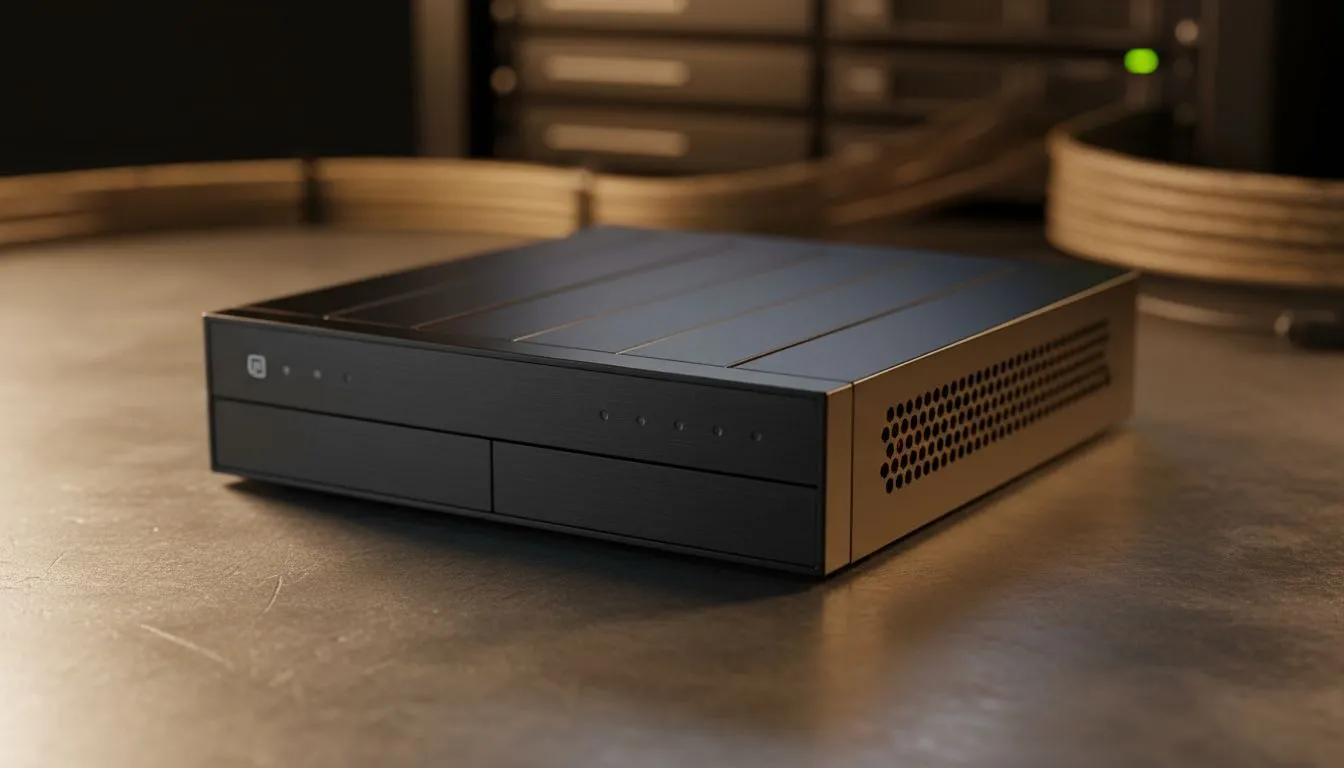
Loadshedding is a part of life in South Africa. We have all been there... the power cuts, the internet dies, and suddenly your cloud-based files are gone. It is frustrating and slows down your productivity. By prioritising local network storage for loadshedding, you can access your data offline without needing a stable fibre connection. It is the smartest way to keep your digital life running smoothly ⚡.
Why the Cloud Fails During Power Cuts
Cloud storage is great until the local exchange loses power. Even if you have an inverter, your internet service provider might not. This is why many South Africans are investing in diskless NAS storage to keep their media and work files on-site. Having a physical drive in your home means your data travels over your local Wi-Fi or Ethernet... no external internet required.
Choosing Your Local Storage Hardware
Not all storage setups are the same. Some users prefer a dedicated server, while others want something small and efficient. If you are looking for compact solutions that do not hog power, consider the options from Minis Forum. These devices are perfect for running a low-power media server. They stay on even when your backup battery is running low.
For those who want to build their own setup, reliable Orico enclosures make expanding your storage simple and affordable. You just add your own hard drives and you are ready to go 🔧.
Power Continuity Pro Tip ⚡
When setting up your NAS for loadshedding, plug it into a small UPS. This prevents sudden power loss from corrupting your hard drives. It also gives you enough time to shut the system down safely if your backup battery runs low during Stage 6.
Setting Up for Maximum Resilience
To get the most out of your setup, ensure your network switches and routers are also powered by your backup system. This creates a seamless experience where you do not even notice the internet has dropped. You can continue streaming your favourite shows or finishing that work report without a hitch.
A local network storage for loadshedding strategy is about more than just convenience... it is about data sovereignty. You own the hardware and you control the access. You never have to wait for a technician to fix a broken line down the street. It is a one-time investment that saves you from monthly cloud fees while providing faster speeds for your local devices 🚀.
Ready to Secure Your Data? Loadshedding should not stand between you and your digital life. Whether it is for gaming, work, or media, local storage is the ultimate backup plan. Explore our range of NAS storage options and keep your files spinning even when the lights go out.











