

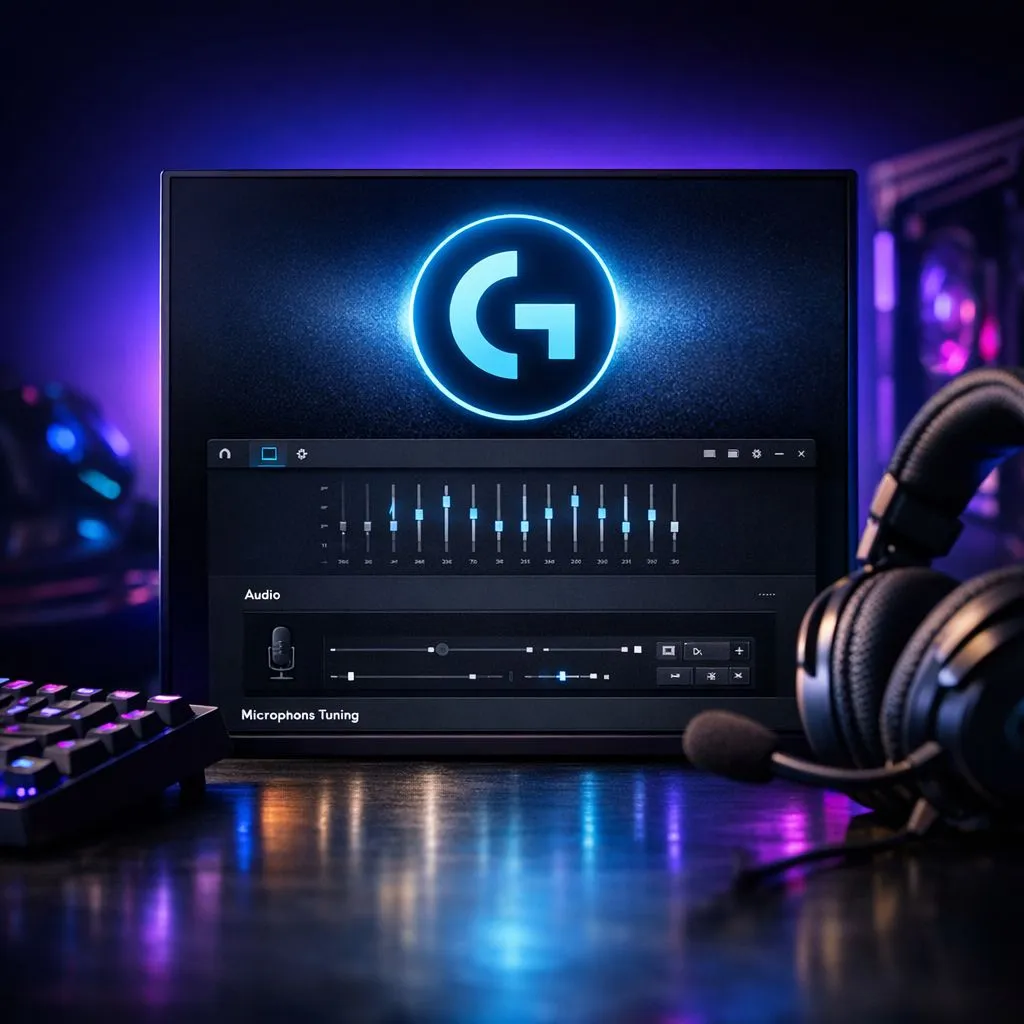
Mastering Your Audio Environment
You’ve just unboxed a premium headset, plugged it in, and… it sounds flat. We have all been there. Whether you are climbing the ranks in Valorant or getting lost in the atmosphere of a single-player epic, audio is half the experience. If you are using Logitech gear, the secret to unlocking true immersion isn't just hardware—it’s mastering your Logitech G HUB audio settings. Getting these tweaks right is the difference between hearing a distant footstep in the grass and missing a crucial flank. ⚡
Why Default Settings Aren't Enough
Most gamers make the mistake of leaving their software on "Flat" or "Default." While safe, these profiles rarely account for your specific playstyle. When you open the G HUB interface, you are greeted by an equalizer that looks intimidating, but it is your best friend. By adjusting the frequency sliders, you can boost the high-end frequencies to hear reloads more clearly or increase the bass for those cinematic explosions.
If you are currently looking for a hardware upgrade to match your new software skills, the Razer Barracuda X Chroma Wireless Headset is a fantastic starting point for clear, balanced sound right out of the box. 🔧
Optimising Your Equalizer and Surround Sound
The beauty of G HUB is the ability to save profiles for specific games. You might want a "Competitive" profile for shooters—low bass, boosted mids—and an "Immersive" profile for RPGs. Don't be afraid to experiment with the DTS Headphone:X 2.0 settings. This feature simulates a 7.1 environment, which is essential for spatial awareness in South African lobbies where communication and sound cues are everything.
If you find that your current setup is lacking the punch you need, browsing our wider selection of Razer headphones and headsets can help you find a device that handles custom EQ curves with ease. 🚀
Pro Audio Tip 🎧
When adjusting your EQ, try the 'V-shape' method. Slightly lower the mid-range frequencies while boosting the bass and treble. This creates a crisp, punchy sound signature that most gamers prefer for competitive titles.
Fine-Tuning for Every Setup
Remember that your audio experience is personal. What works for a streamer might not work for a casual player. Take the time to test your settings in a private match or a training range. Listen for the clarity of voice comms versus the intensity of game effects. If you are still exploring your options, check out our full range of high-quality headphones and headsets to see what fits your budget and aesthetic. ✨
Ready to Elevate Your Audio Game? Great sound is the foundation of every victory. Don't let subpar audio hold you back from reaching your full potential in the digital arena. Explore our massive range of gaming headset specials and hear the difference for yourself today.











