

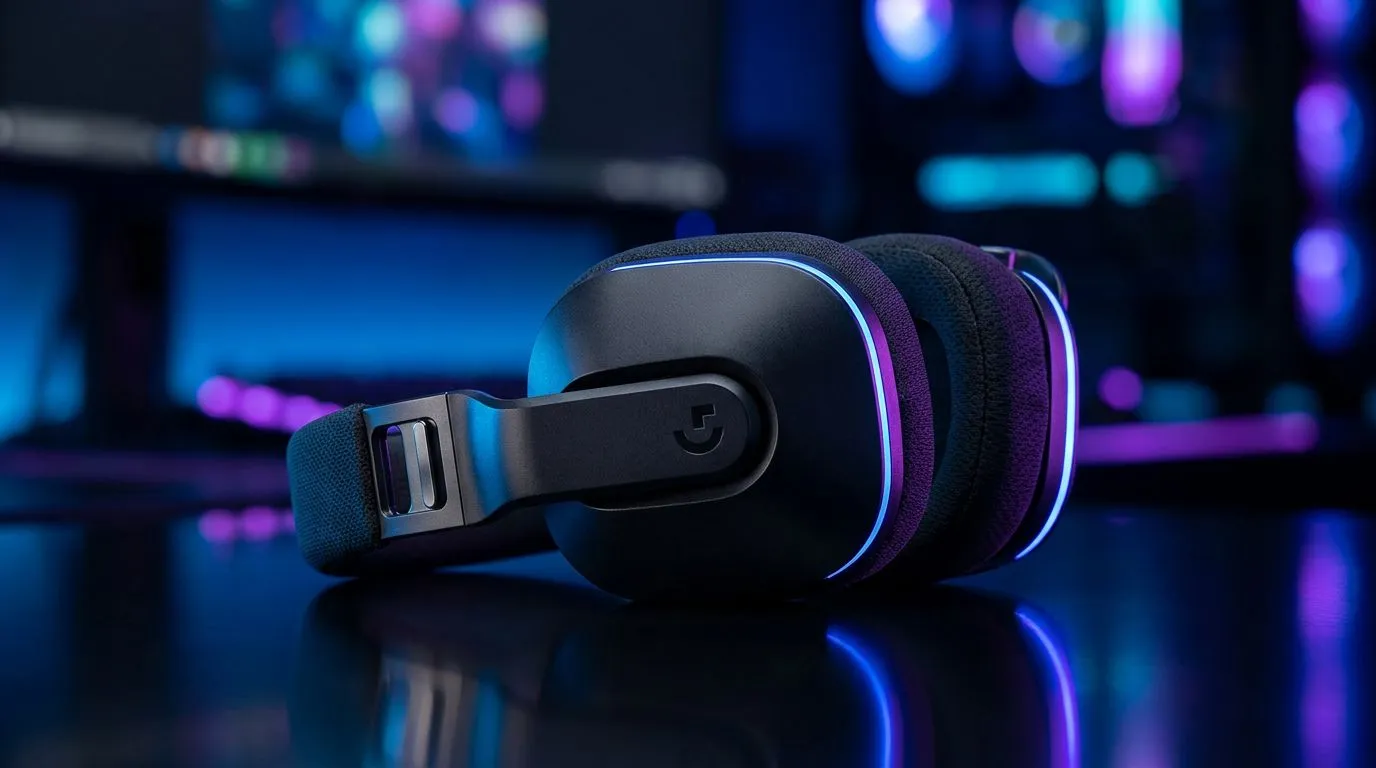
Mastering Your Audio Clarity
Are you tired of sounding like you're broadcasting from inside a cupboard during intense Valorant matches? If you’ve invested in premium gear, you deserve studio-grade vocal quality. Getting the most out of your Logitech G522 microphone settings via G HUB is the secret to elevating your stream or Discord call from "muffled" to "professional." Let’s dial in your audio so your teammates hear every callout with absolute precision. 🎙️
Optimising G HUB for Peak Performance
The secret sauce lies in the Blue VO!CE software integration. Once your device is connected, navigate to the microphone tab in G HUB. Start by enabling Blue VO!CE; this unlocks the compressor, expander, and de-esser. We recommend starting with a high-pass filter set to around 100Hz to eliminate that low-end rumble from your desk vibrations. It’s a simple tweak that makes a world of difference in your overall vocal warmth.
If you find your current headset is holding back your audio quality, it might be time for an upgrade. You can browse our wide selection of Razer headphones and headsets to find a unit that complements your desktop setup.
Fine-Tuning Your EQ and Gain
Don't just crank the gain to the maximum. Instead, use the G HUB equalizer to boost your mids slightly—this adds presence to your voice without introducing harsh sibilance. If you’re a streamer, the noise gate is your best friend. Set it just above your keyboard’s mechanical switch volume to ensure your audience hears your voice, not your frantic key-mashing during a clutch.
Pro Tuning Tip 🔧
adjusting the compressor in G HUB, keep your ratio around 3:1. This ensures that when you get excited and shout during a win, your audio doesn't peak and distort for your listeners. It’s the hallmark of a polished, professional stream setup.
Building Your Ideal Audio Ecosystem
A great mic is only one piece of the puzzle. If you are looking for a versatile solution that balances wireless freedom with solid audio performance, the Razer Barracuda X Chroma Wireless Headset (Phantom White) is a fantastic contender for South African gamers who value both aesthetics and utility. 🚀
For those building a custom rig or upgrading individual peripherals, checking out our full range of Razer gaming headsets provides plenty of options to suit any budget, whether you are playing casually or competing at a high level. ✨
Ready to Find Your Perfect Match? The audio debate is complex, but for maximum clarity, choice, and value in South Africa, a high-quality headset setup is hard to beat. Explore our massive range of gaming audio specials and find the perfect hardware to conquer your world.











