

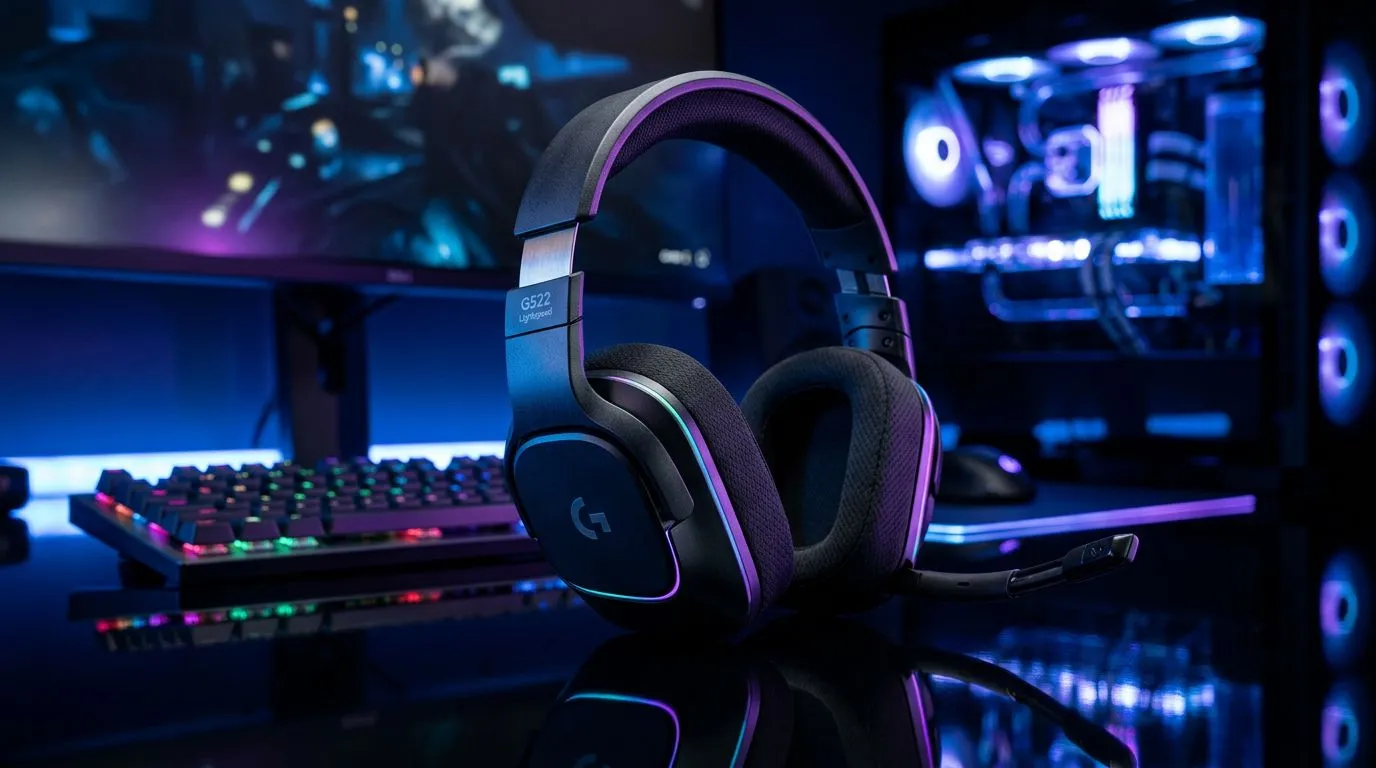
Mastering Your Wireless Audio Experience
There is nothing worse than being mid-clutch in a ranked match when your audio cuts out or your headset battery dies. For South African gamers who demand freedom without the tether of a cable, the Logitech G535 Lightspeed has become a local favourite. Getting the most out of this headset isn't just about plugging in the USB receiver; it is about fine-tuning your environment to ensure that 20-meter wireless range remains rock-solid. ⚡
Fine-Tuning Your G535 Settings
To truly optimise your wireless audio, you need to dive into the Logitech G HUB software. Many users make the mistake of leaving the default EQ settings untouched. By creating a custom profile, you can boost the "highs" to better hear enemy footsteps in titles like Valorant or CS2. If you find the G535 isn't quite hitting the mark for your specific setup, you might want to look at alternatives like the Razer Barracuda X Chroma for a different sound signature.
Wireless Interference Hack 🔧
If you experience audio stuttering, ensure your USB receiver is not plugged into a port directly next to a high-speed USB 3.0 external drive. These drives often cause electromagnetic interference that disrupts 2.4GHz signals. Use a front-panel USB 2.0 port or a short extension cable to give your receiver some breathing room.
Expanding Your Audio Arsenal
Sometimes, you need more than just one headset to cover all your bases—perhaps a dedicated pair for competitive gaming and another for casual Discord sessions. We maintain a curated list of premium Razer headsets that offer excellent comfort for those long weekend marathons. When you are ready to upgrade your entire audio ecosystem, browsing our full range of gaming headsets is the best way to compare specs and pricing in ZAR. 🚀
Consistency is Key
Remember that wireless performance is also dictated by the health of your battery. Charge your G535 using a dedicated port on your motherboard rather than a generic wall charger to ensure a stable current. Keeping your firmware updated through G HUB will also patch any minor connectivity bugs, ensuring your audio stays crisp while you dominate the local leaderboards. ✨
Ready to Find Your Perfect Match? The audio landscape is always evolving, but finding the right gear for your playstyle shouldn't be a gamble. Explore our massive range of gaming headset specials and find the perfect equipment to conquer your world.











