

Why low-profile keyboards matter for comfort 🔧
Tired of wrist ache after an eight-hour stream or a full day of spreadsheets? Low Profile Keyboard Ergonomics for All-Day Typing matter — not just for pros, but for anyone typing in Cape Town, Joburg or remote farms. This short Deep Dive explains what to look for, simple setup tweaks, and where to shop local deals without breaking the bank.
Ergonomic gains from a lower profile
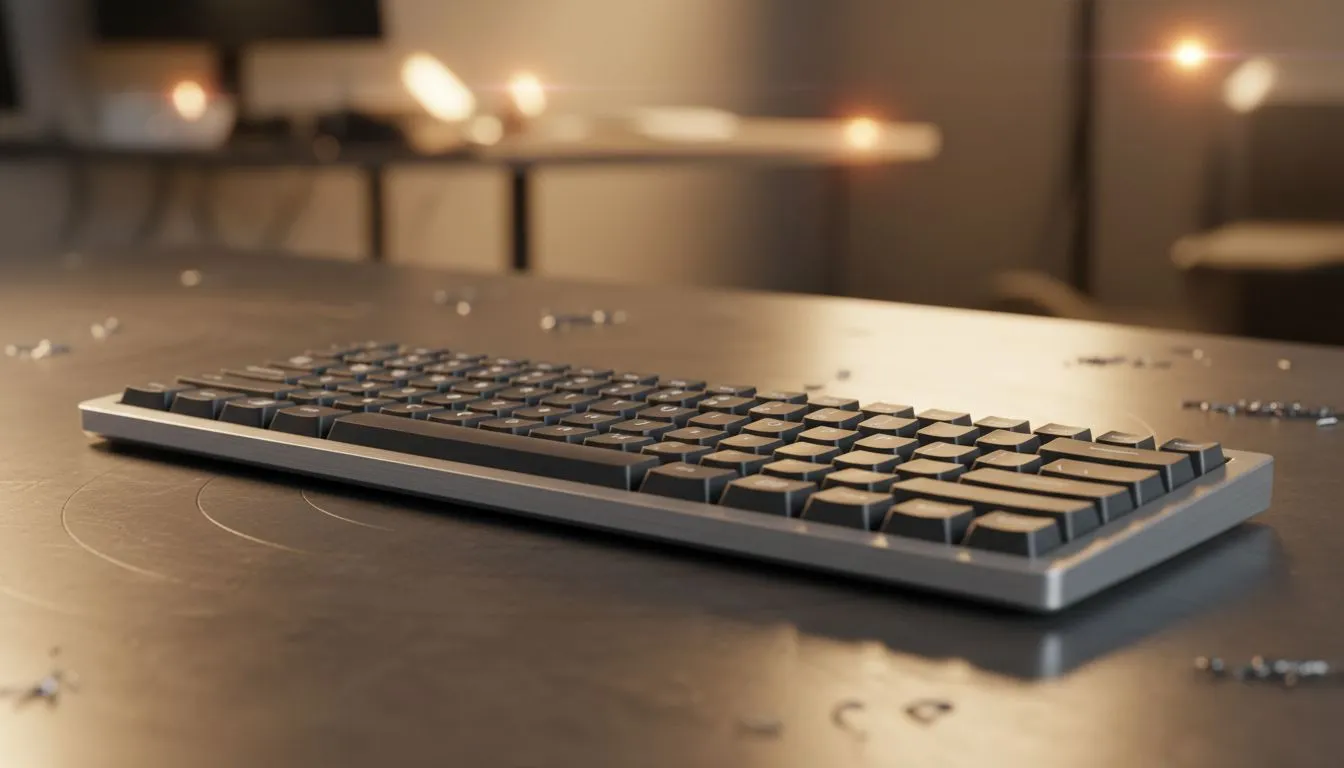
Low-profile keyboards reduce key travel and often place your hands closer to desk height. That subtle change can ease wrist extension and cut strain over long sessions. If you want to compare current deals, start with Evetech’s curated list of the best gaming keyboard deals to see how low-profile options stack up in price and build.
Key features to prioritise
- Switch type: low-travel mechanical switches feel different. Try one before you commit.
- Angle and wrist support: integrated or detachable palm rests make a big difference.
- Keycap profile: sculpted vs flat affects finger travel and fatigue.
- Build weight: a heavier board stabilises typing, a lighter one suits portable setups.
If price is the priority, browse Evetech’s selection of cheapest gaming keyboards in South Africa to find entry models that still prioritise ergonomics and warranty.
Connectivity and layout choices ✨
Wired or wireless? Both have ergonomic pros. Wired keyboards avoid battery weight and latency concerns. See Evetech’s wired filter for quick comparison of wired low-profile keyboards: wired low-profile keyboards. If your desk setup benefits from fewer cables, browse the wireless options here: wireless low-profile keyboards.
Don’t forget combos: some buyers prefer matching peripherals. Check keyboard and mouse matchups on Evetech’s keyboard and mouse combos for neat setups that look and feel cohesive.
Typing Setup Quick Fix ⚡
Sit so your forearms are roughly parallel to the desk. Angle the keyboard slightly away from your body to keep wrists neutral. Use a thin palm rest only if it keeps your wrists straight; thick rests can push wrists up and add strain.
Small setup wins that add hours of comfort
- Adjust chair height so your elbows sit at 90–110 degrees.
- Use a keyboard tray if your desk is too high.
- Reduce key travel speed in software if you want lighter actuation.
- Alternate tasks to prevent static posture; stand and stretch every 30–45 minutes.
Micro-story: I swapped a tall, clacky board for a low-profile hot-swap model and noticed reduced wrist tension after a week. The volume of comfortable typing made long edits less tiresome — a tiny change with outsized return.
Buying tips for South African shoppers
- Test key feel where possible; online photos don’t convey actuation force.
- Compare ZAR prices, and factor in warranty and local support.
- If you're on a budget, look for last-season specials on Evetech’s deals page linked above. Prices and stock change fast; check delivery times to your city.
Ready to Find Your Perfect Match? The Mac vs Windows debate is complex, but for maximum power, choice, and value in South Africa, Windows is hard to beat. Explore our massive range of laptop specials and find the perfect machine to conquer your world.











