

MacBook Neo 13 battery life and USB-C charging, explained for South African buyers ⚡
If you’re eyeing a compact MacBook Neo 13 for work, study, or a bit of after-hours gaming, battery life matters. So does charging. Nobody wants a dead machine in the middle of class, a braai prep playlist, or a Steam download. The good news? USB-C charging makes life simpler... if you know what to plug in, and when. This guide breaks down the basics in plain English, with South African buying context in mind.
MacBook Neo 13 battery life: what really affects it
Battery life is never just one number. Screen brightness, browser tabs, video calls, and background apps all chip away at runtime. Apple’s own battery guidance and product specs generally describe battery performance as usage-dependent, which is the safest way to think about it. In practice, a lighter workload stretches charge far further than editing video or running creative apps.
For buyers comparing Apple laptops, it helps to look beyond headline battery claims and match the machine to your real routine. If you need something portable, browse the current MacBook range under R30,000 and see what fits your budget.
MacBook Neo 13 charging and USB-C basics
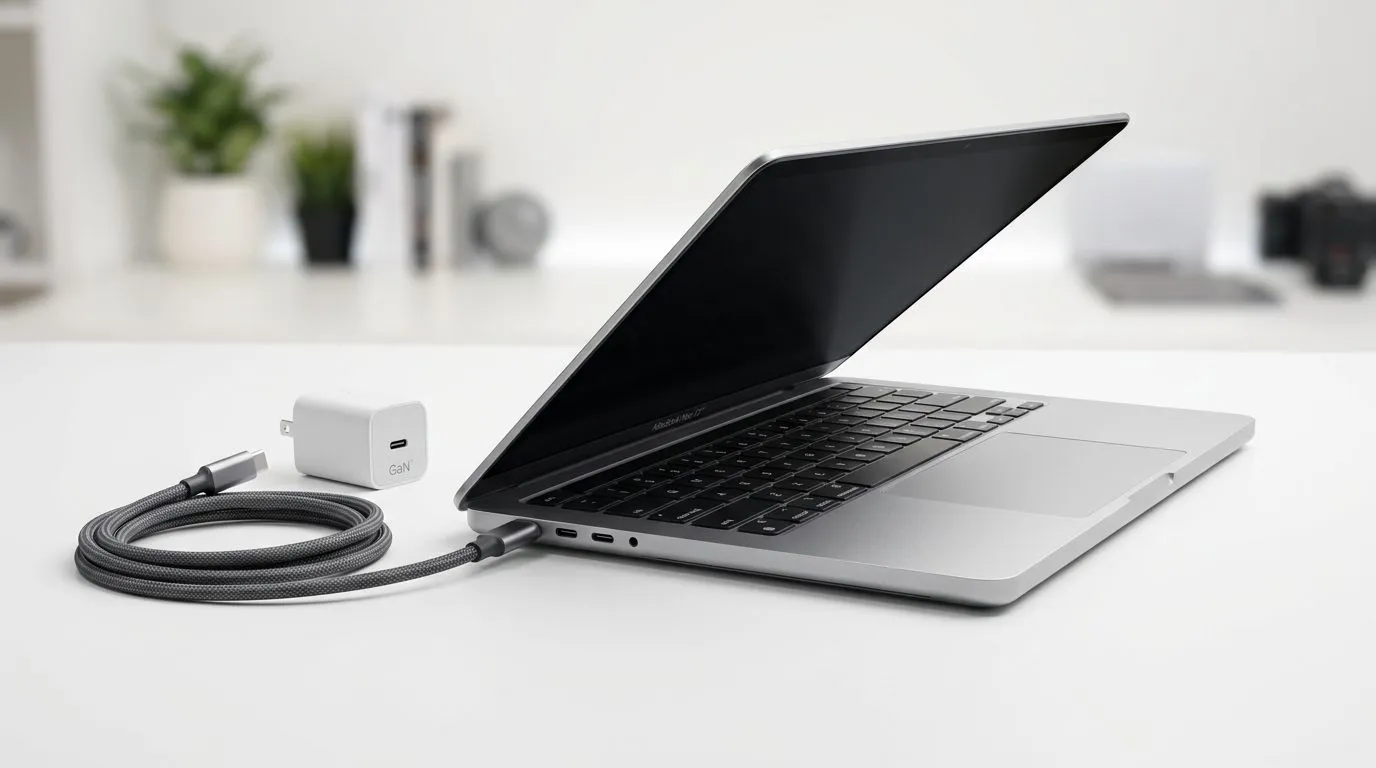
USB-C is convenient because one cable can handle charging, data, and accessories. That means fewer dongles in your bag, which is always a plus. A quality USB-C charger with the right wattage is the safest choice... and it should come from a reputable source.
If you’re price-sensitive, compare the MacBook options under R28,449 as a starting point. If you want a broader view of what Evetech stocks, the full MacBook category page is the best place to begin your shortlist.
What to check before buying a charger
- Confirm the laptop’s USB-C charging support.
- Match the charger wattage to the device guidance.
- Use a certified cable.
- Avoid cheap, unknown adapters.
That’s especially important if you leave your charger at the office, the campus library, or in a shared family room.
MacBook Neo 13 battery tips for daily use
Want better battery behaviour without babysitting your laptop? Try this:
- Lower brightness when indoors.
- Turn off Bluetooth when you’re not using it.
- Keep too many browser tabs closed.
- Let big downloads run while plugged in.
- Use battery saver settings when travelling.
If you’re buying for heavier multitasking, a 16GB MacBook configuration can feel smoother under pressure. For users who want more screen space, the 16GB 15.3-inch models may be worth a look. And if you’re chasing newer silicon, check the Apple M5 MacBook listings.
Charging Pro Tip 🔧
Plug in before battery health dips too low. Frequent deep discharges are harder on any lithium-ion battery over time, so a little top-up habit can help keep things healthier for longer.
MacBook Neo 13 battery life: how to buy smart
A laptop is only as useful as its daily endurance. That’s why South African buyers should think about the full package, not just the badge on the lid. If your day includes calls, documents, and a bit of entertainment, then battery comfort matters more than raw power.
For a balanced shopping view, compare models across the MacBook range with 16GB memory and broader options on Evetech. That makes it easier to weigh battery life, screen size, and budget before you commit.
In short, USB-C charging is simple, but smart charging habits still matter. Buy the right charger, use the right cable, and choose a MacBook that suits your routine. That’s how you get more value from every charge... and fewer surprises when you’re away from the wall socket 🔋
Ready to Find Your Perfect Match? The Mac vs Windows debate is complex, but for maximum power, choice, and value in South Africa, Windows is hard to beat. Explore our massive range of laptop specials and find the perfect machine to conquer your world.











