

macOS Tahoe: Every New Feature Explained for SA Mac Users
macOS Tahoe (version 26) launched in late 2025 and represents Apple's latest operating system overhaul for Mac users. Tahoe introduces a visually refreshed interface called Liquid Glass, expanded Apple Intelligence on-device capabilities, a new Phone app on Mac, and significant performance improvements under the hood. If you're running an older macOS version or considering upgrading your Mac, understanding what Tahoe brings to the table is essential — especially for SA users who depend on their Macs for work, study, and creative projects during loadshedding periods when stability matters most.
Liquid Glass Design Language
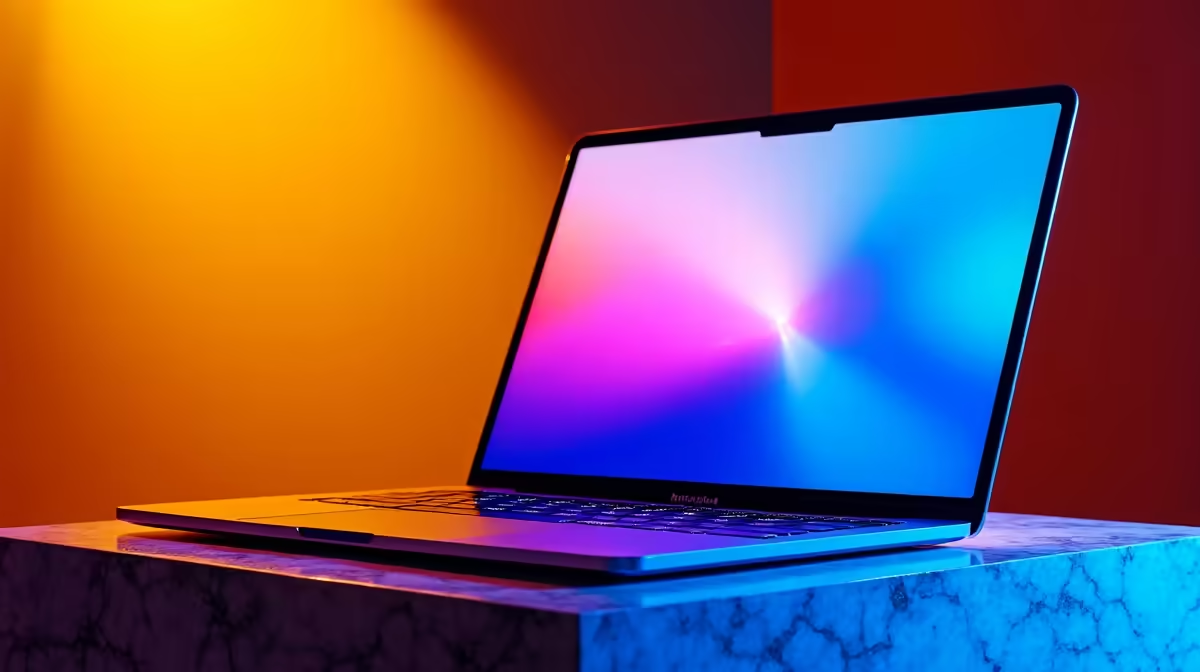
The most obvious change in Tahoe is the new visual design language, called Liquid Glass. Apple has redesigned system UI elements, menus, and window chrome to feel more fluid and cohesive. Translucency, subtle depth cues, and refined iconography replace some of the flatter aesthetic of Sequoia. The changes are largely cosmetic but contribute to a more polished, premium feel across the system.
If you're used to macOS Sequoia, the transition is gentle — nothing feels broken, just refined. The Dock, menu bar, and notification centre all benefit from the updated styling, making the system feel fresh without being jarring.
Apple Intelligence Expansion
Apple Intelligence is Apple's on-device AI system, and Tahoe expands its capabilities significantly. Features include:
- Smarter writing tools: Auto-correct, rewriting, and grammar checking that understand SA English (colour, optimise, organisation)
- Photo library search: Search your photo library by description (e.g., "photos from the beach in December") with on-device processing
- Notification summaries: AI summarises multiple notifications so you see the gist without reading each one
- Siri improvements: Siri now understands more complex requests and can take multi-step actions
- Mail Polish: Smart reply suggestions and email categorisation
All of this happens on your Mac — no data is sent to Apple's servers unless you explicitly opt in. This is especially important for privacy-conscious users and professionals handling sensitive work.
Phone App on Mac
Tahoe brings a native Phone app to Mac, letting you make and receive calls directly from your Mac using your iPhone's cellular connection. If you're in a video call on your Mac and get an incoming phone call, you can answer it without picking up your iPhone. The integration is seamless: your phone's call history, voicemail, and SMS appear in the Phone app on Mac.
For SA professionals juggling client calls, Zoom meetings, and personal calls, this feature reduces phone switching friction. You can also initiate calls to contacts from other Mac apps without launching FaceTime.
Messages Refinements
Apple has polished Messages with better conversation organisation, improved group chat management, and richer reaction options. You can now search messages by date, sender, or keyword with improved performance. Sharing photos and files in group chats is faster.
Nothing revolutionary here, but Messages users will notice the quality improvements when coordinating with friends, family, and work groups on WhatsApp or iMessage.
iPhone Mirroring Upgrades
Tahoe extends the iPhone Mirroring feature (introduced in Sequoia) with better screen responsiveness and support for more app interactions directly from your Mac. You can now drag and drop files to your mirrored iPhone more reliably, and performance is noticeably snappier.
For developers and testers, this is a huge time-saver. For casual users, it's a nice convenience when your iPhone is across the room.
Game Mode Expansion
Game Mode in Tahoe is expanded beyond just M-series MacBook Airs and Pros. More Mac models now benefit from Game Mode, which prioritises gaming performance by reducing background activity and optimising GPU allocation. Frame rate should be more consistent in demanding titles, and stuttering should be less noticeable.
For casual gamers on a MacBook Air, Game Mode is a practical addition — it won't transform a MacBook Air into a gaming powerhouse, but it does eke out extra frames in titles like Baldur's Gate 3 or CS2 via Crossover.
Metal 4 API
Metal 4 is the latest graphics API for macOS and iOS. Game developers and graphics programmers benefit from new shader capabilities, better multithreading support, and improved ray-tracing performance. For end users, this translates to better game performance and more impressive visuals in Metal 4-optimised games over the coming months.
As more indie and professional developers adopt Metal 4, Mac gaming and creative software will see incremental improvements. Native Mac games (No Man's Sky, Death Stranding) and Crossover/Wine titles may see optimisations if developers prioritise Metal 4.
System Requirements and Compatibility
Tahoe requires Apple Silicon Macs running M1 or later. If you own an Intel Mac (2017 or earlier in most cases), macOS Tahoe is not compatible — you're stuck on Big Sur, Monterey, or Ventura. Apple has effectively ended Intel Mac support, signalling a complete transition to Apple Silicon.
The M1/M2 generation is now 3+ years old, so the vast majority of Mac owners will be compatible. However, if you're clinging to an older Intel machine, this is a hard cutoff.
macOS Tahoe Pro Tip ⚡
upgrading to Tahoe, check that your essential apps are compatible — especially if you use professional software like Final Cut Pro, Adobe Creative Suite, or niche tools. Most modern apps are M-series native now, but older versions may not work. For a fresh Tahoe experience, consider a clean install via recovery mode if your Mac feels sluggish. Head to [https: www.evetech.co.za gaming-monitors monitors-for-gaming.aspx](https: www.evetech.co.za gaming-monitors monitors-for-gaming.aspx) to pair your Mac with a high-refresh display for creative work and gaming.
Should You Upgrade to Tahoe?
If you're on Sequoia, the upgrade is worth it — you'll get a refined interface, better AI tools, and incremental stability improvements. If you're on Big Sur or Monterey, Tahoe is a significant leap and highly recommended for performance and security.
If you're on an Intel Mac, you're stuck. Consider a Mac mini M4 or MacBook Air M5 for a modern Tahoe experience; Evetech has a range of peripherals and accessories to complement your setup.
Performance and Battery Impact
Tahoe is generally lighter than Sequoia despite the new features. On-device Apple Intelligence is efficient, and Metal 4 improvements should slightly improve gaming performance. Battery life on MacBook Air and MacBook Pro should be comparable to or slightly better than Sequoia, depending on your workload.
Ready to optimise your Mac setup for Tahoe? Whether you're upgrading to a new Mac or refreshing your peripherals, Evetech has everything you need to complement your Apple ecosystem. From monitors and mice to SSDs and hubs, explore the full range of Mac-compatible accessories and upgrades at https://www.evetech.co.za/PC-Components/buy-gaming-mouse-54.aspx and build your ideal workspace.











