

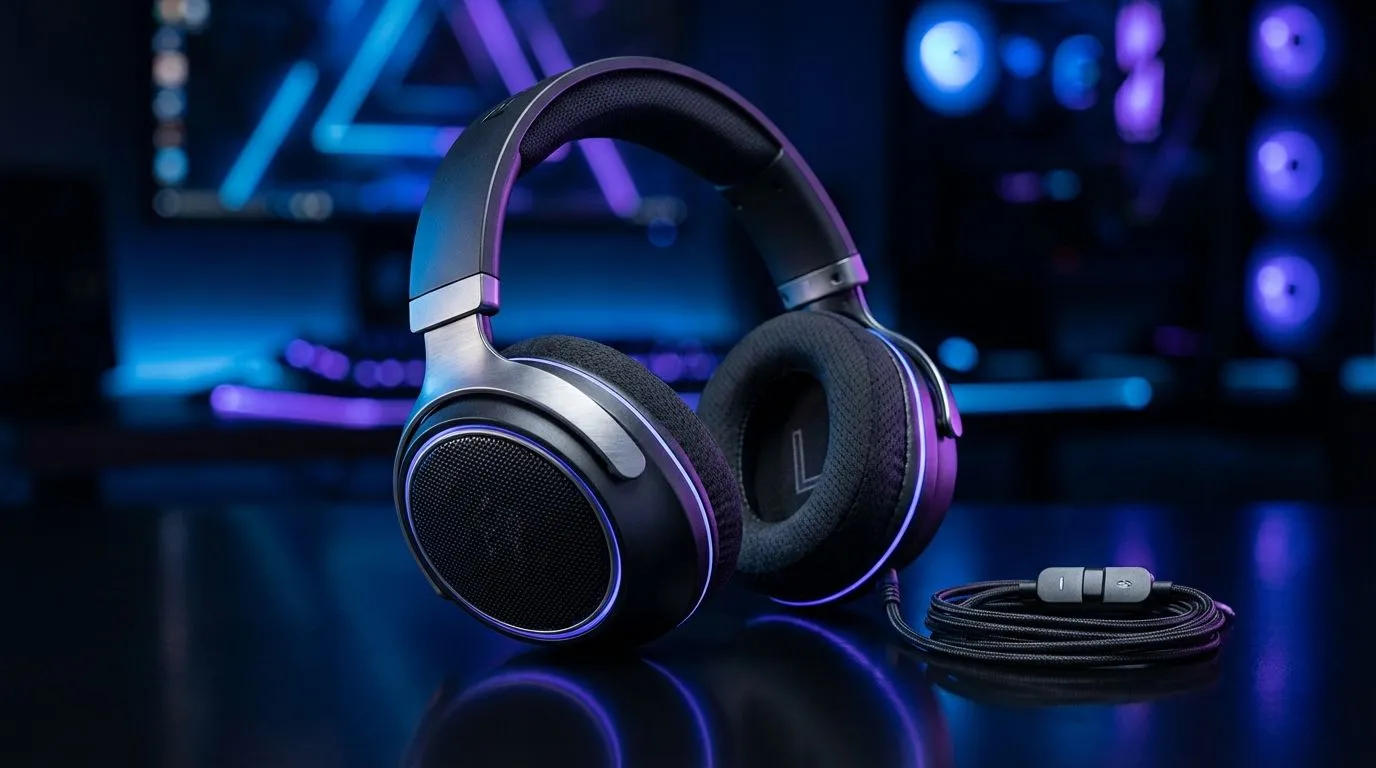
Master the Equaliser for Crystal Clear Audio
Ever felt like your expensive headset sounds like a tin can? You have spent your hard-earned Rands on high-end gear... but the audio feels flat and lifeless. Whether you are hunting footsteps in Counter-Strike 2 or soaking in the atmosphere of an RPG, your PC audio settings are likely holding you back. Let us fix that and make gaming headset sound better on PC with a few simple tweaks 🔧.
Standard audio profiles are often tuned for generic music rather than the intricate layers of modern games. To truly optimise your experience, you need to dive into Equalisation (EQ). Most modern peripherals, like the Razer Barracuda X Chroma Wireless Headset, come with dedicated software to boost specific frequencies. Boosting the mids can help with dialogue... while slightly raising the highs makes footsteps much easier to track in competitive shooters.
Audio Latency Pro Tip ⚡
If you are using a wireless headset, ensure your 2.4GHz dongle is plugged into a USB 3.0 port directly on your motherboard rather than a hub. This reduces interference and ensures the lowest possible latency for real-time competitive audio cues.
Unlock Hidden Windows Audio Features
Windows has built-in tools that many South African gamers ignore. One of the most effective is Loudness Equalisation. This feature balances the volume between the loudest and quietest sounds in the mix. It ensures that a distant gunshot is audible without a nearby explosion blowing your eardrums out. If you are currently browsing the latest Razer headphones and headsets, check if they support THX Spatial Audio. This software provides a much cleaner soundstage than the default Windows drivers 🚀.
Spatial Sound and Virtual Surround
Spatial sound creates a 3D environment using your stereo drivers. Windows Sonic is a free option... but Dolby Atmos or DTS Headphone:X are often worth the small investment for better directional positioning. When looking through our full range of gaming headphone headsets, look for models with large 40mm or 50mm drivers. These provide the physical space needed for spatial algorithms to work their magic ✨.
Remember to disable "Enhance Audio" in your Windows sound settings if you are already using third-party EQ software. Running two different processing layers can lead to distortion or "muddy" sound. Keep your signal chain clean to ensure every detail is crisp and clear.
Ready to Find Your Perfect Match? The quest for perfect audio is complex, but for maximum immersion, choice, and value in South Africa, a dedicated gaming headset is hard to beat. Explore our massive range of headset specials and find the perfect pair to conquer your world.











