

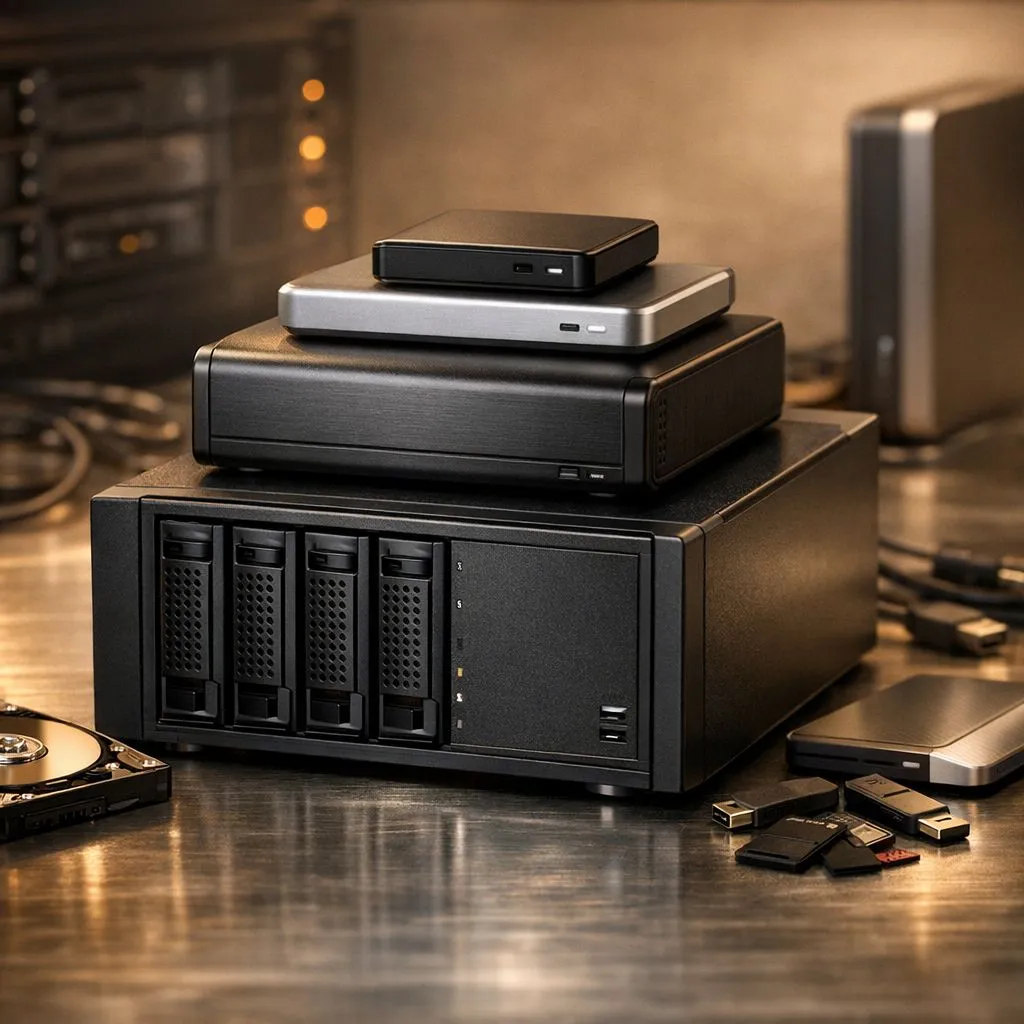
We’ve all been there. Your "Downloads" folder is a graveyard of installers... your Steam library is overflowing... and your desktop is a sea of icons. Digital hoarding is real. In South Africa, where data is precious and load times matter, learning how to manage large digital collections is a vital skill. It’s time to stop the clutter and reclaim your performance before that "Low Disk Space" warning ruins your raid. 🚀
Why You Must Manage Large Digital Collections
The habit of keeping every meme, raw gameplay clip, and installer might seem harmless until your system starts crawling. When your primary drive hits 90% capacity, Windows struggles to manage page files and temporary caches. To effectively manage large digital collections, you need a strategy that separates your "active" data from your "archive" data.
If you find yourself constantly deleting old games to make space for new ones, it might be time to buy an external SSD. This allows you to offload massive media libraries without sacrificing the ability to access them quickly when needed.
Choosing the Right Hardware for the Job
Not all storage is created equal. For your operating system and most-played titles, you should prioritise internal solid state drives that offer high IOPS (Input/Output Operations Per Second). This ensures your PC remains snappy even when multitasking.
Storage Management Pro Tip ⚡
Use a tool like WizTree or WinDirStat to visualise exactly where your storage is going. It creates a treemap of your files, making it easy to spot that 100GB "temporary" folder or a forgotten 4K screen recording from three months ago.
For those who need mobility, looking into specific external form factors is a smart move. These compact drives are perfect for South African creators who need to move project files between a desktop and a laptop without waiting for cloud uploads.
Speed vs Capacity: Finding Your Balance
If you are building a high-end workstation, you cannot ignore the raw power of Gen 5 NVMe drives. These are the current kings of speed, though they come at a premium price point. For most gamers, a balanced approach is better.
Reliable ADATA storage solutions often provide the perfect middle ground for secondary game drives. Alternatively, if you prefer a brand with a long-standing reputation for durability in the local market, Western Digital drives offer various tiers (like Blue or Black) to suit your specific budget and performance needs. 🔧
Ready to Conquer Your Digital Clutter? Don't let a full drive slow down your grind. Whether you need lightning-fast boot speeds or massive archive space, we have the hardware to help you manage your collection. Explore our massive range of SSD specials and give your PC the breathing room it deserves.











