

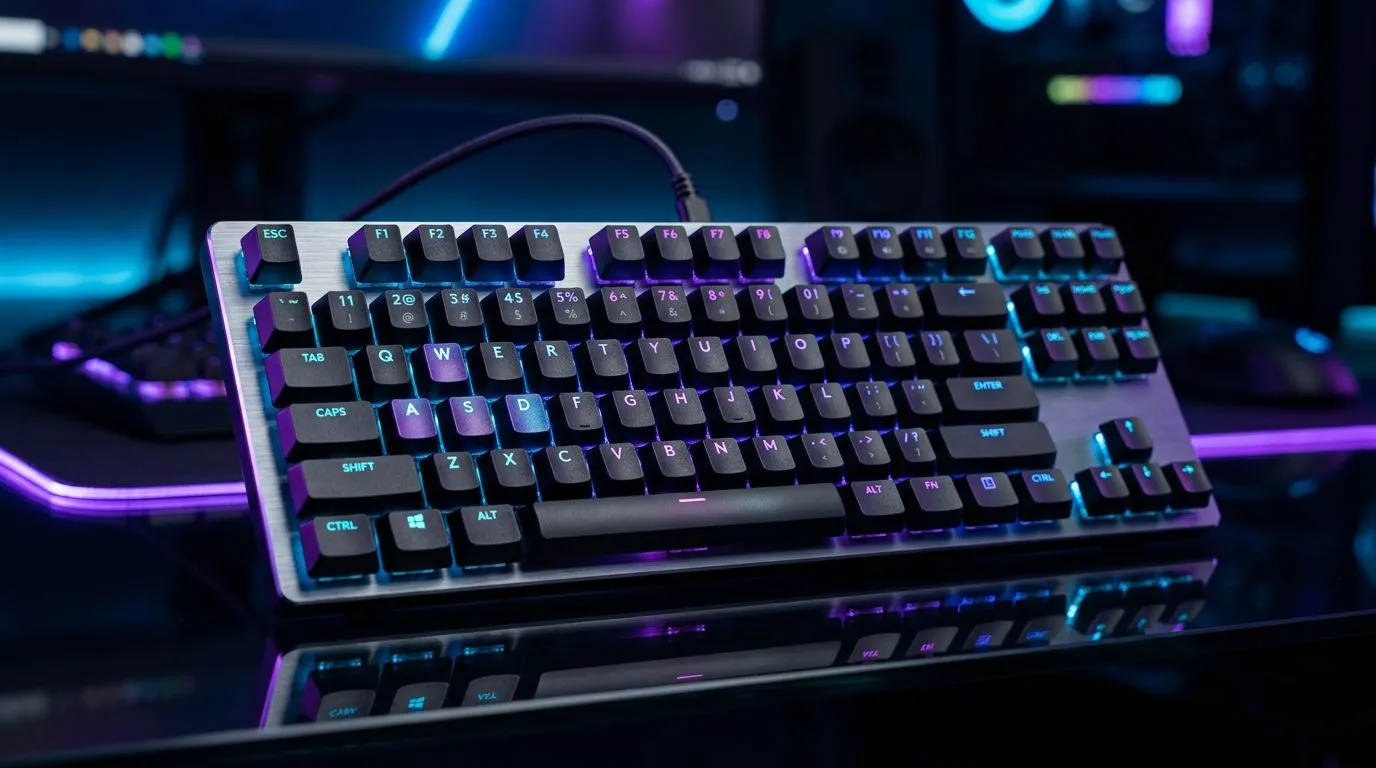
Lighting Up Your Setup
Ever felt like your desk setup is missing that final touch of personality? In the world of competitive gaming, your rig is an extension of your identity. Mastering LIGHTSYNC RGB allows you to customise 16.8 million colours, turning your station into a reactive, immersive environment that pulses with your gameplay. Whether you are grinding in a late-night session or streaming to your local community, synchronising your gear creates a professional aesthetic that elevates the entire room. ⚡
Why Synchronised Lighting Matters
It is not just about looking flashy. When you link your peripheral lighting to your game events, you create a visual feedback loop. Imagine your keyboard flashing red when your health is low or shifting to a soft pulse during a loading screen. To get the best experience, you need hardware that supports seamless integration. For those looking to upgrade their audio setup with high-end aesthetics, the Razer Barracuda X Chroma Wireless Headset is a fantastic starting point for any RGB-focused build.
RGB Customisation Pro Tip 🔧
When syncing your lighting, avoid using too many high-contrast colours at once. Stick to a primary colour palette of two or three complementary shades to keep your setup looking clean rather than chaotic. Use the software's 'wave' or 'breathing' effects to keep the movement subtle during intense matches.
Choosing the Right Gear
Not all peripherals are created equal when it comes to lighting control. You want components that offer deep software customisation, allowing you to save profiles for different genres. If you are currently hunting for the perfect audio companion to match your rig, browsing through our Razer headphones and headsets section is the best way to find gear that supports advanced lighting zones.
Consistency is key to a premium setup. By keeping your hardware within the same ecosystem, you reduce software conflicts and ensure that your lighting effects flow perfectly across your mouse, keyboard, and headphone and headsets. It makes managing your 16.8 million colour options significantly easier, saving you time that is better spent in-game. ✨
Taking Control of Your Palette
Once your hardware is set up, dive into the software suites provided by manufacturers. Spend time mapping out individual keys or zones. Many South African gamers overlook the ability to set static colours for specific keybinds, which can actually help you find your essential controls faster during high-pressure moments. Experimenting with these settings is the hallmark of a true enthusiast. 🚀
Ready to Find Your Perfect Match? Mastering your aesthetic is just the beginning of your journey to a pro-level setup. Whether you need the latest peripherals or a complete rig overhaul, explore our massive range of gaming components and find the perfect hardware to conquer your world.











