

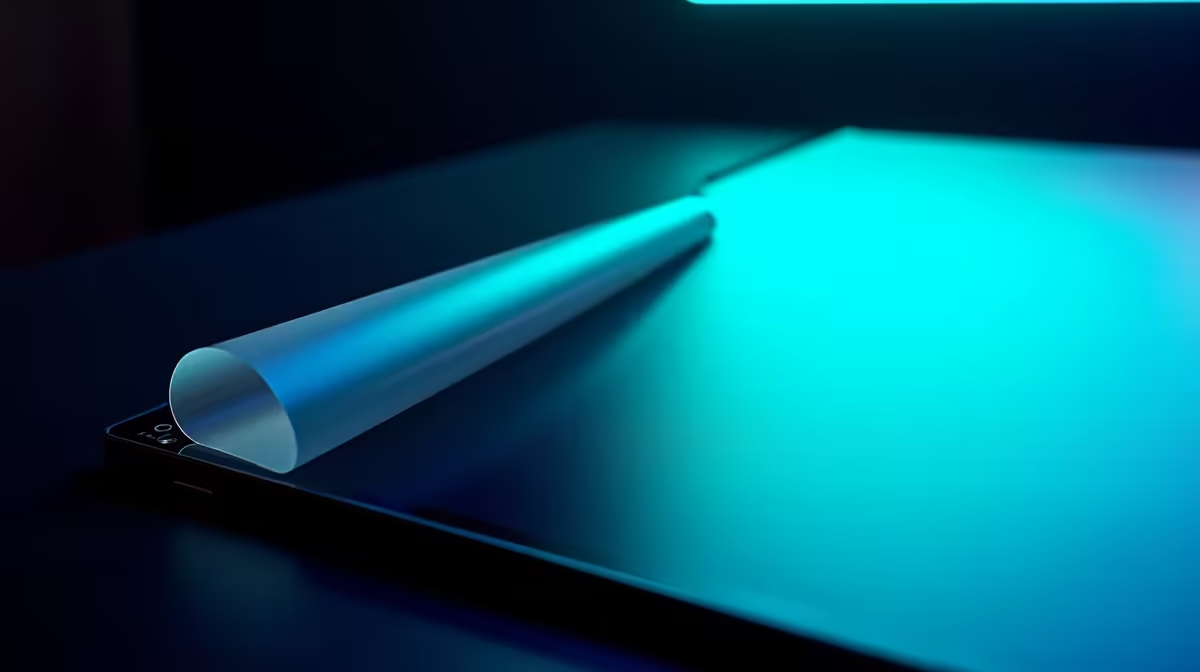
You’ve just unboxed your shiny new gaming monitor. The bezels are crisp, the stand is solid, and the screen… it has this tempting, perfectly applied film on it. Your fingers twitch. The urge to peel it for that satisfying zzzzzip is almost unbearable.
Hold up, soldier! Before you commit a costly mistake, let's talk. Peeling that layer might be the worst thing you can do to your new display. We’re here to debunk the most common matte film peel myths.
What Is That 'Peelable' Film on Your New Monitor?
That seamless layer isn't a temporary screen protector. It's a crucial part of the monitor's technology called a polariser or anti-glare (AG) film. Manufacturers bond this layer directly to the LCD panel during assembly. Its job is to reduce reflections and glare from ambient light, ensuring you see rich colours and deep blacks instead of your own reflection during a tense Warzone match. 🔧
Unlike the flimsy, bubbled plastic you find on a new phone, this film is an integral component. Without it, the display is practically unusable. Think of it as part of the screen's DNA, not a protective wrapper. Many of the best PC monitors in South Africa rely on this tech for their incredible visual quality.
The Costly Truth: Consequences of Peeling the Matte Film
So, what happens if you give in to temptation? We've heard the horror stories. Peeling the matte film can lead to a visual disaster. You'll likely end up with a blotchy, unevenly lit screen that displays washed-out, milky colours. In some cases, the adhesive is so strong that attempting to remove it can physically damage the delicate liquid crystals underneath, creating dead pixels or permanent bright spots. 😱
Worst of all? This kind of damage is not covered by the manufacturer's warranty. It's considered user-inflicted damage, turning your exciting upgrade into a very expensive paperweight. It's a critical mistake to avoid, especially when you've invested in one of the latest gaming monitors.
The Peel-Away Tab Test
A genuine temporary screen protector will almost always have a small, coloured pull-tab or a non-adhesive corner designed to be lifted. If the film is perfectly flush with the bezel and has no obvious starting point, leave it alone!
Protective Film vs. Polariser: How to Spot the Difference
It's easy to get confused, but there are clear signs to look for. A temporary shipping protector is designed to be removed. It often has branding, air bubbles, or those tell-tale peel-tabs.
The permanent anti-glare film, however, will be flawless. It fits edge-to-edge with surgical precision, especially noticeable on immersive curved monitors where any imperfection would be obvious. If you're ever in doubt, the golden rule is simple: don't peel it. The risk of debunking this myth yourself is just not worth it.
Protecting Your Real Investment: Proper Monitor Care
Now that we've cleared up one of the biggest matte film peel myths, let's talk about what you should be doing. Proper care ensures your display lasts for years.
- Dust Off: Use a soft, dry microfibre cloth to gently wipe away dust.
- Clean Safely: For stubborn smudges, lightly dampen the cloth with distilled water or a dedicated screen cleaning solution. Never spray liquid directly onto the screen.
- Handle with Care: This is especially true for portable monitors that travel with you. Keep them in a protective sleeve.
Investing in proper monitor accessories can make maintenance a breeze. Whether you're rocking one of the latest 5K and 4K monitors for creative work or a high-refresh-rate beast for esports, keeping that anti-glare surface pristine is key to a top-tier experience. ✨
Find Your Perfect Display, The Smart Way Now that you're armed with the facts, you can shop for your next monitor with confidence. Check out the latest PC monitor deals for incredible visuals without the rookie mistakes.











