

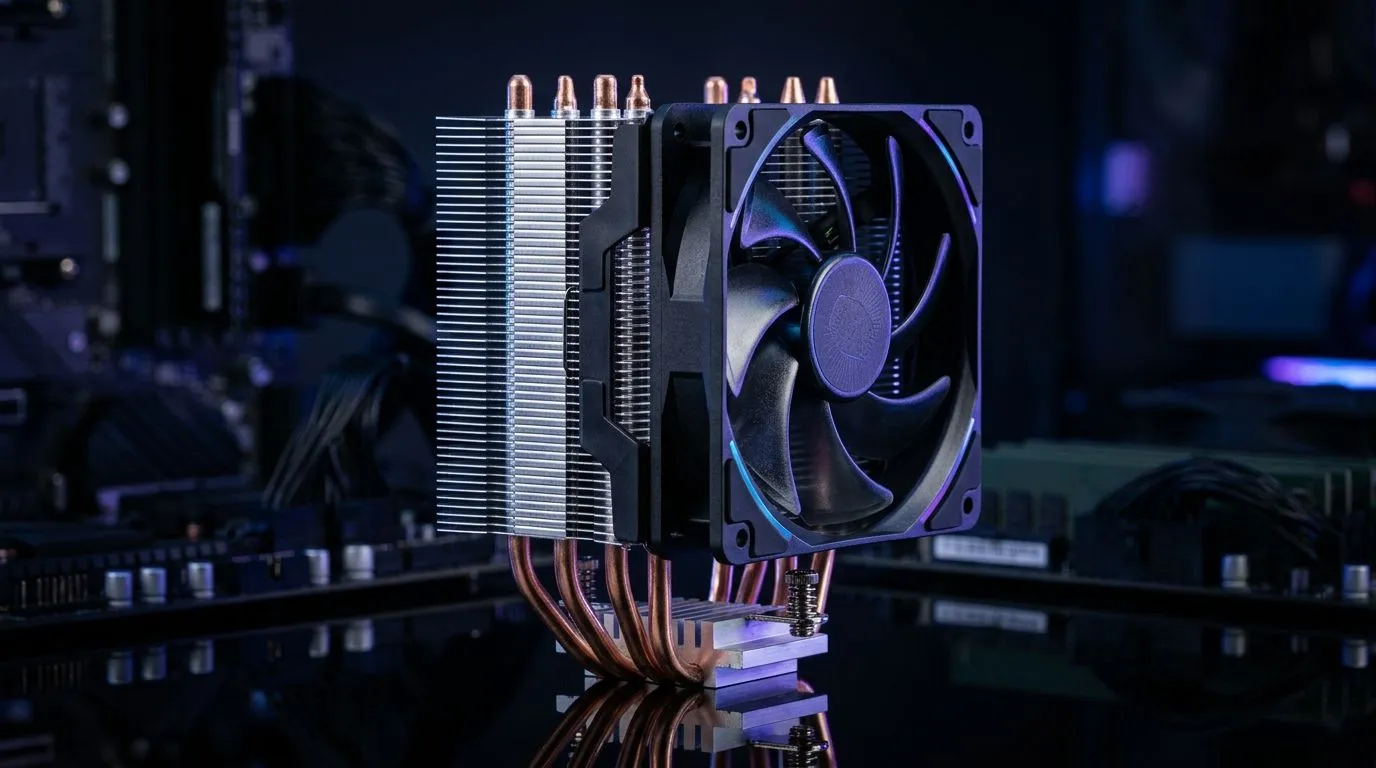
Cooling is the hidden upgrade in a budget PC build 🔧
If your FPS drops during longer sessions, don’t blame only your GPU. Heat quietly steals performance… especially in budget builds. In South Africa’s warmer months, stable cooling becomes the difference between smooth raids and stuttering firefights.
The good news? You can maximise cooling performance without blowing your whole budget. Let’s build smarter airflow, choose case fans that actually fit, and avoid common mistakes.
Maximise Cooling Performance on a Budget PC Build: start with airflow, not aesthetics ✨
Before buying fans, do a quick layout check:
- Plan your airflow direction: front intake, rear and/or top exhaust.
- Match fan sizes to your case so they mount properly.
- Prioritise total airflow over flashy RGB.
Most budget cases leave you with basic fan options. Adding good fans is often cheaper than replacing a CPU cooler later. And if you already own fans, you can still improve results by re-balancing intake versus exhaust.
Choose the right fan options for your case
Evetech carries a wide range of case fans, including options across sizes and brands. Here’s where you can browse based on what your build needs:
- If you want to explore fan choices broadly, start here: case fans for your budget build
- Prefer a specific brand? Check out: CORSAIR case fans
- Looking at Deepcool for value-focused cooling? Browse: Deepcool case fans
Maximise Cooling Performance on a Budget PC Build: RGB is optional, airflow isn’t ⚡
RGB fans can look great, but airflow matters more. If your priority is temperatures, choose fans that move air efficiently first. RGB just adds personality… not cooling.
Want a lighting focused setup? Filter what you like here: RGB case fans
Or go clean and simple with: non-RGB / no lighting effects
Use fan size to your advantage
Fan size affects how much air a fan can move at lower RPM. Lower RPM usually means quieter operation and less dust being churned into your case.
- For smaller builds and tight layouts: 120mm case fans
- For common mid-tower compatibility and calmer noise levels: 140mm case fans
Budget Cooling Pro Tip 🔧
On a budget PC build, aim for slightly positive pressure. That means you have a touch more intake than exhaust, so dust is less likely to creep in through every gap. Start by using more front intake than rear top exhaust, then fine-tune once you check fan RPM and temps in-game.
Maximise Cooling Performance on a Budget PC Build: set up for stability in real games 🚀
Here’s the micro-story most gamers recognise: you install a new GPU, play for 20 minutes, then the frames dip and the fans ramp up. It’s usually heat soak.
Do this instead:
- Cable management: route cables behind the motherboard tray where possible. Even basic cable tuck helps airflow.
- Dust expectations: if you game near an open window or sandy areas, plan to clean filters more often.
- Fan curves in BIOS: if your motherboard supports it, set a gradual curve. Fans that ramp too aggressively can sound annoying without actually improving temperatures.
Maximise Cooling Performance on a Budget PC Build: how to decide what to buy
If you’re choosing between “one more fan” and “better fans”, think like this:
- Add fans where airflow bottlenecks are (typically front intake or top exhaust).
- Upgrade where your case currently runs hot with limited intake.
- Don’t waste money replacing fans if they’re already installed in the correct direction and placement.
If your case supports 140mm, it’s often a smoother experience than squeezing more 120mm fans into the same space. But either size can work… as long as intake and exhaust are balanced.
Finally, remember that cooling is a system: fans, dust filters, case layout, and your CPU cooler mounting all play a role.
Ready to Find Your Perfect Match? The Mac vs Windows debate is complex, but for maximum power, choice, and value in South Africa, Windows is hard to beat. Explore our massive range of laptop specials and find the perfect machine to conquer your world.











