

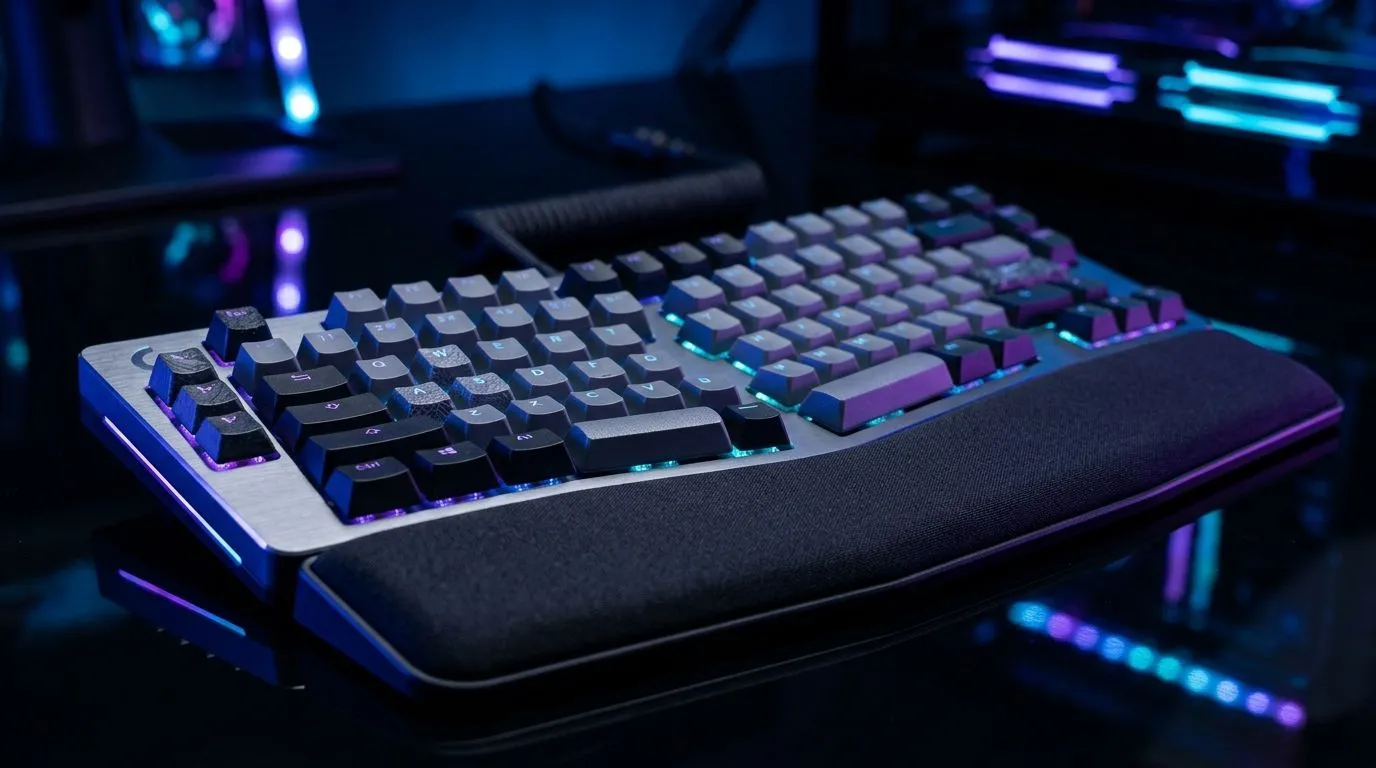
Stop the Burn: Mechanical Keyboard Features to Reduce Wrist Fatigue (and play longer) 🎮
If your wrists feel “punchy” after an hour of ranked, you are not imagining it. Wrist fatigue is common with long sessions, bad posture, and the wrong desk setup. The good news? The right Mechanical Keyboard Features to Reduce Wrist Fatigue can make a noticeable difference in comfort and consistency. Let’s break down what matters, what to ignore, and how to test it quickly… before you blame your aim.
Mechanical Keyboard Features to Reduce Wrist Fatigue: What actually helps 🔧
“Mechanical” is not the magic part. The comfort comes from the design around your hands.
1) Switch feel and actuation for less pressure
A keyboard with switches that require less force can help you avoid “death gripping” your keystrokes. Comfort is subjective, but lighter actuation often means less muscle strain during fast inputs. Look for detailed switch specs from the seller, and try to match the feel to how you type or game at home.
If you’re shopping now, start by comparing reliable gaming ranges rather than random listings. Evetech’s keyboard deals page is a good place to shortlist options you can actually buy locally.
2) Keycap height and stabilisers (your fingers notice)
Keycap profile and overall height affect how your wrists sit. Taller keycaps can make your wrists lift more than you expect. Also, rough stabilisers can cause uneven resistance, which leads to stronger presses and faster fatigue.
3) Adjustable feet and a comfortable typing angle
A small change in tilt can change everything. Many keyboards include adjustable front legs so you can angle the board to reduce wrist bending. If you’ve ever used a book or folded cloth under your keyboard… you already know tilt matters.
4) Layout: Full-size vs TKL vs 60% (and wrist positioning) ✨
If your mouse is far to the side or your keyboard is too wide for your desk, you end up twisting your wrist during movement. A TKL (tenkeyless) can keep your hands more centred. A compact layout can help too, but only if it doesn’t force you into awkward reach.
Mechanical Keyboard Features to Reduce Wrist Fatigue: Setup habits that beat “buying new” ⚡
Even the best board will underperform if your setup pushes you into bad posture.
Wrist support: use it strategically
If you use a wrist rest, position it so your wrist rests during pauses, not while you hammer keys. Your fingers should do the work. If your wrist sits too low, you can still strain.
Desk height and mouse distance
Your mouse distance matters as much as the keyboard. If you reach too far, your shoulder takes the load and your wrist compensates. Keep your mouse close enough that your elbow stays relaxed.
Productivity Pro Tip ⚡
Windows, create a simple “comfort test” routine: set a 10-minute timer, play a warm-up game, and track which minute your wrist starts to ache. Then adjust only one thing at a time (keyboard tilt, wrist rest height, or mouse position) before you run the test again. This stops guesswork and helps you find the real cause faster.
Quick in-store style checklist
When you test a keyboard (or compare listings online), check:
- Does it have adjustable feet for a neutral wrist angle?
- Are keycaps comfortable for your finger length and grip?
- Are stabilisers described as smooth in reviews or listings?
- Can you keep a relaxed posture with your mouse where you already place it?
Mechanical Keyboard Features to Reduce Wrist Fatigue: Get the right deal without regret 🚀
Shopping in South Africa is tough when prices jump and stock disappears fast. The trick is to shortlist features first, then confirm the deal and connectivity so you do not end up swapping hardware later.
For wired gaming options you can trust, compare picks here: Browse gaming keyboard deals on Evetech
If you want to see what’s available across budgets, start with a wide comparison list: Buy the cheapest gaming keyboard in South Africa
Need a keyboard and mouse combo that keeps your desk layout balanced? Consider: Buy a keyboard and mouse combo
Prefer wired for lower latency and a simpler setup? Check these wired options: Cheapest gaming keyboard deals (Wired)
Or if you want wireless freedom (and a cleaner desk), browse: Cheapest gaming keyboard deals (Wireless)
Mechanical Keyboard Features to Reduce Wrist Fatigue: choose comfort, then commit
The best move is to pick features that support neutral wrist posture: adjustable tilt, a layout that fits your desk, and switch feel that avoids excessive force. Then dial in your mouse distance and wrist rest use. That’s how you get more comfortable sessions… and fewer “why does my wrist hurt?” moments.
Ready to Find Your Perfect Match? The Mac vs Windows debate is complex, but for maximum power, choice, and value in South Africa, Windows is hard to beat. Explore our massive range of laptop specials and find the perfect machine to conquer your world.











