

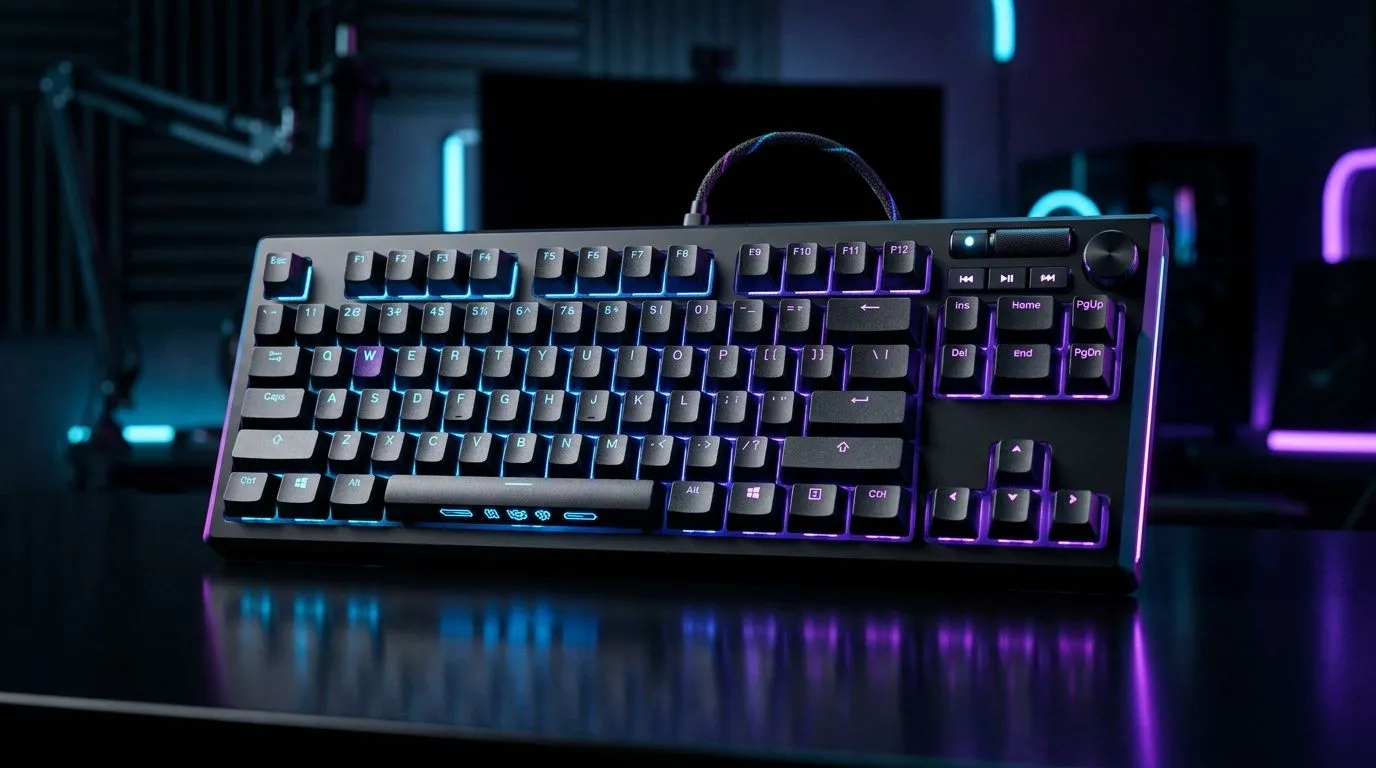
Mechanical Keyboard Features for Streaming and Content Creation: Start With the Feel That Keeps You Live 🎥
South Africa’s electricity, internet drops, and long editing nights… they’re real. So is the need for a keyboard that doesn’t fight you while you stream or create content. A mechanical keyboard can turn quick hotkeys into muscle memory, give you stable audio capture shortcuts, and reduce mistakes when you’re trying to hit deadlines. Let’s break down the mechanical keyboard features for streaming and content creation that actually matter, not just the marketing.
Mechanical Keyboard Features for Streaming and Content Creation: Switches, Key Travel, and Noise Control 🔧
First, choose switches based on your workspace. For streaming, noise and consistency matter. Linear switches tend to feel smooth for gaming and repetitive typing, while tactile switches add feedback for fewer “wrong key” moments during editing shortcuts. If you share your space (or stream at night), look at switch noise reduction options too.
Evetech carries gaming keyboard options in both wired and wireless configurations, which helps you match your setup style and desk cable management. Start by thinking: do you need wired reliability, or the freedom of wireless?
Productivity Pro Tip ⚡
If your stream deck-style workflow is spread across apps, map your most-used shortcuts (timeline scrub, mute mic, scene change) to easily reached keys. Then practice the same sequence for one week. Muscle memory beats novelty every time.
Key rollover and anti-ghosting (why it matters live)
When you’re gaming and also controlling OBS, your keyboard must handle multiple key presses at once. That’s where anti-ghosting and key rollover matter. In practice, you want “no surprises” when you hold movement keys while hitting hotkeys for overlays, push-to-talk, or recording.
Actuation consistency for editing bursts
Editing is bursty. You’ll tap play, scrub, trim, and re-run. Switch consistency affects how quickly you can repeat actions without hesitation. If you hate double-taps, go for a switch feel that matches your typing rhythm.
Mechanical Keyboard Features for Streaming and Content Creation: Hotkeys, Macros, and Stream-Friendly Layouts 🚀
Your goal is faster control, fewer Alt-Tab moments, and more time in your creative flow. Macro-ready keyboards help you run multi-step commands like: mute mic, switch scene, start recording, and trigger an overlay. It’s not magic… it’s saved seconds that add up.
Layout choices: full-size vs TKL vs compact
Full-size can be nice for productivity, especially with a numpad. But for streaming, a compact layout can clear desk space for a second monitor or mic arm. TKL is a popular middle ground because it keeps function keys more accessible.
Dedicated media controls and playbacks
While editing, you’ll pause, scrub, and adjust volume constantly. Dedicated media keys can reduce finger travel. Wireless setups can be great for couch streaming, but ensure latency isn’t noticeable for your workflow.
Mechanical Keyboard Features for Streaming and Content Creation: Wired vs Wireless (and what South Africans will notice) ✨
In South Africa, “it just works” is king. Wired connections often win on stability during load shedding recovery and router hiccups. Wireless can still be excellent if the battery lasts and the connection stays consistent.
If you’re comparing options, here’s a practical way to decide:
- Choose wired if your setup is stationary and you want maximum reliability.
- Choose wireless if you move between desk and couch, and you’re okay with charging.
For deal hunters, Evetech has multiple keyboard options worth comparing:
- See the best gaming keyboard deals on Evetech
- Buy the cheapest gaming keyboard in South Africa (standard options)
- Prefer wired? Check this selection
- Want wireless instead? Explore this range
- Looking to bundle? Try a keyboard and mouse combo
Mechanical Keyboard Features for Streaming and Content Creation: RGB, Software, and Real Setup Tips ✅
RGB isn’t just aesthetics. Use it for function. Colour can help you spot which layer is active when you’re switching between gaming and streaming profiles. Just don’t let it distract viewers during long sessions.
Also check whether the keyboard software supports profiles. You want one profile for streaming (scene controls, mic mute, recording) and another for editing (timeline shortcuts, cut/paste actions).
Finally, set up a “minimal hotkey set”. Choose 6 to 10 actions you repeat daily. Once those feel effortless, add more. That’s how you stay fast without getting lost in a giant macro menu.
Mechanical Keyboard Features for Streaming and Content Creation: Ready to Upgrade Your Setup Today? 🎮
Ready to Find Your Perfect Match? The Mac vs Windows debate is complex, but for maximum power, choice, and value in South Africa, Windows is hard to beat. Explore our massive range of laptop specials and find the perfect machine to conquer your world.











