

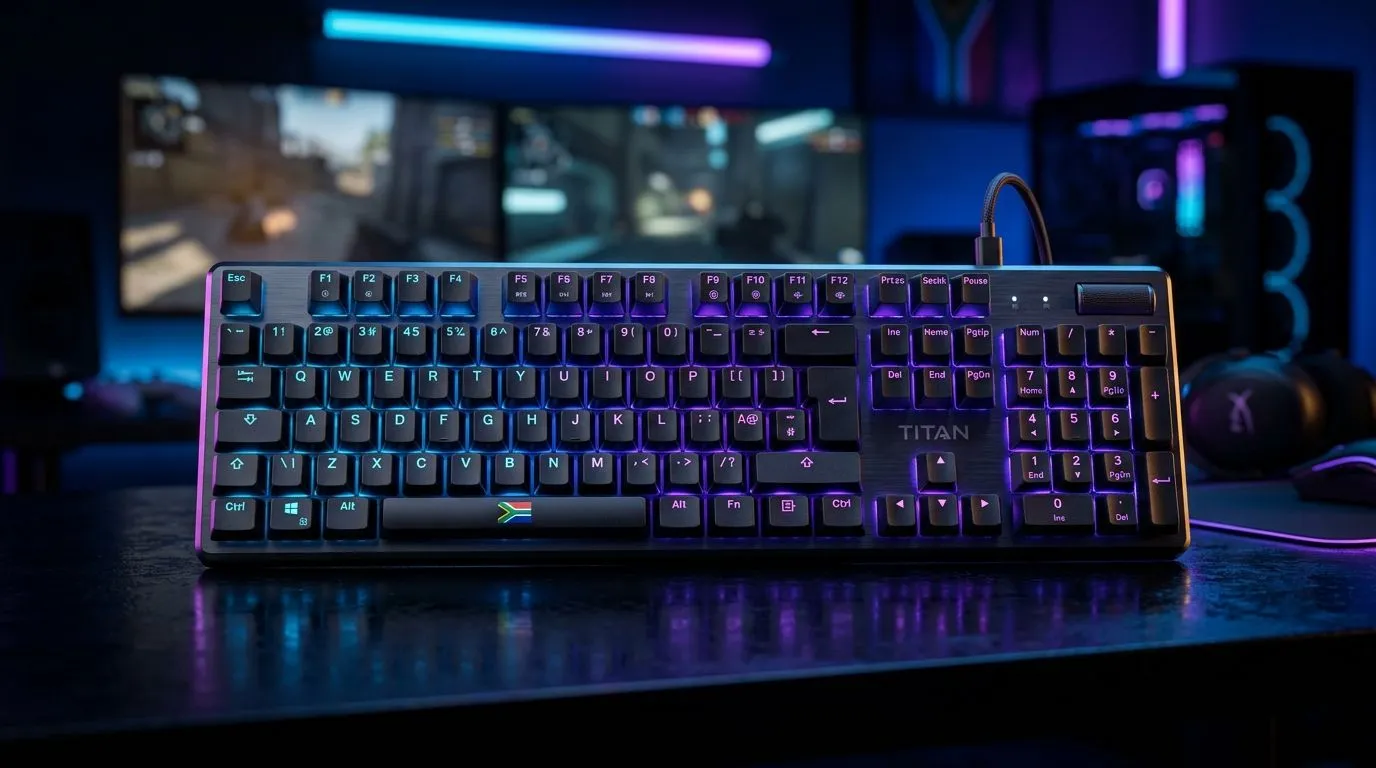
Mechanical Keyboard Specs for South African Gamers: What Actually Matters
South African gamers know the pain… you buy a keyboard, start aiming in-game, then realise your key feel and latency feel “off”. 😅 That’s why Mechanical Keyboard Specs for South African Gamers isn’t just nerd talk. It’s the difference between comfortable sessions and finger fatigue. It’s also how you avoid wasting Rands on features you’ll never use. 🔧 Let’s decode the specs that matter for local setups, from wired desks to Wi‑Fi lounges.
Switch Types and Feel: Your First Real Decision
When people say “mechanical feels better”, the truth is in the switch type. Tactile switches give a bump for feedback. Linear switches feel smooth for fast repeated inputs. Clicky switches add an audible click, which some players love and others regret in team comms.
For spec shopping, start by checking the switch type and whether the keyboard uses hot-swappable switches. Hot-swappable boards let you change switches later without soldering. If you’re building a long-term setup, it’s a smart way to future-proof your feel. ✨
Key Layout, Keycaps, and Layout Compatibility
South African gamers often bounce between FPS, MOBAs, and productivity on the same machine. So consider:
- Full-size vs TKL vs 60%: fewer keys can reduce desk clutter, but you must be okay with fewer dedicated controls.
- N-key rollover (NKRO): better ghosting performance during complex key presses.
- Keycap quality: thicker keycaps tend to feel more premium over time.
If you’re unsure, choose the layout you’ll actually use daily. Your hands will thank you after a few weeks.
Productivity Pro Tip ⚡
On Windows, use the PowerToys FancyZones utility to create custom snap layouts for your windows. It's a lifesaver for managing multiple apps on an ultrawide monitor, letting you organise your timeline, preview window, and asset folders perfectly for video editing.
Connectivity Specs for Local Setups: Wired vs Wireless
Connectivity changes the experience. Wired is straightforward and usually eliminates concerns about battery life or signal drops. Wireless can be excellent, especially if you want a cleaner desk and you can tolerate charging.
Here’s a practical way to decide:
- If you’re serious about stable performance in competitive matches, start with wired options.
- If your desk setup is messy or you need portability, explore wireless boards.
You can browse a range of options here:
- Wired boards: cheapest gaming keyboard deals (wired)
- Wireless boards: cheapest gaming keyboard deals (wireless)
Polling Rate and Latency: Why Higher Isn’t Always Better
Polling rate (how often the keyboard reports to your PC) is usually listed as 1000 Hz for many gaming boards. In practice, the biggest improvement is getting a keyboard with reliable firmware and stable connectivity. A “higher number” without good software and consistent behaviour can disappoint.
Look for:
- A brand or model with clear specs and software support.
- Consistent performance modes (if the board offers them).
For deal hunters comparing models quickly, this guide can help you shortlist:
Software Features: Macros, Profiles, and On-Board Memory
Macros are useful if you’re playing games that benefit from repeated abilities or you do creative work. The best boards include:
- On-board profiles, so settings survive even if you reinstall software.
- A manageable macro approach (you don’t want to spend hours “learning” the keyboard instead of playing).
If you prefer simple setups, focus on a clean software experience over a long list of gimmicks. 🚀
If you’re pairing your board with a mouse for smoother aim and consistency, check:
And if you just want solid options without overthinking, use:
Ready to Find Your Perfect Match?
Ready to Find Your Perfect Match? The Mac vs Windows debate is complex, but for maximum power, choice, and value in South Africa, Windows is hard to beat. Explore our massive range of laptop specials and find the perfect machine to conquer your world.











