

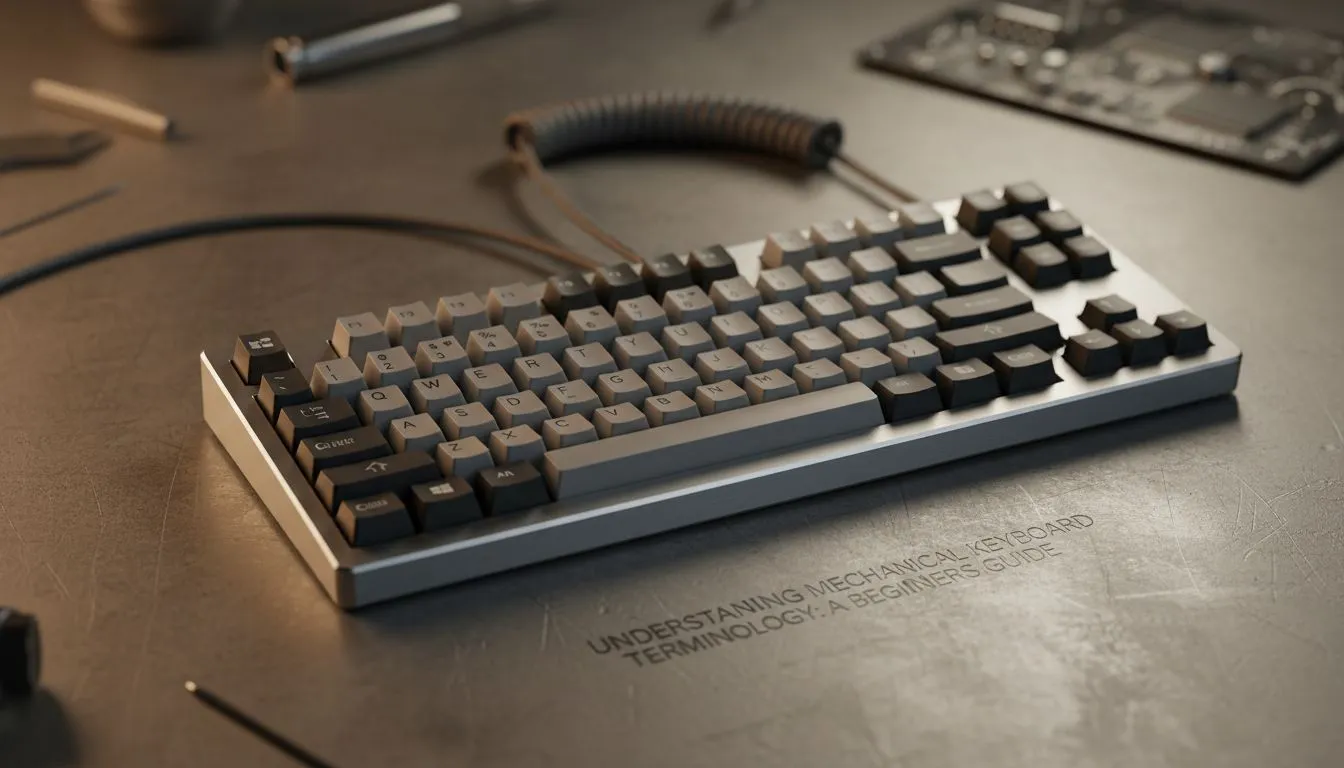
Heard terms like "TKL," "tactile," or "PBT" thrown around on local Discord servers and felt a bit lost? You're not alone. The world of mechanical keyboards is full of jargon. This beginner's guide to mechanical keyboard terminology will cut through the noise, giving you the confidence to choose the perfect board for your gaming setup right here in South Africa. Let's get you typing and gaming with precision. ⌨️
Understanding Mechanical Keyboard Switches
At the heart of any mechanical keyboard is the switch. This is the physical mechanism beneath each keycap that registers your press. Unlike the mushy rubber domes in a standard office keyboard, mechanical switches offer superior feel, durability, and performance. Understanding this part of the mechanical keyboard terminology is crucial.
There are three main flavours of switches:
- Linear: These offer a smooth, consistent keystroke from top to bottom with no bump or click. They're quiet and fast, making them a favourite for gamers who need rapid, repeated key presses. Think Cherry MX Red switches.
- Tactile: You'll feel a small, noticeable bump midway through the keypress to let you know you've activated the key. They offer great feedback for typing and are a fantastic all-rounder for both gaming and productivity. Think Cherry MX Brown.
- Clicky: These are the loudest of the bunch. They provide a tactile bump and a distinct, audible "click" sound. They're incredibly satisfying for typists but might not be ideal for late-night gaming sessions or a shared office space! Think Cherry MX Blue.
Exploring different switch types is part of the fun, and you can find a huge variety across our full range of gaming keyboards.
Decoding Keyboard Sizes and Layouts
Another key piece of mechanical keyboard terminology relates to size, or 'form factor'. Your choice here directly impacts desk space and functionality.
- Full-Size (100%): This is the traditional layout with the number pad, function row, and navigation cluster. It's perfect if you do a lot of data entry.
- Tenkeyless (TKL): A hugely popular choice for gamers. It's essentially a full-size board with the number pad chopped off, giving you much more room to whip your mouse around.
- Compact (60% / 65%): These minimalist designs ditch the function row, navigation keys, and sometimes even the arrow keys to save maximum desk space. Keys often have secondary functions accessible via a special 'Fn' key.
If you're looking to upgrade without breaking the bank, it's always worth a look at the latest gaming keyboard deals to see which form factors are on special.
Desk Space Pro Tip 🔧
you buy, measure your available desk space. A TKL keyboard can give you an extra 8-10 cm of mouse room compared to a full-size board. That extra space can be the difference between hitting a flick shot and hitting the side of your keyboard in a heated CS:GO match.
Beyond the Basics: Keycaps and Connections
Once you've settled on a switch type and size, there are a few more terms to know.
Keycaps & Build Quality
Keycaps are the plastic covers you type on. They mainly come in two materials: ABS (Acrylonitrile Butadiene Styrene) and PBT (Polybutylene Terephthalate). In short, PBT is a more durable, premium plastic that resists the shiny, greasy look that ABS caps can develop over time. The keyboard's frame also matters—aluminium frames offer a sturdier, more premium feel than all-plastic models.
Wired vs. Wireless
Your connection choice comes down to personal preference. The most competitive gamers often prefer the zero-latency peace of mind from reliable wired options. However, modern 2.4GHz technology has made clutter-free wireless keyboards incredibly responsive and a fantastic choice for a clean, minimalist setup. ✨
Essential Features for SA Gamers
Finally, let's cover a few features that are non-negotiable for a serious gaming keyboard.
N-Key Rollover (NKRO) is a must. It means the keyboard can correctly register as many keys as you can press at once. This prevents "ghosting" (where key presses are missed) during complex commands in games.
RGB Lighting isn't just for show. While customising the colour of your setup is cool, you can also use software to set up profiles that highlight specific keys for different games, like your ability keys in League of Legends or your build keys in Fortnite. If you're building a new setup from scratch, it often makes sense to grab a keyboard and mouse combo to ensure your gear and lighting sync up perfectly.
Now you're equipped with the core mechanical keyboard terminology to make an informed choice. Happy gaming! 🚀
Ready to Hear That Satisfying Click? Understanding mechanical keyboard terminology is the first step to levelling up your setup. Now that you know your linears from your tactiles, you're ready to find the perfect board. Explore our massive range of gaming keyboards and find the perfect match to conquer your game.











