

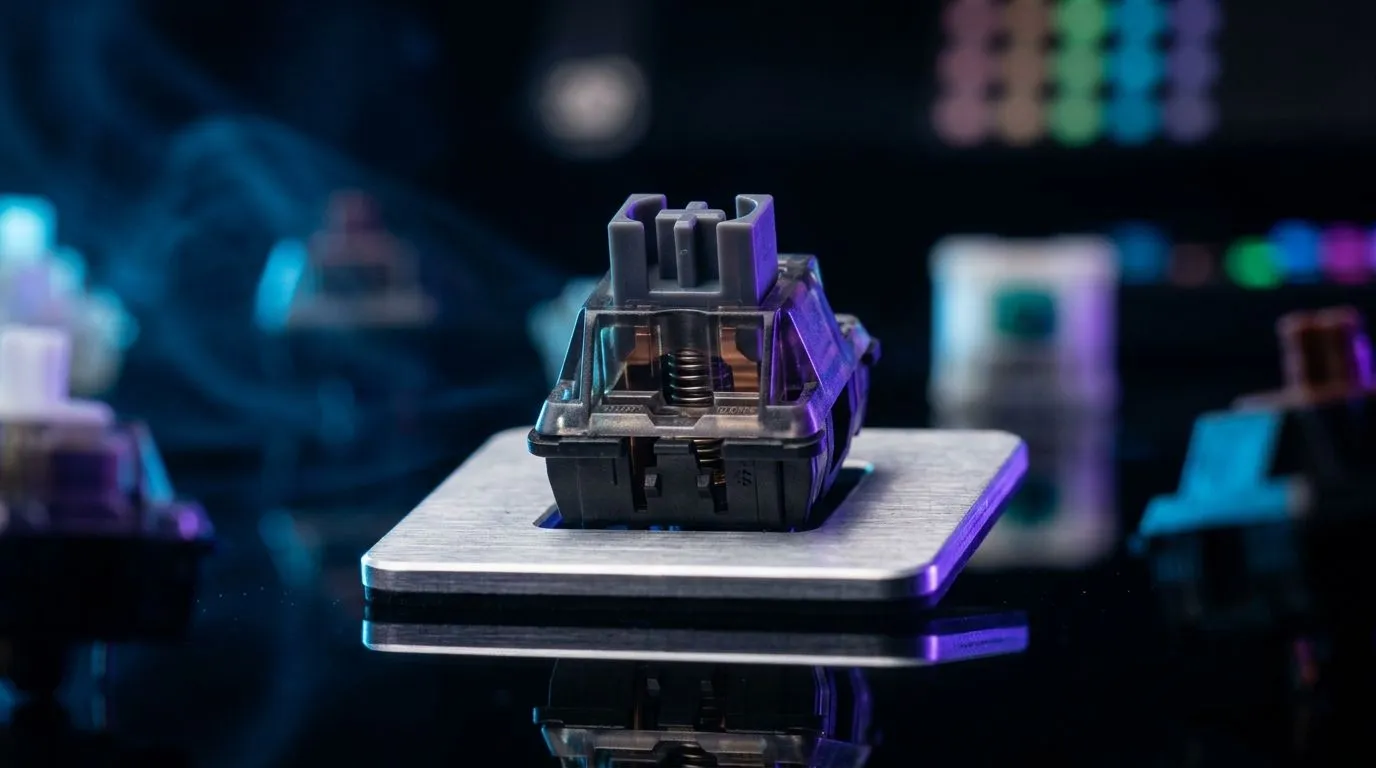
Mechanical Switch Durability Ratings: 100M Keystrokes Explained (and why it matters in SA)
If you game every night, your keyboard isn’t just gear… it’s your input lifeline. And when spec sheets talk about “100M keystrokes”, it raises a real question. Will that keyboard last through ranked grinds, load times, and late-night rage? In this deep dive, we’ll decode mechanical switch durability ratings, explain what 100 million actually means, and help you choose a keyboard that won’t feel dead after a year. 🔧
Mechanical Switch Durability Ratings: 100M Keystrokes Explained (what the number really measures)
Most switch manufacturers rate durability using controlled cycling tests, then publish a figure like 100M keystrokes. Generally, that means the switch can actuate that many times under specific conditions before failing or becoming unreliable. It is not a promise that your specific switch will survive 100M keypresses in your exact use case.
So why do ratings still help? Because they give you a baseline for expected endurance. Higher durability ratings usually correlate with more robust switch designs, better materials, and consistent actuation behaviour over time.
In practical terms, durability ratings matter most for:
- High-usage keys (WASD, jump, reload, hotkeys)
- Players who spam inputs during raids, PvP, and strategy games
- Typists who do heavy daily work alongside gaming
Mechanical Switch Durability Ratings: 100M Keystrokes Explained (from lab to your desk)
Let’s put numbers on it. Imagine you press your movement keys heavily in a shooter. If you’re gaming 2 hours per day, five days a week, your actual key actuations will vary wildly based on your play style and game genre. But the headline still works as a “durability ceiling” for typical usage.
Here’s the catch… ratings are usually “per switch”, not “for the whole keyboard”. If one switch hits wear earlier than others, your keyboard can start to feel uneven long before you’d expect “100M” to be reached across the board.
That’s why you should shop for more than the headline figure. Look for:
- Switch type (linear, tactile, clicky) based on comfort
- Keyboard build quality (stabilizers, plate, overall feel)
- Real-world reviews for consistency
Evetech stocks a wide variety of gaming keyboards, and you can browse deals to find better switch options within your budget on your local market. ⚡
Mechanical Switch Durability Ratings: 100M Keystrokes Explained (wired vs wireless durability expectations)
Switch durability is about the switch mechanism. Battery drain and connection stability are separate issues, especially with wireless. So when comparing wired and wireless models, don’t assume one is “more durable” just because it’s wireless.
Wireless keyboards also depend on battery health and stable wireless performance. If you’re relying on low-latency input for competitive play, choose carefully.
If you want to compare options right now, check these Evetech picks:
- Wired deals: wired gaming keyboard options
- Wireless deals: wireless gaming keyboard options
- Broader keyboard deal selection: best gaming keyboard deals
If you’re also shopping bundles, this combo route can save real ZAR without sacrificing input feel: buy a keyboard and mouse combo. ✨
Productivity Pro Tip ⚡
On Windows, use the PowerToys FancyZones utility to set custom window layouts for your ultrawide or multi-monitor setup. It reduces “UI thrashing” while you’re alt-tabbing between Discord, patch notes, and your game launcher, so your keyboard stays focused on the inputs that matter.
Mechanical Switch Durability Ratings: 100M Keystrokes Explained (a simple checklist before you buy)
Before you click “add to cart”, do a quick sanity check:
- Match switch feel to your game. Linear for smooth aiming motions, tactile if you like feedback.
- Prioritise the keys you use most. Those switches wear first in real life.
- Balance durability with comfort. A higher rating that you hate will still get used badly.
- If you’re budgeting, compare prices in ZAR across Evetech listings, not just brand names.
And remember… “100M keystrokes” is a helpful headline, not a guarantee. Use it to compare models, then confirm build quality with reviews and known keyboard behaviour.
Mechanical Switch Durability Ratings: 100M Keystrokes Explained (ready for your next upgrade?)
If you want a keyboard that feels consistent through long sessions, start your search with the switch durability rating… then pair it with the right wired or wireless setup for your desk. When you’re ready to pull the trigger, you’ll get better value faster by browsing what’s actually on special today.
Ready to Find Your Perfect Match? The Mac vs Windows debate is complex, but for maximum power, choice, and value in South Africa, Windows is hard to beat. Explore our massive range of laptop specials and find the perfect machine to conquer your world.











