

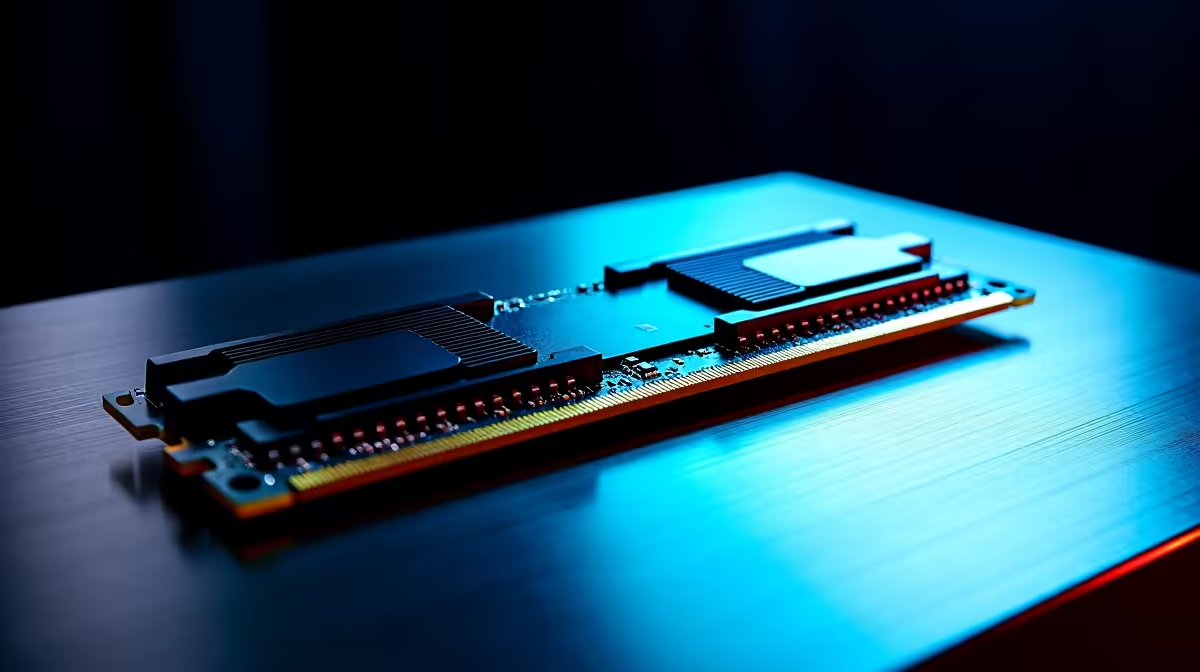
Is your rig randomly crashing right in the middle of a sweaty Warzone match? Before you blame Eskom or a dodgy Windows update... your memory might be failing. Diagnosing faulty memory can save you thousands of ZAR. Welcome to our complete MemTest86 download & setup guide: RAM testing tutorial. Let us help you find out if your memory sticks are actually the culprits behind your system instability.
Why Follow a RAM Testing Tutorial?
Random Blue Screens of Death (BSOD), corrupted save files, and sudden reboots are classic signs of dying memory. Sometimes, even brand-new memory needs testing to ensure it runs perfectly at its rated XMP speeds. If your system is acting up, running a diagnostic is the smartest first step. If you do find out your sticks are cooked, you can easily browse our massive range of desktop RAM to get your rig back up and running.
Step 1: Your MemTest86 Download and USB Setup
To get started, you need a blank USB flash drive and a working computer. Head over to the official PassMark website for your secure MemTest86 download. The free version is more than enough for most South African gamers. Extract the downloaded ZIP file and run the included image tool to write the software to your flash drive.
Whether you are doing this from your main desktop or using one of your trusty daily driver laptops, the process takes just a few minutes. 🔧
BIOS Boot Pro Tip ⚡
When restarting your PC, mash the F2, F11, or DEL key to enter your BIOS. Ensure your boot mode is set to UEFI, as modern versions of MemTest86 require UEFI to run properly. Disable Secure Boot temporarily if your USB drive refuses to load.
Step 2: Running the MemTest86 Setup Guide
Once you boot from the USB, the MemTest86 interface will load automatically. You do not need to tweak any complex settings... just hit start or let the countdown begin. The software will run multiple passes over your memory to stress-test every megabyte.
If you see red text popping up on the screen, your memory has errors. Unfortunately, RAM cannot be repaired. If the errors are severe and your system is aging, it might be time to look into our premium pre-built PC deals for a completely fresh start. Alternatively, if you just want maximum frame rates without the headache of troubleshooting old hardware, checking out our custom gaming PC deals is a solid move. 🚀
What to Do If Your RAM Fails
A clean pass means your memory is perfectly healthy, and your crashing issues lie elsewhere... perhaps a faulty power supply or overheating CPU. If you do get errors, try testing one stick at a time to isolate the bad apple.
Upgrading your system does not have to break the bank. You can always find incredible value and save some serious ZAR by keeping an eye on our latest tech specials. ✨
Ready to Upgrade Your Setup? Diagnosing faulty RAM is just the beginning. Whether you need blazing-fast DDR5 memory or a completely new rig to conquer your favourite titles, Evetech has you covered. Explore our incredible PC component specials and find the perfect hardware to keep your system running flawlessly.











