

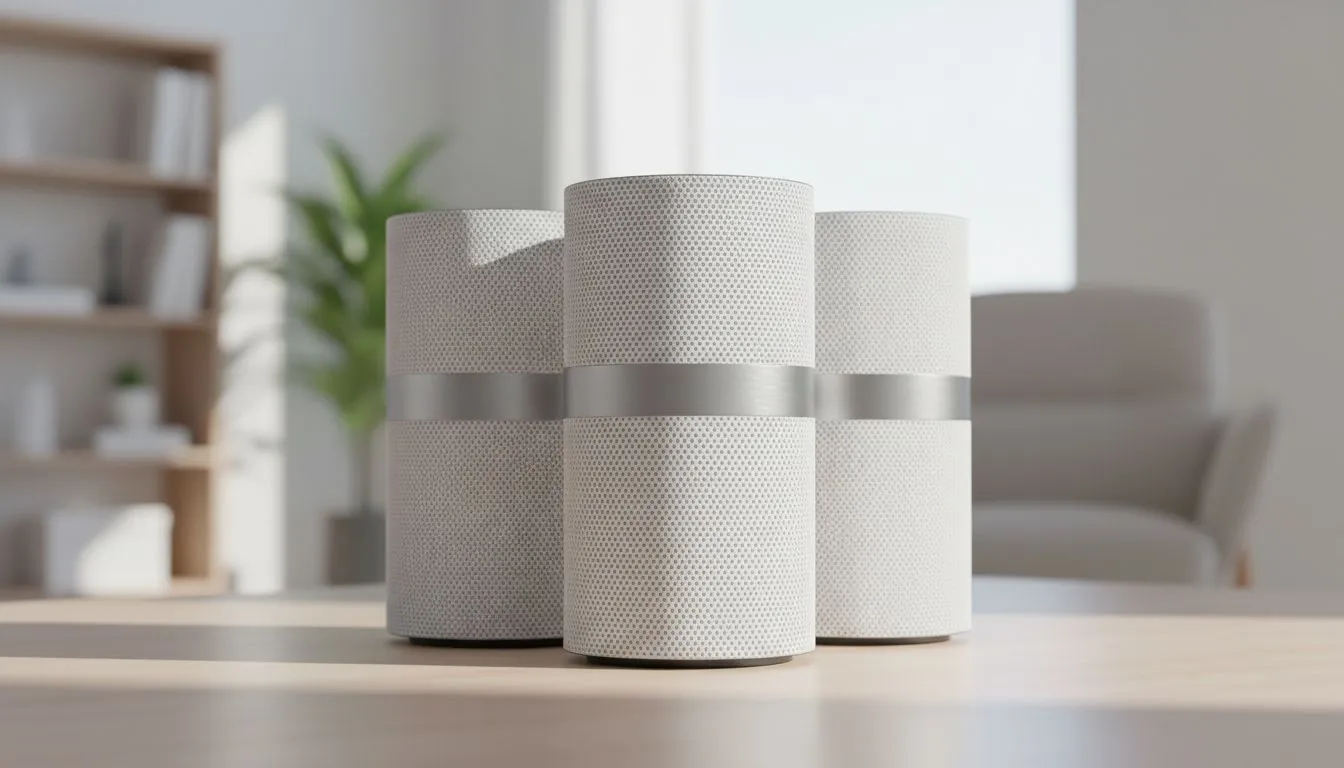
Load shedding is frustrating enough, but dead zones in your own home are a different kind of pain. Whether you are clutching a 1v1 in Valorant or streaming 4K in the bedroom, your signal must be flawless. If your mesh system feels sluggish, the problem is likely not the hardware... it is the layout. Let’s master your Mesh WiFi Node Placement for maximum signal. 🚀
The Golden Rule of Line of Sight
Most South African homes are built with thick brick and mortar. These materials are the natural enemies of high-frequency signals. When considering your comprehensive wireless networking solutions, remember that 5GHz bands struggle to penetrate solid walls.
For the best results, try to maintain a clear line of sight between nodes where possible. If a node has to "see" through three walls to talk to the main hub, your speeds will tank. Aim to place nodes in hallways or open areas that act as a bridge between rooms. This ensures the backhaul connection remains strong and stable.
Finding the Sweet Spot for Node Distance
A common mistake is placing nodes too far apart. You might think putting a node directly in the dead zone fixes the issue. In reality, that node needs a strong signal from the primary hub to rebroadcast effectively. Unlike modern wireless routers that act as a single point of failure, mesh nodes work as a team.
Place your secondary nodes about halfway between the main router and the area with poor coverage. If the node's LED indicator turns orange or red, it is too far away. You want a "Great" or "Excellent" connection status in your app to ensure your ping stays low during intense gaming sessions. ✨
Signal Strength Tip ⚡
Avoid placing your mesh nodes inside cupboards or behind TVs. WiFi signals radiate outwards and downwards. Placing a node on a high shelf or mounted on a wall ensures the signal clears furniture and reaches your devices with much less interference.
Height and Obstacles in South African Homes
Height is your best friend when it comes to Mesh WiFi Node Placement. Placing a node on the floor is a recipe for disaster. The signal will be absorbed by carpets, couches, and feet. By elevating the node to eye level or higher, you allow the signal to broadcast over the top of domestic obstacles.
While wireless range extenders often plug directly into wall sockets near the floor, mesh nodes usually offer more flexible placement. Use bookshelves or mantels to get that extra height. This is especially important in double-storey homes where you might need to broadcast signal through a concrete floor to the rooms above.
Minimising Electronic Interference 🔧
Your kitchen is likely a WiFi graveyard. Microwaves, large fridges, and even heavy mirrors can bounce or block signals. If you are using high-quality wireless adapters on your gaming rig, ensure there isn't a massive metal appliance directly between your PC and the nearest mesh node.
Keep nodes away from other electronics like cordless phones or baby monitors. These often operate on similar frequencies and can cause "noise" that slows down your data packets. A clean environment leads to a clean signal... and a clean signal leads to more wins.
Ready to Eliminate Your Dead Zones? Mastering your node placement is the first step, but having the right hardware is the foundation of a lag-free home. Explore our massive range of networking specials and find the perfect mesh system to blanket your home in high-speed glory.











