



80+ Gold vs 80+ Platinum for Couch co-op gaming in SA
80+ Gold vs 80+ Platinum for couch co-op gaming is about PSU efficiency, heat, fan behaviour, quality, and wattage headroom, not direct FPS. SA buyers should compare the whole build.
Read moreStruggling with WiFi dead zones? Our guide on mesh WiFi vs extender in South Africa breaks down the best solution for homes with multiple devices. Discover which technology offers seamless coverage, stable speeds, and eliminates buffering for good. Get the best connection for your family! 📶💻
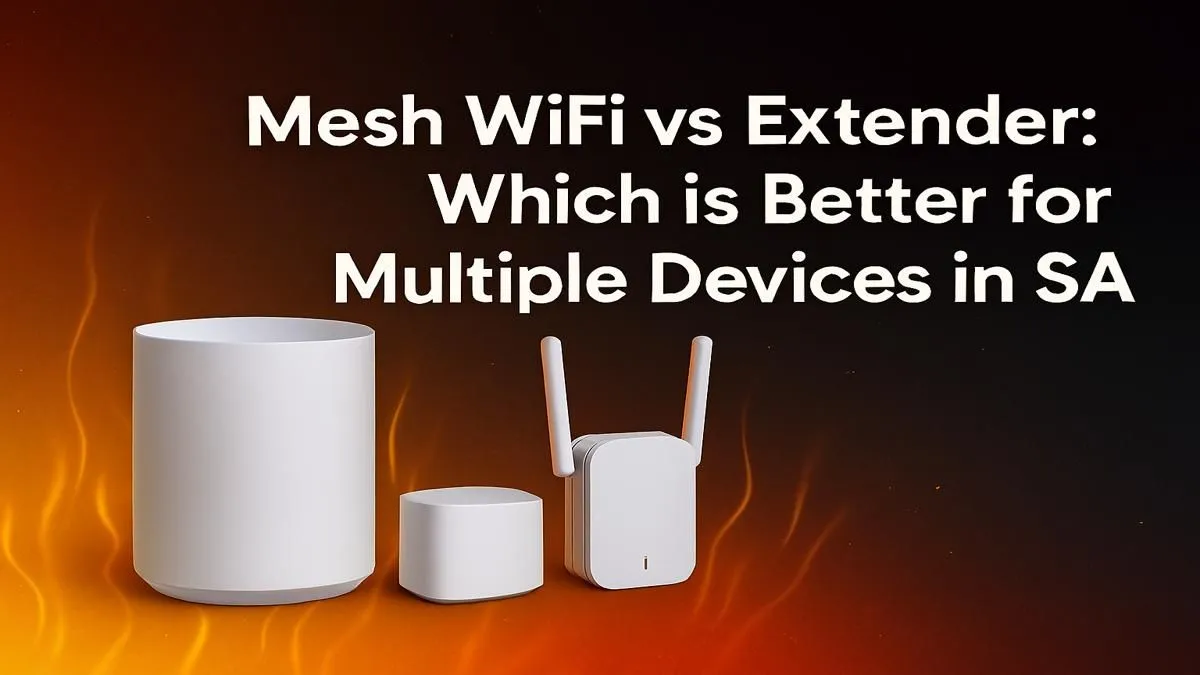
Is your fibre connection feeling a bit… sluggish? You’re paying for fast internet, but the moment the whole family connects after work, your game lags, Netflix buffers, and that important work file takes forever to upload. You’re not alone. In many South African homes, the real bottleneck isn’t the fibre line… it’s the WiFi signal struggling to reach every corner. This is the classic Mesh WiFi vs Extender in South Africa debate: which one will actually fix your connection woes?
For years, the go-to solution for a weak signal has been a WiFi extender. Think of it as a simple signal booster. It picks up the existing WiFi signal from your main router and rebroadcasts it, extending its reach to a dead spot like a back bedroom or patio.
It’s a straightforward concept, but it has some significant drawbacks:
For a small flat or fixing a single, specific dead zone on a budget, a good WiFi range extender can be a perfectly acceptable, low-cost fix. But for a home with many devices, it's often just a temporary patch. 📶
Enter Mesh WiFi. Instead of one device trying to shout the signal across your whole house, a mesh system uses a team of smart "nodes" that work together. One node connects to your modem, and the others are placed around your home. They all talk to each other, creating a single, powerful, and seamless WiFi network that covers your entire property.
This teamwork is what makes mesh the superior choice for a modern, connected home. The system intelligently routes traffic to the fastest and least congested node, ensuring your gaming PC gets a stable connection while someone else streams 4K content in the lounge. It's a single network name, everywhere. No more manual switching. ✨
For the best mesh performance, place your nodes out in the open, not hidden in cupboards. Position them roughly halfway between the main router and a known dead zone, or halfway between another node. This ensures a strong signal "backhaul" (the connection between the nodes themselves), giving you the best possible speed.
So, how do you choose? The mesh vs extender decision really comes down to your home's size, layout, and how many devices you're running simultaneously.
If you live in a relatively small space (under 120sqm) and just need to boost the signal to one tricky room, an extender is probably all you need. It’s a cost-effective way to solve a simple problem without overhauling your entire setup.
This is where mesh WiFi truly shines. Those thick walls, multiple floors, and outdoor "braai" areas are notorious WiFi killers. A mesh system blankets the whole property in a strong, consistent signal. It's the best option for households where multiple people are gaming, streaming, and working online at the same time. While the foundation is always one of these powerful wireless routers, a mesh system builds on that foundation to guarantee coverage.
If you have a dozen smart home devices, a high-spec gaming rig, and demand the lowest possible latency... it's not even a question. Mesh is the answer. The intelligent traffic management ensures your gaming data is prioritised. And if your PC's built-in WiFi isn't up to scratch, pairing your new network with one of these modern wireless adapters can give you a massive performance boost.
While a WiFi extender offers a quick and cheap fix for a single dead spot, it’s a compromise. For the modern South African home filled with smartphones, laptops, smart TVs, and gaming consoles, a mesh WiFi system is a worthwhile investment. It solves the problem of many devices competing for bandwidth by creating a smarter, more robust, and truly seamless network.
Choosing between a mesh WiFi vs extender solution is about future-proofing your home. As we connect more devices to our network, the weaknesses of an extender become more apparent, while the strengths of a mesh system become essential.
Ready to Banish Buffering for Good? The right network gear is the key to unlocking your fibre's true potential and enjoying lag-free gaming. Stop fighting over bandwidth and give your home the seamless connection it deserves. Explore our complete range of wireless networking gear and find the perfect upgrade today.
Yes, for large or double-storey homes in South Africa, mesh WiFi is generally better. It provides seamless, consistent coverage with a single network name, unlike extenders.
A WiFi extender can connect multiple devices, but it may struggle with performance. Each device shares the reduced bandwidth from the extender, which can cause lag and buffering.
The main disadvantage is that a WiFi extender creates a separate network and typically cuts your available bandwidth in half, resulting in slower speeds than your main router.
You will experience some speed loss with any wireless system, but mesh WiFi minimizes this significantly compared to extenders by using smart routing and dedicated backhauls.
Yes, mesh WiFi is superior for gaming as it provides a more stable, lower-latency connection throughout the home, reducing lag spikes that are common with extenders.
Choose an extender for a small, specific dead zone near your router. For whole-home coverage in larger houses with many devices, a mesh WiFi system is the better investment.
A WiFi extender can work through walls, but its performance is greatly reduced by physical obstructions like brick and concrete, which are common in many South African homes.
The cost of mesh WiFi in South Africa varies by brand and number of nodes. Entry-level 2-node kits start around R2,000, with high-performance systems costing more.
80+ Gold vs 80+ Platinum for couch co-op gaming is about PSU efficiency, heat, fan behaviour, quality, and wattage headroom, not direct FPS. SA buyers should compare the whole build.
Read more
80+ Platinum or 80+ Titanium for competitive should be shortlisted around the job it must do. South African buyers should compare fit, performance, compatibility, and upgrade room, warranty path, and upgrade room before treating any pick as best.
Read more
The real world difference between IPS and OLED for AAA single-player gaming is immersion versus versatility. OLED lifts contrast and dark scenes, while IPS can suit bright rooms, mixed PC use, and SA buyers watching total setup cost.
Read more
HDMI 2.1 vs HDMI 2.0 for SA MMO needs a workload-first comparison. For SA buyers, judge real performance, platform fit, warranty path, power needs, and upgrade timing before choosing either side.
Read more
USB4 and Thunderbolt 4 differ for competitive esports through dock, display, and capture consistency. Use this real world difference between usb4 and thunderbolt 4 for competitive guide to keep SA tournament desks tidy without assuming better ping.
Read more
Magnetic switches vs Mechanical switches depends on Competitive esports needs, platform limits, and budget fit. Compare compatibility, latency, upgrade path, and real setup constraints before choosing for an SA build.
Read more
B850 motherboard FPS drops needs a methodical troubleshooting pass. Review drivers, thermals, power settings, background apps, cables and game settings before replacing parts in an SA gaming setup.

Gaming PC FPS drops in South Africa often come from drivers, thermals, background apps, power plans, or in-game settings. Check one change at a time and use the same scene before buying upgrades for your local setup.

Difference between PCIe 5.0 and PCIe 4.0 explained for PC builders starts with bandwidth, lanes, and support. SA builders should match the motherboard, GPU, NVMe drive, and budget before choosing a platform.

Windows 11 mechanical keyboard setups rarely cause display banding directly. Fix color banding by checking HDR, colour depth, GPU range, monitor profiles, and any new RGB utility conflicts.

Steam Big Art Mode enlarges library artwork in Big Picture Mode and on Steam Deck, while the same beta adds configurable screensavers. Both features are optional and currently require the Steam beta client.

Diablo 4 HDR settings work best after Windows and the display are calibrated, then the game's black point, brightness and white point are adjusted in that order. Use visible shadow detail and controlled highlights, not copied values from another screen.

The best HOTAS for Elite Dangerous is a separate stick-and-throttle set with enough analogue axes for pitch, roll, yaw and thrust, plus local support. Evetech's captured flight-simulation sample lists the complete Logitech X56 at R4,999.

Nintendo Switch 2 docked VRR arrives with system version 23.0.0 and also requires a dock update. The connected TV or monitor and the running software must support VRR before the output can follow changing frame rates.

750W for RTX 5080 Super needs a full-build check, not a simple yes. Review GPU guidance, CPU draw, transient load, connectors, PSU quality, and upgrade plans before deciding.
80+ Gold vs 80+ Platinum for couch co-op gaming is about PSU efficiency, heat, fan behaviour, quality, and wattage headroom, not direct FPS. SA buyers should compare the whole build.

ultrawide monitor FPS drops needs a methodical troubleshooting pass. Review drivers, thermals, power settings, background apps, cables and game settings before replacing parts in an SA gaming setup.
80+ Platinum or 80+ Titanium for competitive should be shortlisted around the job it must do. South African buyers should compare fit, performance, compatibility, and upgrade room, warranty path, and upgrade room before treating any pick as best.