

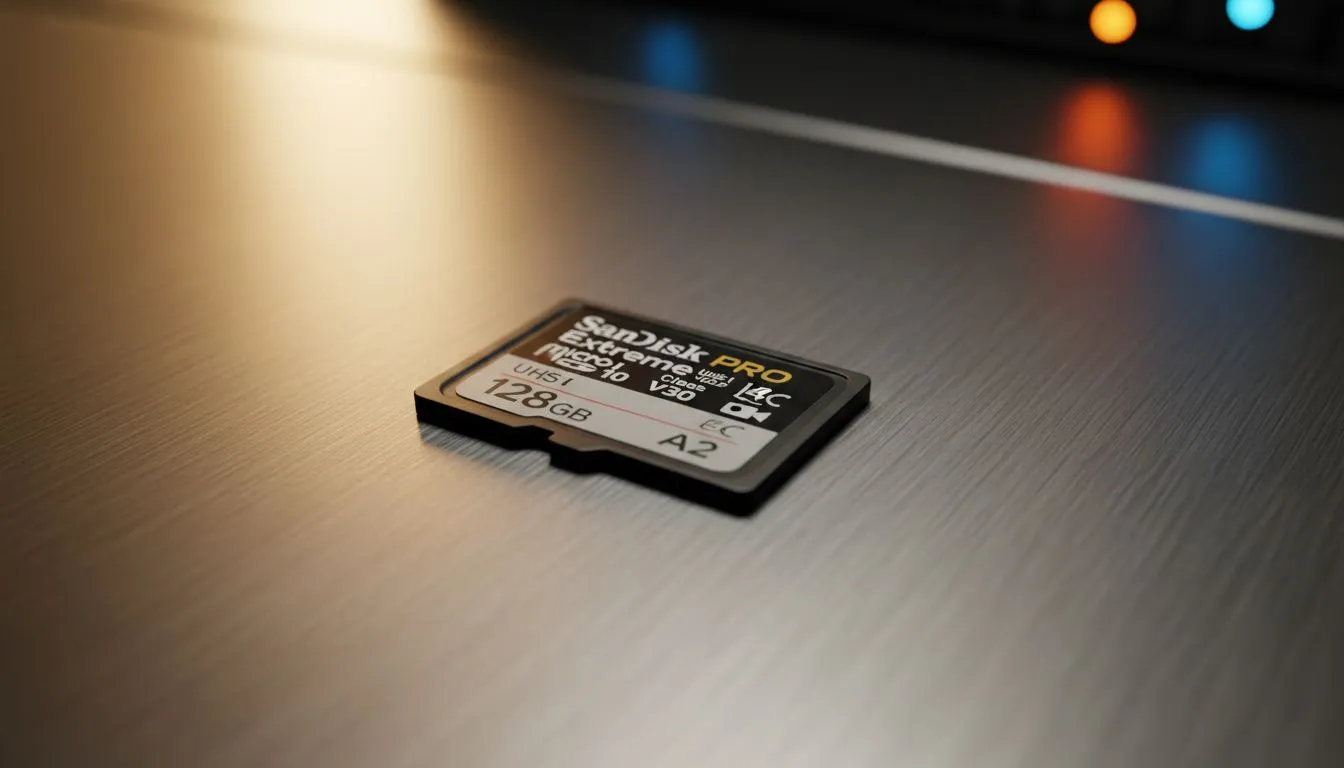
Recording 4K video in South Africa’s stunning landscapes should be a seamless experience. But if you’ve ever seen a "Slow Card" error on your drone or camera... it is incredibly frustrating. Choosing the right microSD Card for 4K: How to Choose the Right One is not just about the price tag. It is about ensuring your hardware can handle high-bitrate data without dropping a single frame. 📸
Understanding Speed Classes for 4K Video
When you look at a microSD card... you will see a cluster of symbols that look like alphabet soup. For 4K recording, the most critical rating is the Video Speed Class, denoted by a "V" followed by a number. You should look for V30 as a bare minimum. This guarantees a sustained write speed of 30MB/s... which is essential for the high data demands of Ultra HD footage.
For those using 4K dashcams to stay safe on our busy roads, checking the latest dashcam tech is the first step toward reliable evidence. A standard card might work for a day... but it will eventually fail under the constant overwrite cycles required by vehicle security systems.
Storage Pro Tip ⚡
Always format your microSD card inside the device you plan to use... rather than on your PC. This ensures the file system is perfectly aligned with the device’s controller. It reduces the risk of data corruption and can slightly improve write speeds during long 4K recording sessions.
Decoding the Symbols on Your microSD Card
Beyond the "V" rating, you will see "U3" and "Class 10" markings. While Class 10 was the old standard for 1080p... it simply cannot keep up with modern 4K bitrates. If you are shopping for a microSD card for 4K, ensure it has the U3 symbol (a "3" inside a bucket shape). This indicates the card is designed for high-performance video tasks.
Reliable brands like Promate offer various mobile accessories that complement your recording setup. Using a high-quality card reader is just as important as the card itself... otherwise, you will face bottlenecked transfer speeds when moving your 4K masterpieces to your laptop.
Capacity and Durability for South African Users
4K files are massive. A single minute of footage can easily eat up several hundred megabytes. If you are planning a weekend trip to the Kruger or a shoot in the Winelands... 128GB should be your starting point. If your budget allows, you can find excellent storage components under R2000 that offer both high capacity and the speed required for professional work.
Heat is another factor. South African summers can be brutal on electronics. High-end cards are often "ruggedised" to withstand extreme temperatures and X-ray scans at airports. Even if you are starting small, there are entry-level options under R500 that provide decent reliability for casual 4K hobbyists. 🎥
Choosing the Right One for Your Device
Not all 4K is created equal. A GoPro recording at 60fps requires more bandwidth than a static security camera. Always check your device’s manual for the maximum supported capacity. Some older drones might only support up to 128GB... while newer handheld consoles like the ROG Ally can take 1TB cards or higher. 🚀
When you prioritise speed and reliability... you spend less time worrying about technical glitches and more time capturing the perfect shot. Make sure your storage matches your ambition. ✨
Ready to Find Your Perfect Match? Choosing the right storage is vital for a glitch-free 4K experience, whether you are gaming or filming. Explore our massive range of storage and tech specials and find the perfect card to capture your world in stunning detail.











