

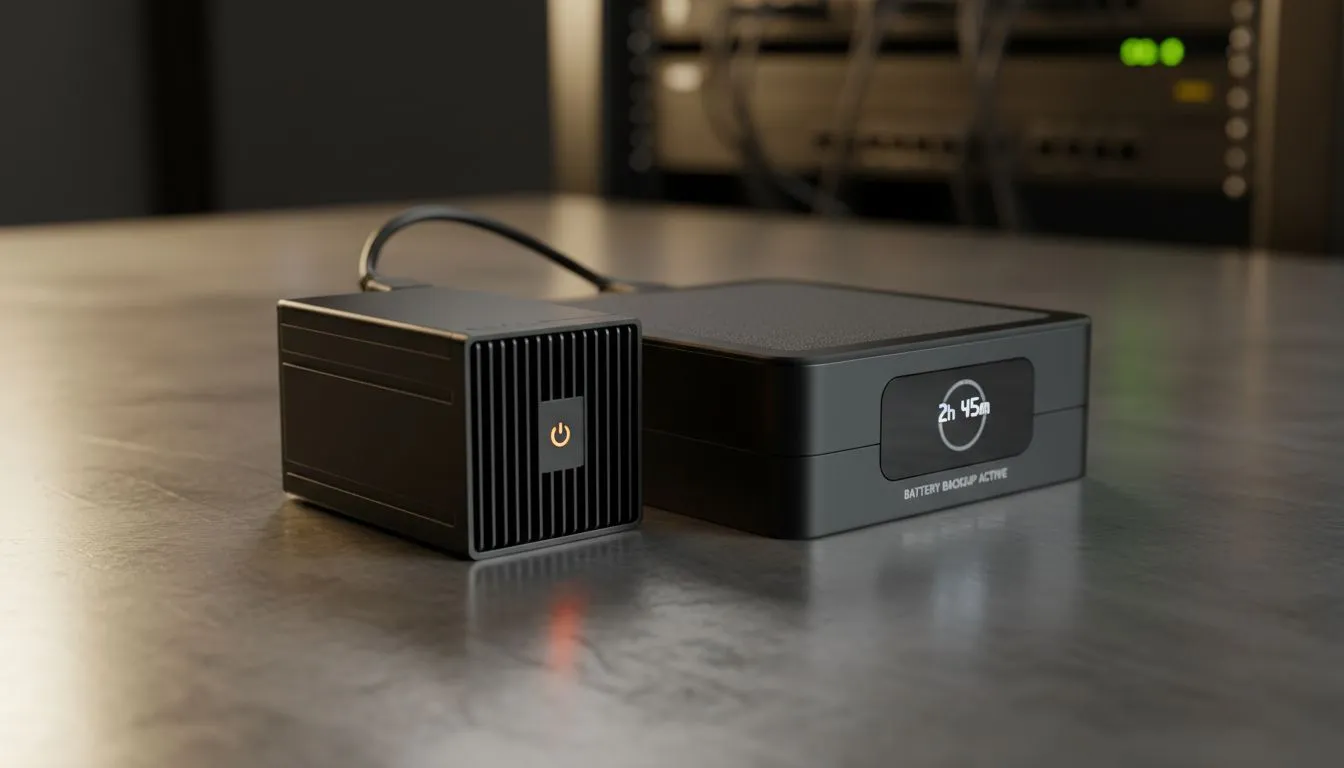
Understanding Mini PC UPS Runtime in the Stage 6 Era
Stage 6 loadshedding is the ultimate test for any South African home office. When the lights cut for four hours at a time, your massive desktop rig quickly becomes a silent, heavy paperweight. However, if you have switched to a compact setup, calculating your Mini PC UPS runtime is the difference between finishing that deadline or losing your work mid-save. Let's explore how long these tiny titans actually last. ⚡
Why Mini PCs Are Loadshedding Champions
The secret to surviving four-hour blackouts lies in efficiency. While a high-end gaming tower might pull 400W just idling in the menu, most mini PCs draw between 15W and 65W under normal workloads. This lower Total Device Power (TDP) means your Uninterruptible Power Supply (UPS) doesn't have to work nearly as hard.
If you are using a standard 850VA UPS, a traditional PC might give you 15 minutes to save and shut down. With these compact powerhouses, you could easily see that runtime stretch to 90 minutes or more... provided you aren't pairing it with a massive, power-hungry 32-inch monitor.
Power Saving Pro Tip ⚡
To maximise your uptime during Stage 6, go into your Windows Power & Sleep settings and set your 'Power Mode' to 'Best Power Efficiency'. This caps the CPU boost clock, which significantly reduces the wattage draw on your UPS without affecting basic tasks like browsing or document editing.
Calculating Your Uptime During Stage 6
To estimate your Mini PC UPS runtime, you need to look at the Watt-hour (Wh) rating of your UPS battery. For example, a high-performance unit from the Minisforum range typically sips power during office tasks.
If your Mini PC draws 30W and your monitor draws 20W, your total draw is 50W. On a common 1200VA UPS (which often has about 150Wh of usable capacity), you could theoretically stay online for nearly three hours. This makes the Mini PC the most cost-effective way to beat the ZAR 20,000+ price tag of large lithium inverter systems. 🚀
Practical Tips for Longer Runtimes
- Lower Monitor Brightness: Your screen often uses more power than the Mini PC itself.
- Unplug Peripherals: RGB keyboards and external hard drives drain precious milliamps.
- Use Ethernet: Surprisingly, stable wired connections can be slightly more efficient than searching for a weak Wi-Fi signal.
While Stage 6 remains a challenge for every South African, the efficiency of modern small-form-factor tech keeps you productive while the rest of the neighbourhood sits in the dark. 🔧
Ready to Beat the Blackouts? Loadshedding doesn't have to mean downtime. If you want a PC that sips power while delivering desktop-class performance, we have the solution. Explore our massive range of Mini PCs and find the perfect high-efficiency machine to keep you working through Stage 6.











