

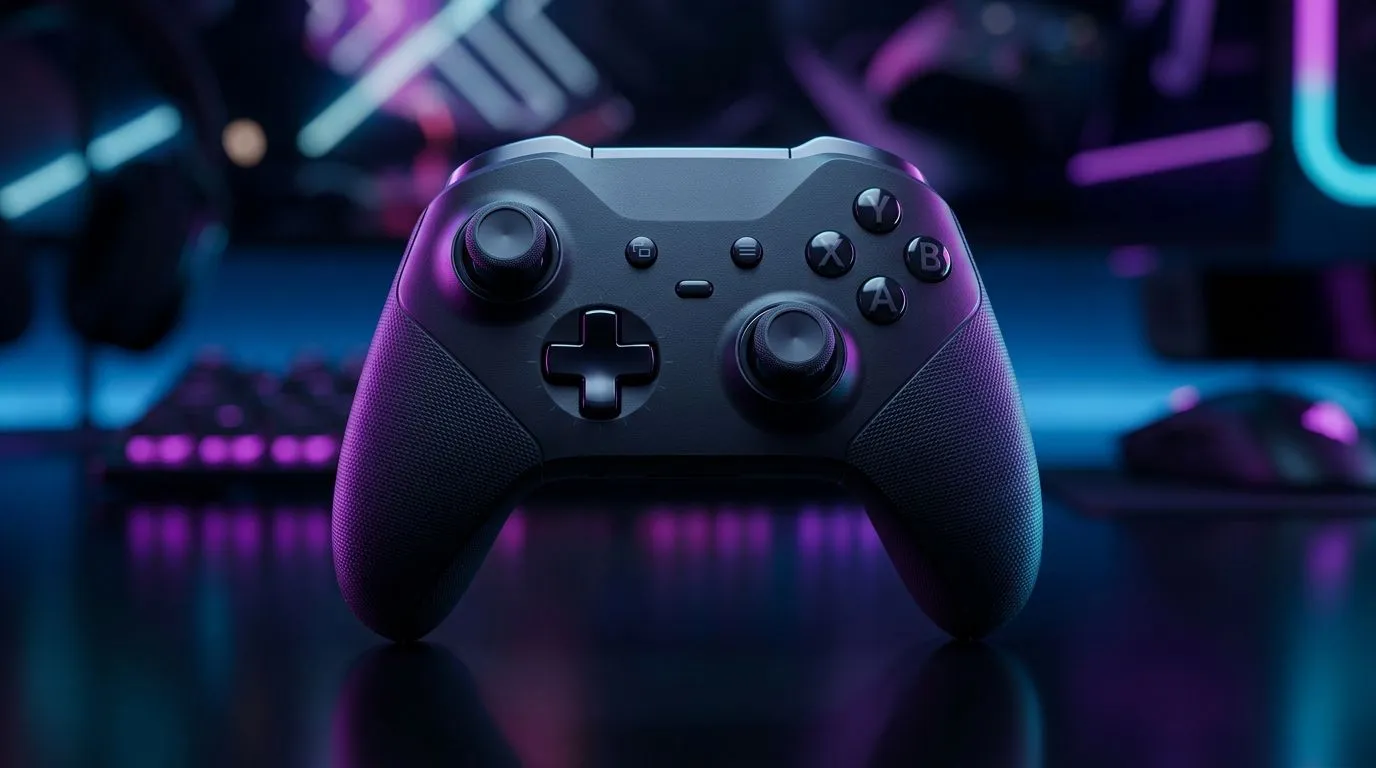
Mobile Gaming Controller Not Working? Diagnose Fast in SA 🔧
So you plug in your controller, fire up a game, and… nothing. No response. No button mapping. Just frustration right before a ranked match. In South Africa, where load shedding and spotty connectivity are real, controller issues can feel extra personal. The good news? Most “controller not working” problems are fixable with a few quick checks. Let’s get you back to smooth aiming and clean movements using a practical, step-by-step approach.
Mobile Gaming Controller Not Working? Start With the Obvious Checks ⚡
Before you reinstall anything, run these quick checks. They solve a surprising number of cases.
Power, Bluetooth, and pairing sanity
- Charge first. A low battery can cause disconnects and “half working” controls.
- Forget and re-pair. If the controller keeps connecting to the wrong device, it may appear “paired” but won’t actually respond.
- Toggle Bluetooth. Turn Bluetooth off and on again on your phone.
Cable and USB mode (for wired controllers)
If your controller supports wired use:
- Try a different cable (data-capable, not just charging).
- If your phone asks for USB mode, choose controller/input or file transfer options only if controller mode isn’t available.
Test outside the game
Open your phone’s controller test screen (or a simple input tester app) and press buttons. If inputs work there, the problem is likely in the game settings.
Mobile Gaming Controller Not Working? Fix App and Game Settings ✨
If the controller is fine in testing apps but fails in-game, focus here.
Re-map controls in-game
Many games allow you to switch between:
- “Mobile touch layout”
- “Controller layout”
- Custom button mapping
Make sure you’ve selected the correct layout. Also check if the game detects the controller as “keyboard” instead of “controller”.
Permissions and “background” behaviour
On Android especially, some apps restrict input when running in the background. Fully close the game, restart it, and test again.
Productivity Pro Tip 🔧
On Android, go into Settings > Apps, open your game, then check Battery > set to “Unrestricted” while testing controller input. This prevents the OS from throttling or stopping controller handling during gameplay.
Mobile Gaming Controller Not Working? Firmware, Drivers, and Hardware Clues 🚀
Sometimes your controller is the problem, not your phone. Look for signs like repeated disconnects or buttons only working intermittently.
Update firmware (if supported)
Some controllers use companion apps to update firmware. If your controller brand offers an app, use it and update both the controller and the companion app.
Check for hardware damage
- Loose thumbsticks that “click” under pressure.
- Worn cables at the ends.
- Internal battery issues (controllers that power off suddenly).
If you’re replacing, it helps to match controller features to your setup: Bluetooth latency for mobile, wired reliability for compatibility, and ergonomic grip for long sessions.
If you’re after a tournament-grade option, the Razer Wolverine V3 Tournament Edition 8K is worth a look on Evetech: https://www.evetech.co.za/razer-wolverine-v3-tournament-edition-8k/best-deal/24274
And if you’re shopping by compatibility and budget, browse Evetech’s controller selection here: https://www.evetech.co.za/PC-Components/buy-gaming-controllers-365
Prefer a specific brand like Razer? This Evetech list makes it simple: https://www.evetech.co.za/PC-Components/buy-gaming-controllers-365?brands=Raze
Mobile Gaming Controller Not Working? When to Stop Troubleshooting and Upgrade
If you’ve re-paired, tested input outside the game, and checked cables or firmware, and nothing improves, it’s usually either:
- the controller’s Bluetooth profile,
- a compatibility mismatch with your phone,
- or the controller itself failing under load.
In that case, replacing with a controller known for stable connectivity and input consistency is the fastest route back to gameplay.
Ready to Find Your Perfect Match? The Mac vs Windows debate is complex, but for maximum power, choice, and value in South Africa, Windows is hard to beat. Explore our massive range of laptop specials and find the perfect machine to conquer your world.











