

Quick Answer
Monitor performance in SA comes down to refresh rate, response time, panel type, and resolution scaling for your GPU. For most SA gamers a 1440p 165Hz IPS panel under R5,499 hits the value sweet spot, while productivity buyers should prioritise colour accuracy and uniformity over raw Hz.
What Monitor Performance Actually Means in SA
The specs that matter most are refresh rate (how many frames per second the panel can show), response time (how quickly pixels switch), and input lag (delay between signal and display). For loadshedding-aware home setups, also check power draw since a 27-inch IPS at 165Hz typically pulls 30 to 45W. SA buyers should avoid being lured purely by 1ms marketing claims, since real-world GtG often differs from the box figure.
Step-by-Step Setup for Best Performance
First, plug into the highest-bandwidth port your panel offers, normally DisplayPort 1.4 or HDMI 2.1. Second, set the native resolution and refresh rate inside Windows Display Settings, not just in-game. Third, enable Adaptive Sync (FreeSync or G-Sync Compatible) in your GPU driver. Finally, calibrate brightness to around 120 nits for indoor SA lighting and use a sRGB mode for accurate web colours.
Common SA Buyer Mistakes
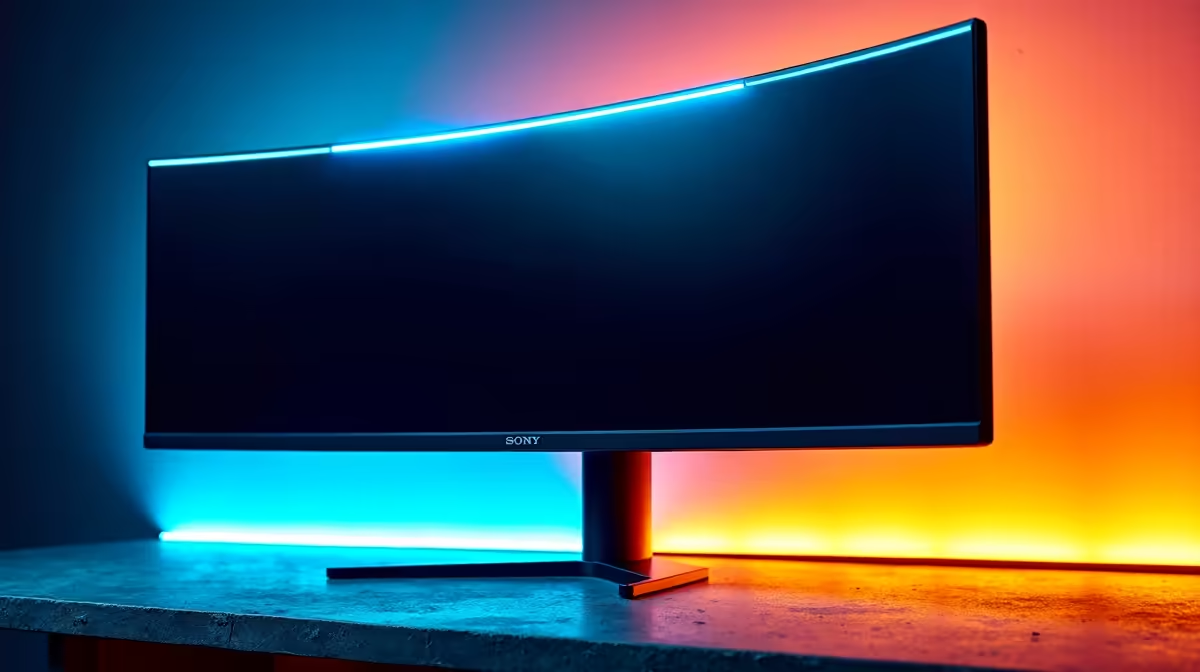
The biggest pitfall is buying a 240Hz panel without a GPU that can push 240 FPS in your favourite titles. Another is choosing curved 1500R panels for productivity-heavy workflows where a flat IPS would suit better. ZAR-conscious buyers also overlook stand quality, which matters for ergonomics during long study or work-from-home sessions. Always check VESA mount support if you plan to add a monitor arm later. Loadshedding-aware buyers should also confirm the panel handles brief power dips gracefully, and a small 600VA UPS is cheap insurance for any monitor in the R3,499+ tier.
Frequently Asked Questions
What do I need to know about monitor performance in SA?
Focus on matching panel refresh rate to your GPU's real frame rates, choose IPS for colour or VA for contrast, and ensure cable bandwidth is sufficient for your chosen resolution and Hz combo.
What are common mistakes when setting up a new monitor?
Leaving the refresh rate at 60Hz by default, ignoring HDR calibration, using factory-default overdrive that causes inverse ghosting, and skipping firmware updates on premium panels.
Do I need special tools or parts in SA?
No special tools, but a good DisplayPort 1.4 cable and a surge-protected plug make a real difference. A small UPS keeps the panel safe during loadshedding switchovers.
Ready to Find Your Perfect Match? Compare panels rated for SA gaming and productivity. Shop monitors











