

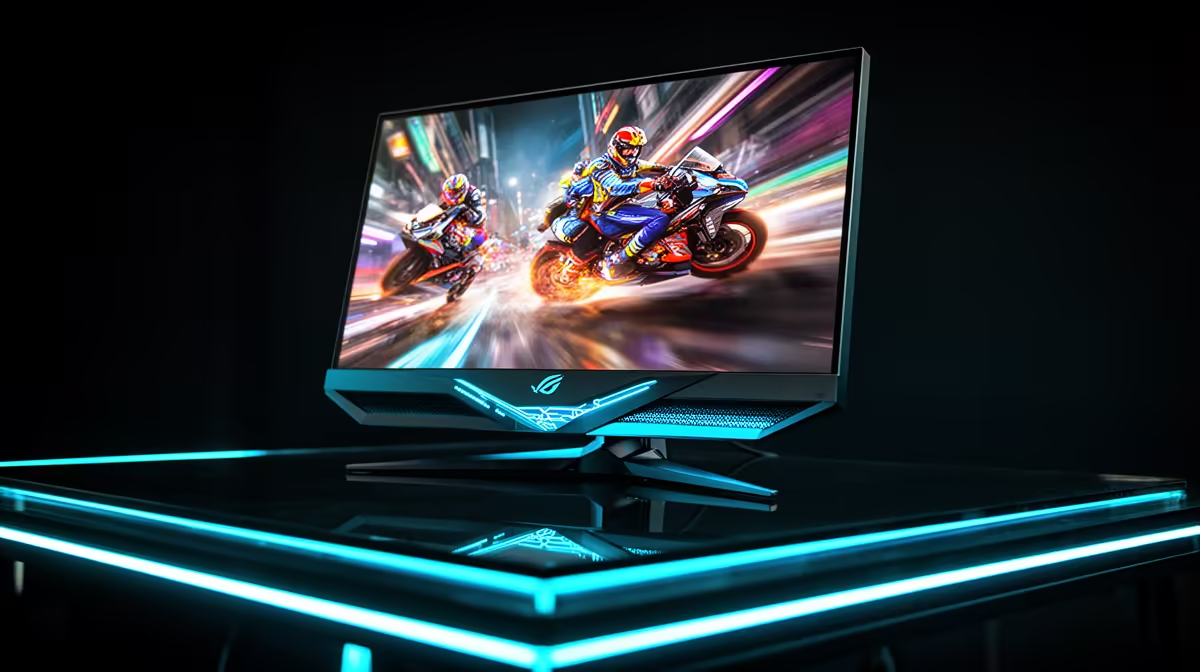
Staring at your screen, you swear you clicked first. But the kill-cam tells a different story. Frustrating, right? Before you blame your internet connection (or your skills!), consider your gear. Your monitor's refresh rate is a silent hero... or villain... in fast-paced games. Understanding the monitor refresh rate in South Africa is the first step to gaining a real competitive advantage and experiencing games the way they were meant to be played. Let's dive in. 🚀
What Exactly is Monitor Refresh Rate (Hz)?
Think of your monitor like a high-tech flipbook. The refresh rate, measured in Hertz (Hz), is simply how many times per second the screen can draw a new image. A standard 60Hz monitor updates the picture 60 times every second. A 144Hz gaming monitor does it 144 times. More updates mean smoother motion, less blur, and a more responsive feel. This simple difference is what separates a good display from the fantastic selection of PC monitors available today.
The jump from 60Hz to 144Hz is something you have to see to believe. On-screen movement, from a simple mouse cursor glide to a full-speed vehicle chase, becomes incredibly fluid. It makes your entire PC experience feel snappier.
Why High Refresh Rates Matter for Gaming in South Africa
For South African gamers, where every millisecond counts in a competitive match, a high monitor refresh rate isn't a luxury; it's a vital piece of hardware. Here’s why it's so critical:
- Reduced Motion Blur: In fast-paced shooters like Valorant or Apex Legends, targets appear clearer and less blurry as they move across your screen, making them easier to track and hit.
- Lower Input Lag: A higher refresh rate means you see information sooner. The time between your mouse movement and the action appearing on-screen is reduced, giving you a tangible edge in reaction time.
- Smoother Visuals: Screen tearing, that ugly horizontal line that appears when your GPU and monitor are out of sync, is significantly reduced. Technologies like FreeSync and G-SYNC, common in all our gaming monitors, work with high refresh rates to eliminate this completely.
Essentially, a better gaming monitor refresh rate allows your skills to shine, unhindered by your hardware. ✨
Don't Forget to Flip the Switch! 🔧
Just bought a shiny new 144Hz+ monitor? Awesome! But it might be running at 60Hz out of the box. Right-click your desktop, go to 'Display settings' > 'Advanced display settings', and select the highest available refresh rate from the drop-down menu. It's a crucial step many gamers miss!
Choosing the Right Refresh Rate for Your Rig
Not everyone needs a 360Hz beast. The best monitor refresh rate for you depends on your games, your PC's power, and your budget. Let's break it down for the South African market.
The Sweet Spot: 120Hz - 165Hz
This is the new standard for serious gaming. It offers a massive improvement over 60Hz and is achievable for mid-range gaming PCs. You'll find this refresh rate is common in many immersive curved monitors, which add an extra layer of engagement to your gameplay.
The Esports Pro: 240Hz+
If you're competing at a high level, this is your target. The smoothness provides the ultimate competitive edge, but you'll need a powerful CPU and GPU to consistently push 240+ frames per second (FPS) to make it worthwhile. These panels are often found in 1080p or 1440p resolutions, prioritising speed over pixel count.
The Resolution Trade-off: 4K and Refresh Rates
Higher resolutions demand more graphical power. While stunning for cinematic games, most 5K and 4K monitors currently top out at 144Hz, which is still fantastic. You have to decide what's more important: visual fidelity or raw speed.
Even on the go, options are improving. Many modern portable monitors are now available with higher refresh rates, perfect for a LAN party or a gaming session away from your main setup.
Beyond Refresh Rate: Other Specs to Consider
While a high refresh rate is key, it's part of a team. You need to optimise your choice based on other critical specs. Keep an eye on these when browsing for the best pc monitor deals:
- Response Time: Measured in milliseconds (ms), this is how quickly a pixel can change colour. Look for 1ms (GtG) for the sharpest image with minimal ghosting.
- Panel Type: IPS panels offer the best colours, VA panels have superior contrast, and TN panels are traditionally the fastest (though modern IPS panels have caught up).
- Resolution: 1080p is great for high FPS, 1440p is the current sweet spot for detail and performance, and 4K is for ultimate visual fidelity.
Finding the right balance of these features for your budget is the key to unlocking your PC's true gaming potential.
Ready to See the Difference? Upgrading your monitor is one of the most noticeable improvements you can make to your gaming rig. From buttery-smooth gameplay to a real competitive edge, the right refresh rate makes all the difference. Explore our massive range of monitor deals and find the perfect screen to dominate the game in South Africa.











