

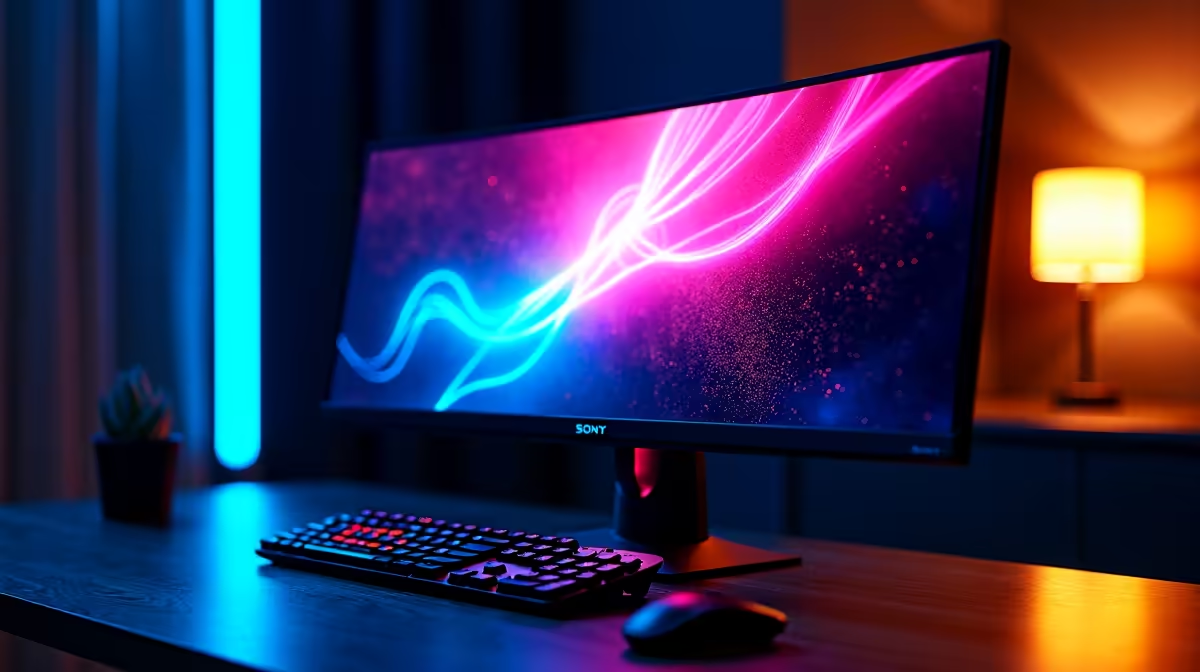
A well-configured monitor setup can be the difference between a frustrating session and peak gaming performance. For South African gamers setting up their rig for the first time or upgrading an existing desk, getting the basics right makes every game look and feel better.
Quick Answer
For SA gamers, the ideal monitor setup balances refresh rate (144Hz minimum for smooth play), resolution (1080p or 1440p depending on GPU), correct eye-level positioning, and a stable connection via DisplayPort or HDMI 2.1. Getting these right transforms your gaming experience.
Matching Monitor to Your GPU 🔧
Your monitor and GPU must be matched to get the most out of both. Running a 4K monitor off a mid-range GPU bottlenecks your frame rate, while pairing a 1080p monitor with a high-end GPU wastes its potential. As a baseline, 1080p at 144Hz is the sweet spot for competitive gaming on a mid-range build, while 1440p at 144–165Hz suits higher-end rigs.
If your build runs an RTX 4070 or equivalent, a 1440p 165Hz panel is the natural match. Explore monitors available locally alongside the right GPU before committing. For competitive titles like Valorant or CS2, prioritise refresh rate over resolution - 240Hz at 1080p plays smoother than 60Hz at 4K.
Positioning, Ergonomics, and Cables 💡
The top of your monitor should sit at eye level when seated upright, roughly 50–70cm from your face. Tilting the screen back 10–20 degrees reduces neck strain. Avoid placing monitors in front of windows - backlighting creates glare that washes out even a premium display.
The cable you use determines what refresh rate your monitor can actually output. DisplayPort 1.4 handles 4K at 144Hz; HDMI 2.0 covers 1440p at 144Hz. Always use the highest-spec cable both your GPU and monitor support. Once connected, verify in display settings that the refresh rate is set to maximum - Windows often defaults to 60Hz even when hardware supports more.
Enable G-Sync or FreeSync if your monitor and GPU both support it for tear-free gaming with no added latency.
Frequently Asked Questions ❓
Q: What refresh rate should SA gamers aim for in 2026? A: 144Hz is the practical minimum for smooth gaming. Competitive players benefit from 240Hz, while 360Hz is reserved for top-tier esports setups.
Q: Should I use HDMI or DisplayPort for gaming? A: DisplayPort is generally preferred - it supports higher refresh rates and resolutions than HDMI 2.0. If your GPU and monitor both have DisplayPort, use it.
Q: Does monitor panel type matter for gaming? A: IPS panels offer the best colour accuracy and wide viewing angles. TN panels have slightly faster response times. IPS is the best all-rounder for most South African gamers.
Shop All Monitors and Graphics Card Deals at Evetech for fast delivery across South Africa.
Ready to Find Your Perfect Match? Explore relevant Evetech options, compare current South African pricing, and choose hardware that fits your setup. Shop now











