Quick Answer
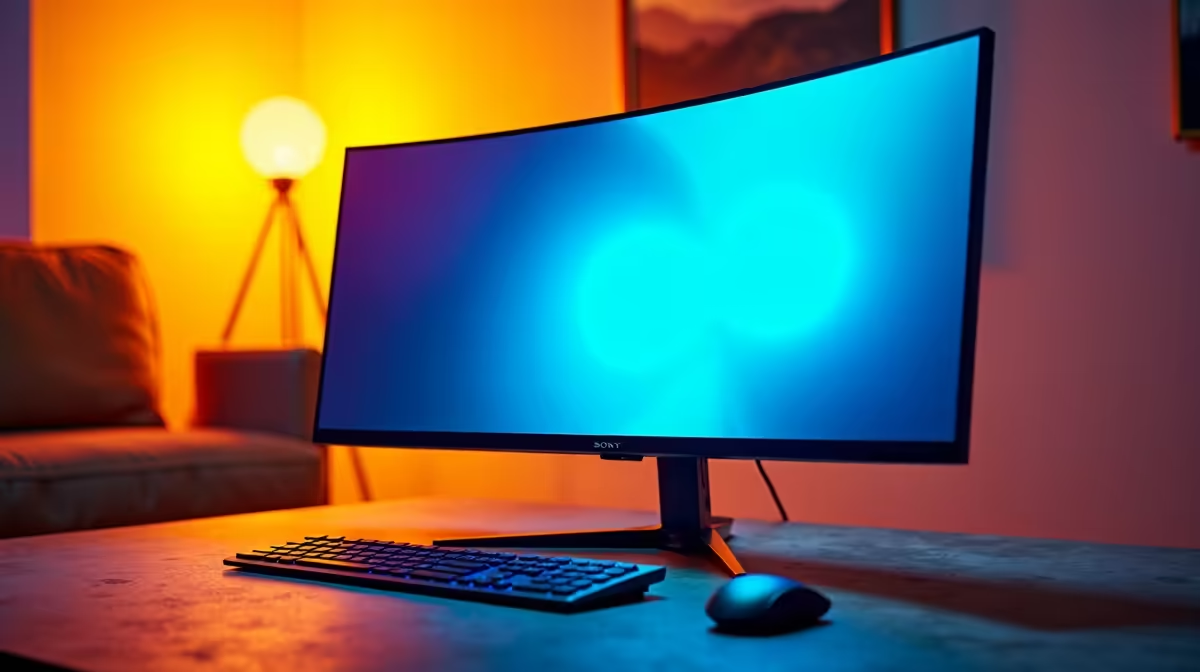
Before ordering a monitor on special, confirm five things: the ports and cable support your target refresh, the resolution suits your GPU, the panel type fits your use, the stand or VESA mount works for you, and the response time is right for gaming. A discounted monitor is only a deal if it actually fits your setup.
Ports, refresh, and resolution
Check the monitor's inputs against your GPU: 1440p at 144Hz+ needs DisplayPort 1.4 or HDMI 2.0/2.1 and the correct cable. Match the resolution to your graphics card, a 1080p 144Hz panel for a modest GPU, 1440p for a stronger one, so you can actually feed the screen. A special on a monitor your GPU cannot drive at its rated refresh is not a saving.
Panel, response, and mounting
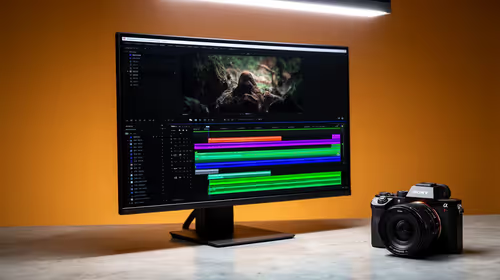
Confirm the panel type suits your use: fast IPS or VA with a low response time for gaming, accurate IPS for content. Check the response time (1ms to 5ms for gaming) so a cheap slow panel does not smear. If you use a monitor arm, confirm a VESA mount. These checks separate a genuine bargain from a discounted compromise that disappoints in use.
Buying right in SA
Filter specials by fit, ports, refresh, resolution, panel, response time, and mounting, rather than by discount percentage. Check the included cables too. A monitor on special that matches your GPU and use is real value; one that does not fit is a false economy. Match the spec to your setup first, then enjoy the saving.
FAQ
What should I check on a discounted monitor?
Ports and cable for your target refresh, resolution suited to your GPU, panel type and response time for your use, and a VESA mount if needed. A special is only a deal if the monitor fits your setup.
Will a monitor on special run my GPU's refresh?
Only if its ports support it; 1440p at 144Hz+ needs DisplayPort 1.4 or HDMI 2.0/2.1. Check the inputs and supported refresh at your resolution, and use the correct cable.
How do I judge a monitor special?
By fit, not discount size. Confirm ports, refresh, resolution, panel type, response time, and mounting suit your GPU and use. A discounted monitor that does not fit your setup is a false economy.
Pro Tip
a monitor special by fit, not the discount: confirm its ports support your GPU's refresh and the response time suits gaming, since a cheap slow panel that smears is no bargain however large the saving.