

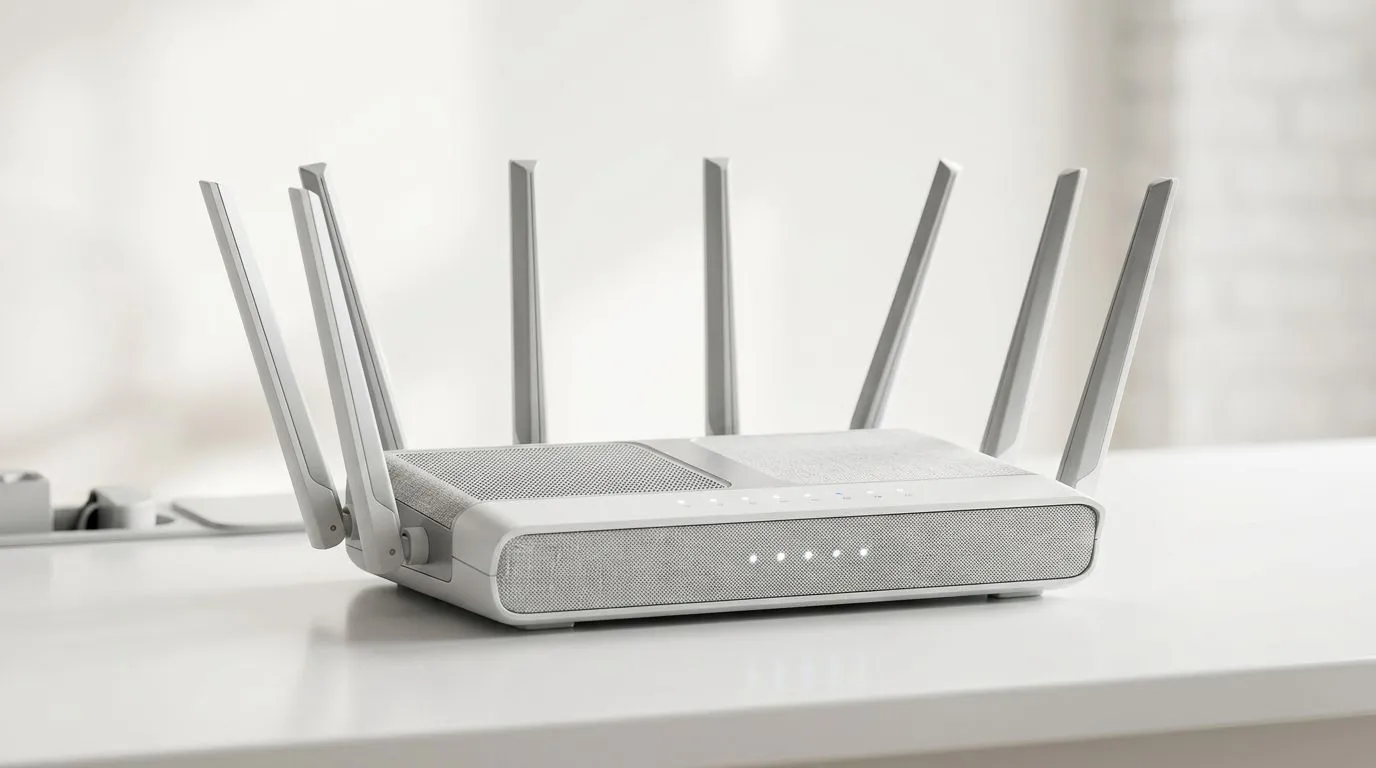
The Traffic Jam in Your Living Room
Ever feel your ping spike the moment someone else starts streaming Netflix in the next room? In a house full of smart TVs, smartphones, and gaming rigs, your router is working overtime to juggle data packets. Understanding how MU-MIMO and OFDMA help boost WiFi for multiple devices is the secret to reclaiming your connection. It is not just about raw fibre speed; it is about how efficiently your hardware manages the chaos of a busy home network. ⚡
Understanding MU-MIMO
Multi-User, Multiple Input, Multiple Output (MU-MIMO) is essentially adding more lanes to your digital highway. Older routers talked to devices one at a time, creating a queue. With MU-MIMO, your router talks to multiple devices simultaneously. If you are looking to upgrade your backbone, browsing our wireless networking solutions is the first step toward a smoother experience.
The Power of OFDMA
While MU-MIMO manages the lanes, Orthogonal Frequency Division Multiple Access (OFDMA) makes sure those lanes are packed efficiently. It breaks down channels into smaller sub-carriers, allowing a single transmission to carry data for multiple users at once. This drastically lowers latency for competitive gaming. If your current desktop is struggling to keep up, adding a high-performance wireless adapter can help you tap into these modern standards.
Pro Connection Tip 🔧
you live in a multi-story home, do not rely on a single router. Use a mesh system or high-quality [wireless range extenders](https: www.evetech.co.za PC-Components wireless-range-extenders-140.aspx) to ensure that the MU-MIMO signal reaches your gaming corner without losing integrity through thick brick walls.
Choosing the Right Hardware
Not all hardware is created equal. When shopping for wireless routers, look for WiFi 6 or WiFi 6E compatibility, as these standards have OFDMA built-in as a core feature. Pairing these with modern fibre routers ensures that your ISP’s signal is distributed across your home without bottlenecking at the source. 🚀
Optimising Your Setup
Modern tech is designed to handle the load, but placement matters. Keep your router elevated and away from metal objects. By managing your device load and investing in hardware that supports modern protocols, you can stop the lag spikes for good. ✨
Ready to Upgrade Your Network? Stop letting your home network dictate your gaming performance. Whether you need a top-tier router or a simple adapter to bridge the gap, browse our complete networking range at Evetech and take full control of your connection today.











