

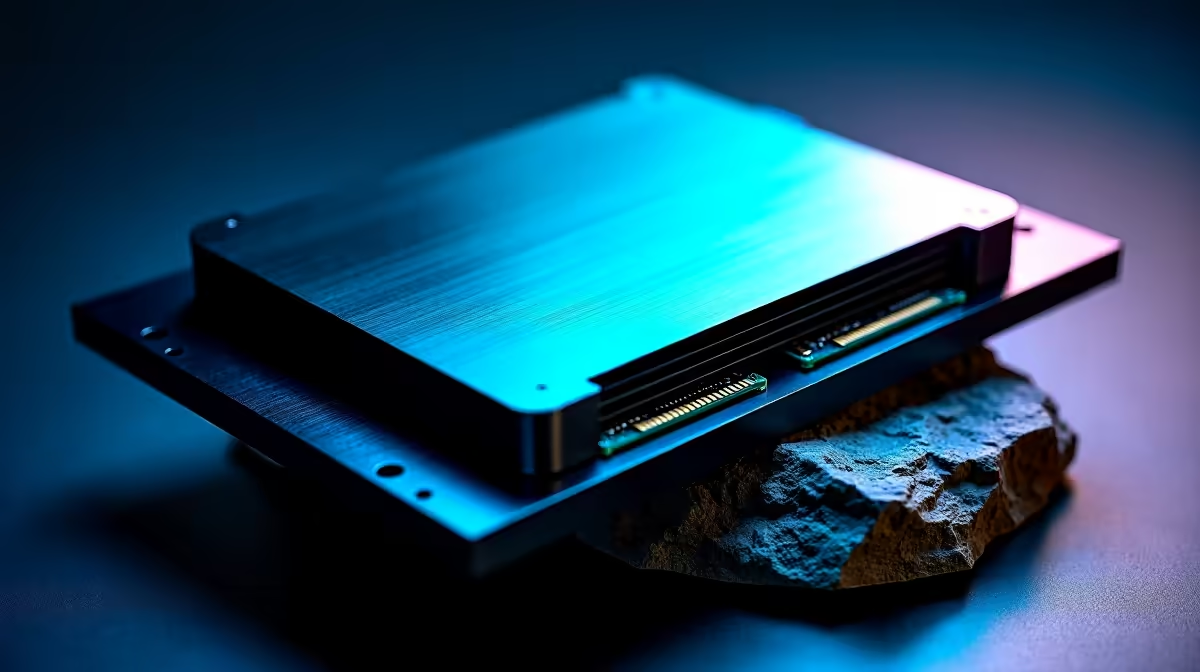
Waiting for a game to load while your friends are already in the lobby is pure agony. For South African gamers, every second counts... especially when load shedding threatens your evening session. If you are upgrading an old rig, you have probably faced the ultimate hardware question. When comparing Multi-M.2 vs SATA storage setups, which one actually justifies your hard-earned ZAR? Let us find out.
Understanding Multi-M.2 vs SATA Storage Setups 🔧
Storage technology has evolved rapidly. A few years ago, a standard solid-state drive was a luxury. Today, it is the bare minimum. When evaluating Multi-M.2 vs SATA storage setups, you are comparing raw speed against budget-friendly capacity.
The Speed Factor: NVMe M.2 Dominance 🚀
M.2 NVMe drives connect directly to your motherboard via PCIe lanes. This means they bypass older, slower bottlenecks. According to major manufacturers, modern Gen4 M.2 drives push read speeds up to 7,500 MB/s. That is roughly fifteen times faster than a standard SATA SSD.
If you are eyeing one of the latest gaming PC deals, you will notice a clear trend. They almost exclusively use M.2 NVMe drives for the primary boot drive. Running a multi-M.2 setup means your operating system and open-world games load instantly. You also get zero cable clutter and maximum airflow inside your chassis.
The Capacity Play: Where SATA Still Makes Sense
SATA drives... whether traditional spinning hard drives or 2.5-inch SSDs... max out around 550 MB/s. While that sounds slow compared to NVMe, it is perfectly fine for storing media files.
Building a massive media library? You can often find massive SATA drives in our weekly component specials. They offer unbeatable cost-per-gigabyte value in ZAR. However, for modern AAA gaming, SATA is simply no longer the performance king.
Storage Management Pro Tip ⚡
When running a multi-M.2 configuration, always install your primary operating system on the M.2 slot closest to your CPU. This specific slot usually connects directly to the processor rather than the chipset, shaving off precious milliseconds of latency.
The Magic of DirectStorage
Modern games are becoming incredibly demanding. New titles now utilise Microsoft DirectStorage technology to stream assets directly to your graphics card. This completely bypasses the CPU... freeing up vital system resources.
SATA drives simply cannot keep up with this massive data pipeline. A multi-M.2 setup ensures that your system is fully optimised for next-generation gaming. You will experience fewer texture pop-ins and far smoother frame rates.
The Verdict for Modern PCs ✨
So, which delivers better performance? A multi-M.2 configuration is the undisputed winner for pure speed and responsiveness. Modern motherboards now support two, three, or even four M.2 slots out of the box. Even modern gaming laptops frequently offer a second M.2 slot for easy expansion.
Using a multi-M.2 setup allows you to keep a dedicated drive for Windows. You can then use a separate, high-speed drive purely for gaming. This prevents your OS background tasks from slowing down your game texture streaming. SATA still has a place for bulk archiving... but for active daily performance, M.2 is the only way forward.
Ready to Find Your Perfect Match? The Multi-M.2 vs SATA storage debate is clear, but for maximum speed, zero clutter, and unbeatable value in South Africa, M.2 NVMe is hard to beat. Explore our massive range of PC components and find the perfect storage to conquer your load screens.











