

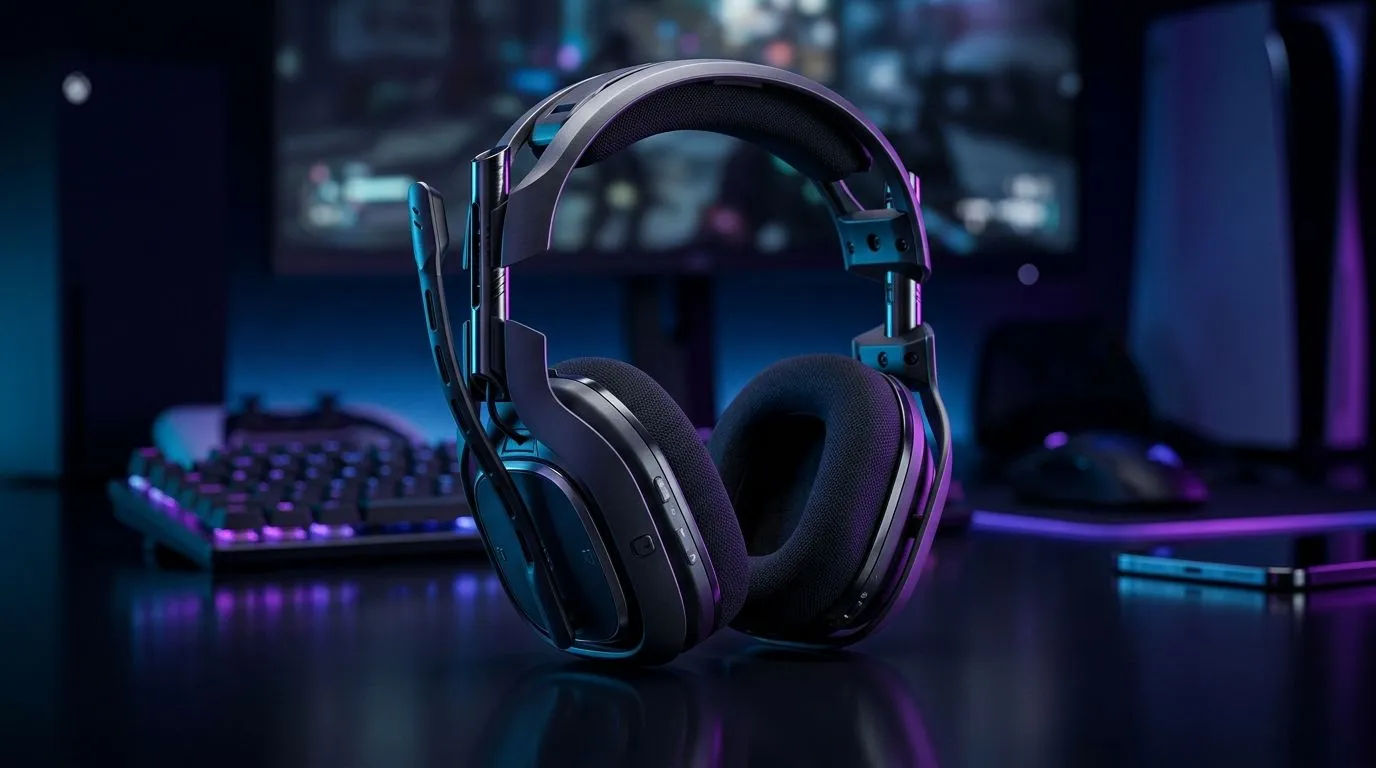
Multi-Platform Gaming Headset: Choose One for Console, PC, and Mobile that actually works in SA
South African gamers juggle platforms… and budgets. One day you’re on your PS5, the next you’re on Steam, and then you’re gaming on your phone between braai runs. The wrong headset means lost audio, messy setup, and a mic that sounds like it’s underwater. 🎧
So here’s the checklist I use when helping friends choose a multi-platform gaming headset: what connects where, how stable the audio is, and whether the mic holds up during long sessions.
Compatibility first: choose one for console, PC, and mobile
A true multi-platform gaming headset should handle at least two connection types cleanly. Most players need:
- 3.5mm analog for consoles and controllers that don’t support USB audio
- USB wireless for PC convenience (low latency is usually better here)
- Bluetooth (optional) for mobile fallback when you’re not near a PC
On console, wireless USB dongles are often the easiest route, but not every headset supports every console. That’s why many setups rely on 3.5mm as the “it always works” option. For PC, you’ll want good software (or at least solid default tuning) so you’re not stuck with tinny voice chat.
For a concrete option to start your research, check out the Razer Barracuda X Chroma Wireless Headset (Phantom White). If you’re building a broader shortlist, browse Razer headphones and headsets and compare the connection types across the range.
What to prioritise for audio quality and voice chat
If you only pick one spec, pick mic clarity. Game audio can be EQ’d. Bad voice capture usually can’t. Look for:
- Detachable or clearly positioned mics
- Sidetone support (even basic sidetone helps you not shout)
- Comfortable ear seals, because background noise won’t wait for your “fix later” 😅
How to avoid the “my headset doesn’t connect” trap
Before you buy, confirm what you’re connecting to:
- Console model (PS5 vs Xbox vs Switch matters)
- PC OS (Windows is the common one for driver support)
- Mobile use (Android/iOS vary in how they handle USB audio)
Productivity Pro Tip 🔧
On Windows, create a quick audio switch between your gaming headset and your chat app. Press Win + I to open Sound settings, then check Output and Input devices. When you join a party, confirm the mic is set to the headset so you don’t spend 10 minutes blaming your internet.
Pick comfort that lasts: long sessions need good pressure distribution
South African power sessions can run long, especially in ranked. Comfort isn’t just “nice to have”. Look for:
- Breathable pads for warmer rooms
- Lightweight frames (you’ll notice weight after 2+ hours)
- Clamp strength that doesn’t pinch your jaw
If you’re comparing multiple models, start broad with headphone and headset options, then narrow down based on the connection types you actually need.
A quick decision flow for multi-platform gaming headset buyers
Use this mini-flow:
- Do you need wired on console every time? Choose a model with 3.5mm support.
- Is PC your main platform? Prioritise wireless USB dongle or a stable wired PC connection.
- Do you play on mobile often? Add a headset with Bluetooth fallback.
If you want fewer headaches, choose one headset that supports wired + wireless. It gives you resilience when you switch devices or travel.
Final checklist before you hit “buy” 🚀
Before checkout, sanity-check:
- Connections: USB, 3.5mm, and/or Bluetooth where relevant
- Mic placement: easy to position, clear voice capture
- Comfort: pads and weight for 2+ hour sessions
- Price in ZAR: match features to your budget, not just hype
When in doubt, shortlist two or three and compare connection compatibility first. That’s usually where most “wrong purchase” stories start.
Ready to Find Your Perfect Match? Multi-platform gaming headsets are only worth it if they connect cleanly to your console, PC, and mobile. If you want the best options in South Africa at the right prices, start with our deals. Explore our massive range of laptop specials and build the full setup to conquer every platform.











